Playing and Managing Your Music 3-7
Normal mode
Once the "Normal" mode is enabled, each track in the Playing List is played,
from the first track to the last.
1. Press the NOW PLAYING button .
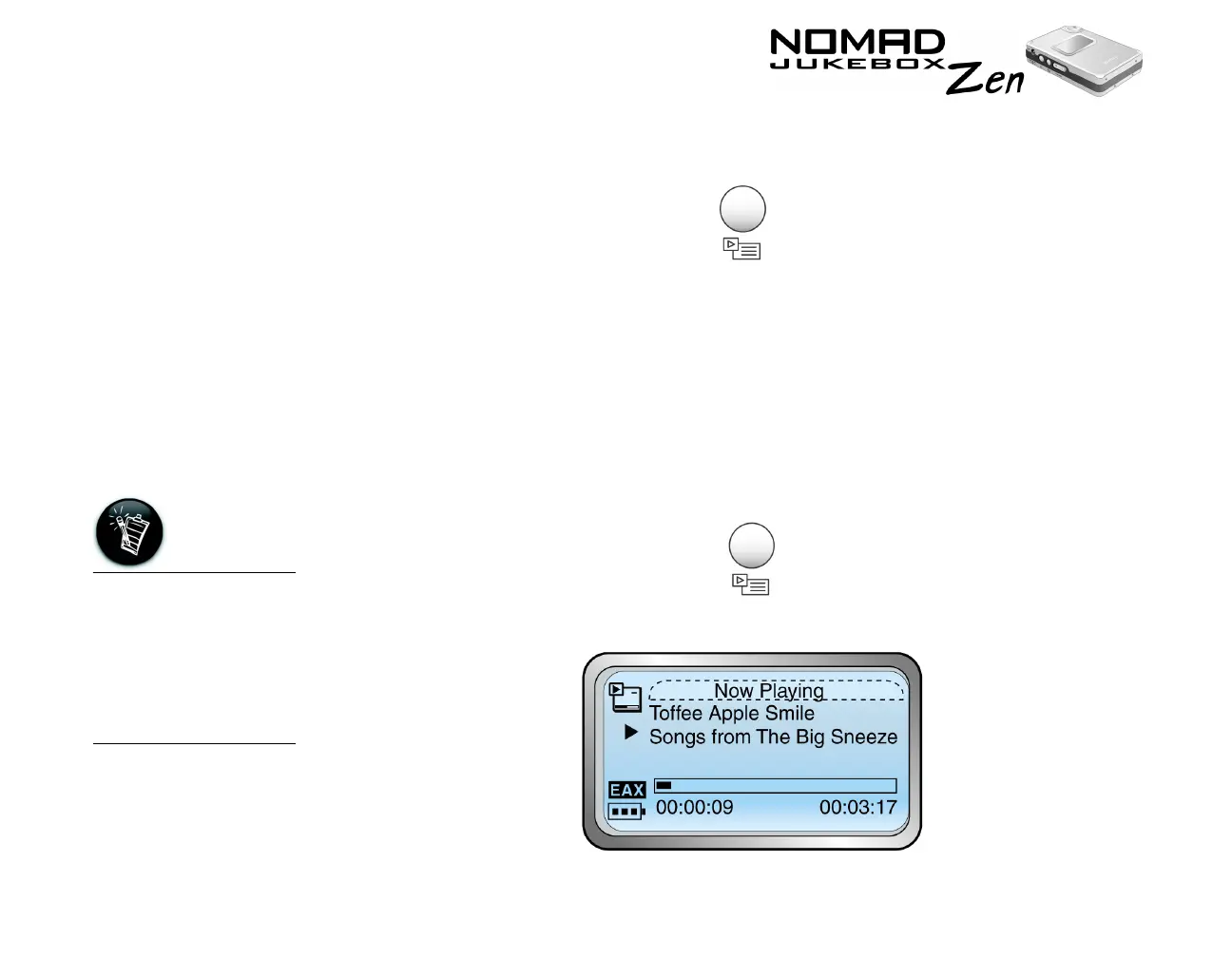
The Playing List screen appears.
2. Press the Scroller. A list appears.
3. Scroll Select "Play Mode...". A list appears.
4. Scroll Select “Normal”. The Playing List plays back normally.
Bookmarking a
track
Bookmarking a track sets a playback point—you can jump to this point
whenever you play the bookmarked track. This is useful if, for example, you
want to bookmark an audio book.
1. Press the NOW PLAYING button .
The Playing Track screen appears.
A track can only be
bookmarked once;
setting a new
bookmark will
automatically
remove any previous
bookmark in the
track.













 To Next Page