Playing and Managing Your Music 3-8
2. Press the Scroller. A list appears.
3. Depending on which mode you want, follow the corresponding step:
To bookmark a track
Scroll Select “Set Bookmark” at the point where you want to set the
bookmark. A message box appears, telling you that the bookmark has
been set at the selected point.
To play the track from the bookmarked point
Scroll Select “Go to Bookmark”. The track plays from the bookmarked
point.
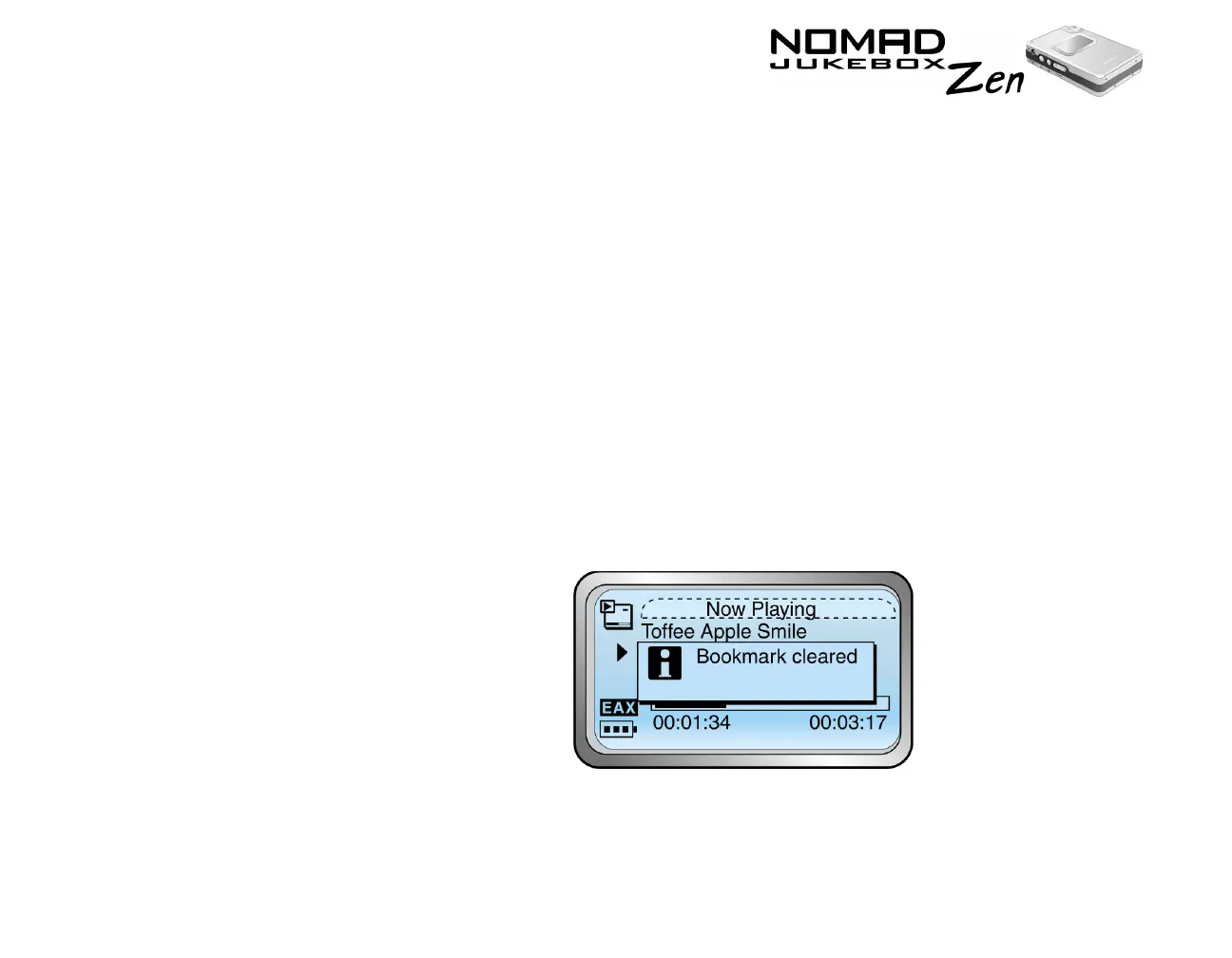
To remove a bookmark
Scroll Select “Clear Bookmark”. A message box appears, telling you that
the bookmark has been cleared.













 To Next Page