Playing and Managing Your Music 3-17
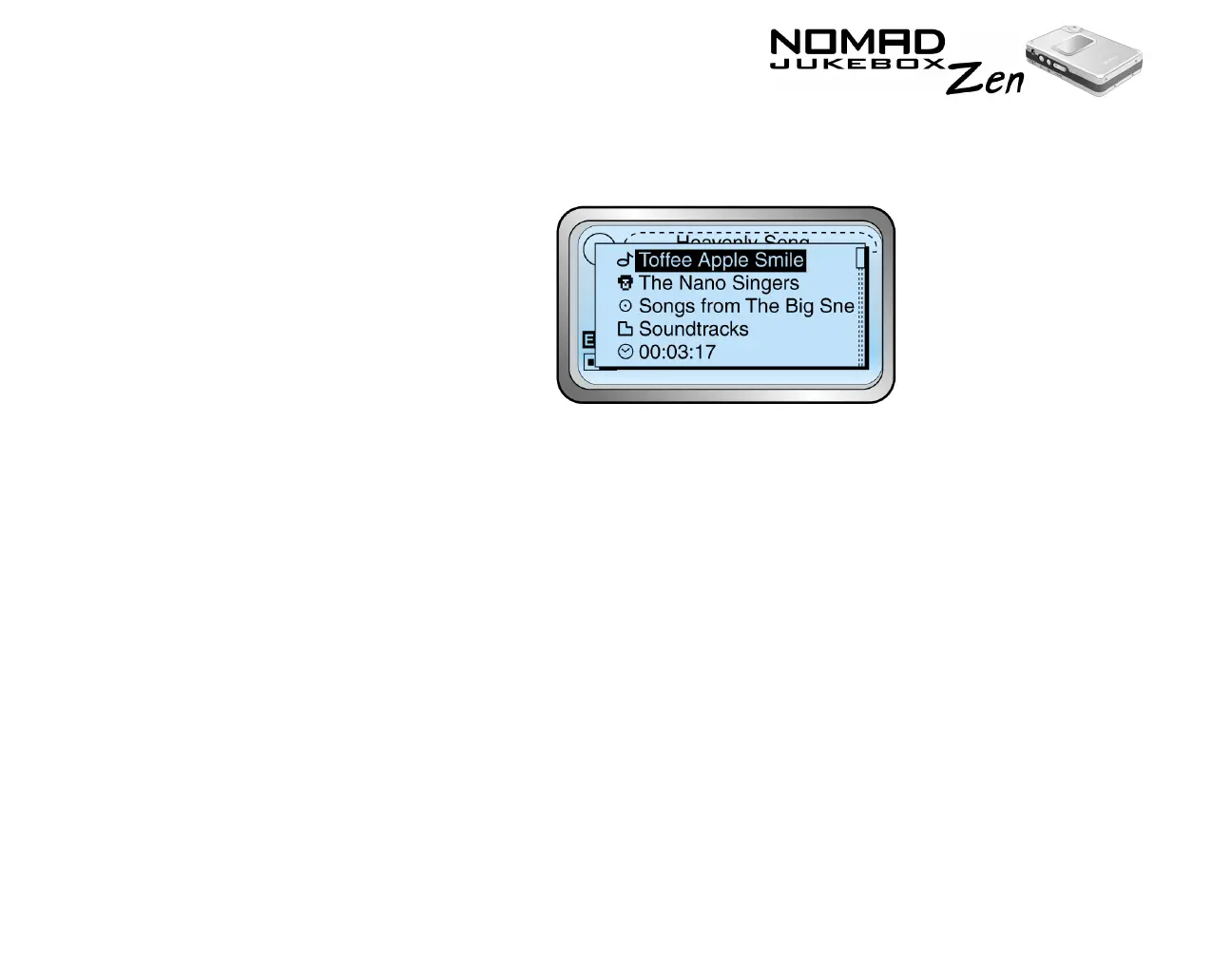
3. Scroll Select “Track Details”. A message box appears, listing track
information.
Deleting Music
Tracks from the
Music Library
This action permanently deletes tracks, albums, artists, genres or playlists from
your NOMAD Jukebox Zen.
To delete a track
1. Follow steps 1 through 5 in "To find a track in the Music Library" on page 3-
11.
2. Scroll Select the track to delete. A list appears.













 To Next Page