Playing and Managing Your Music 3-18
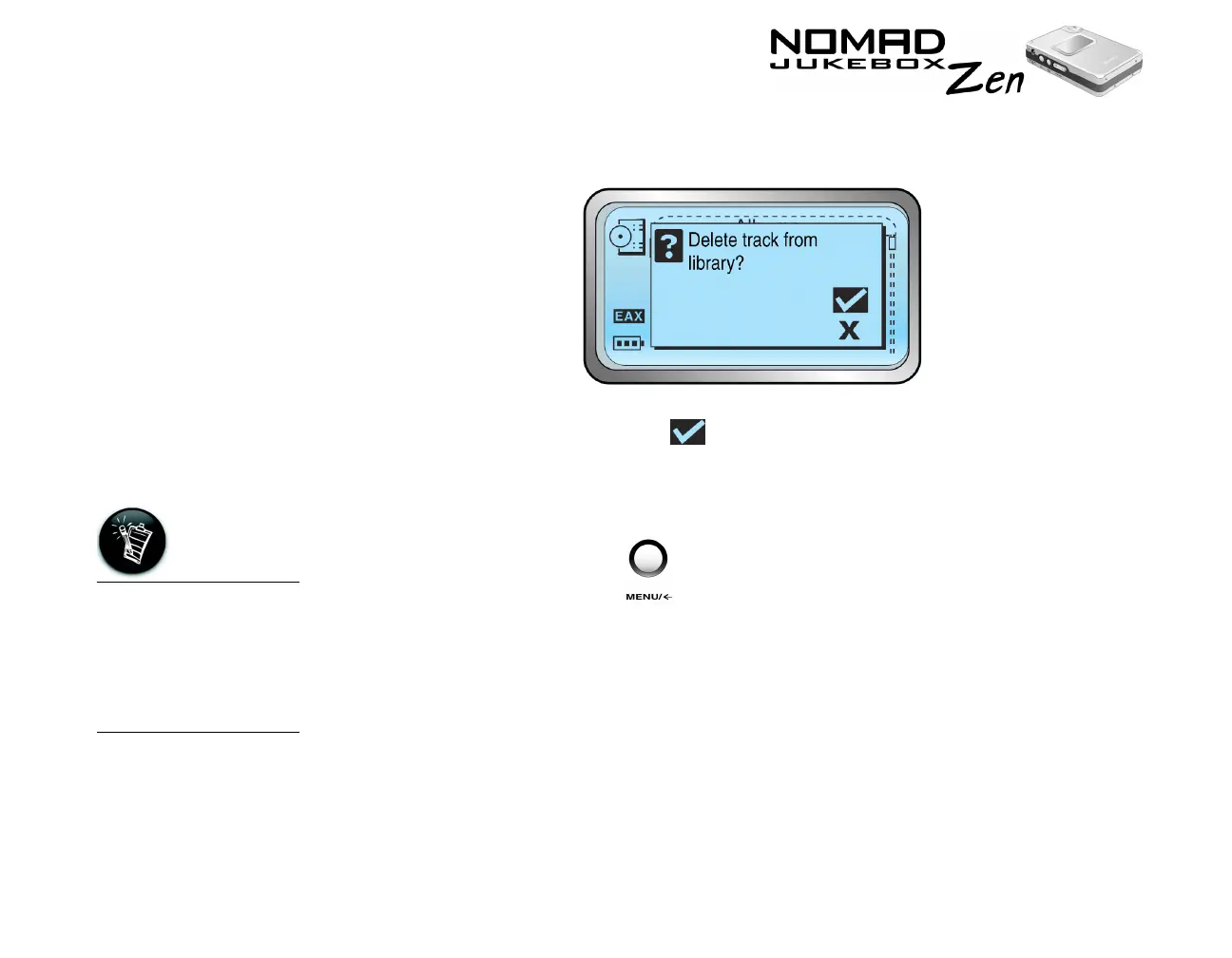
3. Scroll Select "Delete Track". A confirmation box appears, asking you if you
want to delete the selected track.
4. Scroll Select the check mark .
The track is permanently deleted from your player.
To delete an entire album, artist, genre or playlist
1. Press the MENU button .
2. Scroll Select “Music Library”.
When a playlist is
deleted, the tracks,
albums, artists or
genres within the list
are not deleted; only
the list itself is
deleted.













 To Next Page