Playing and Managing Your Music 3-19
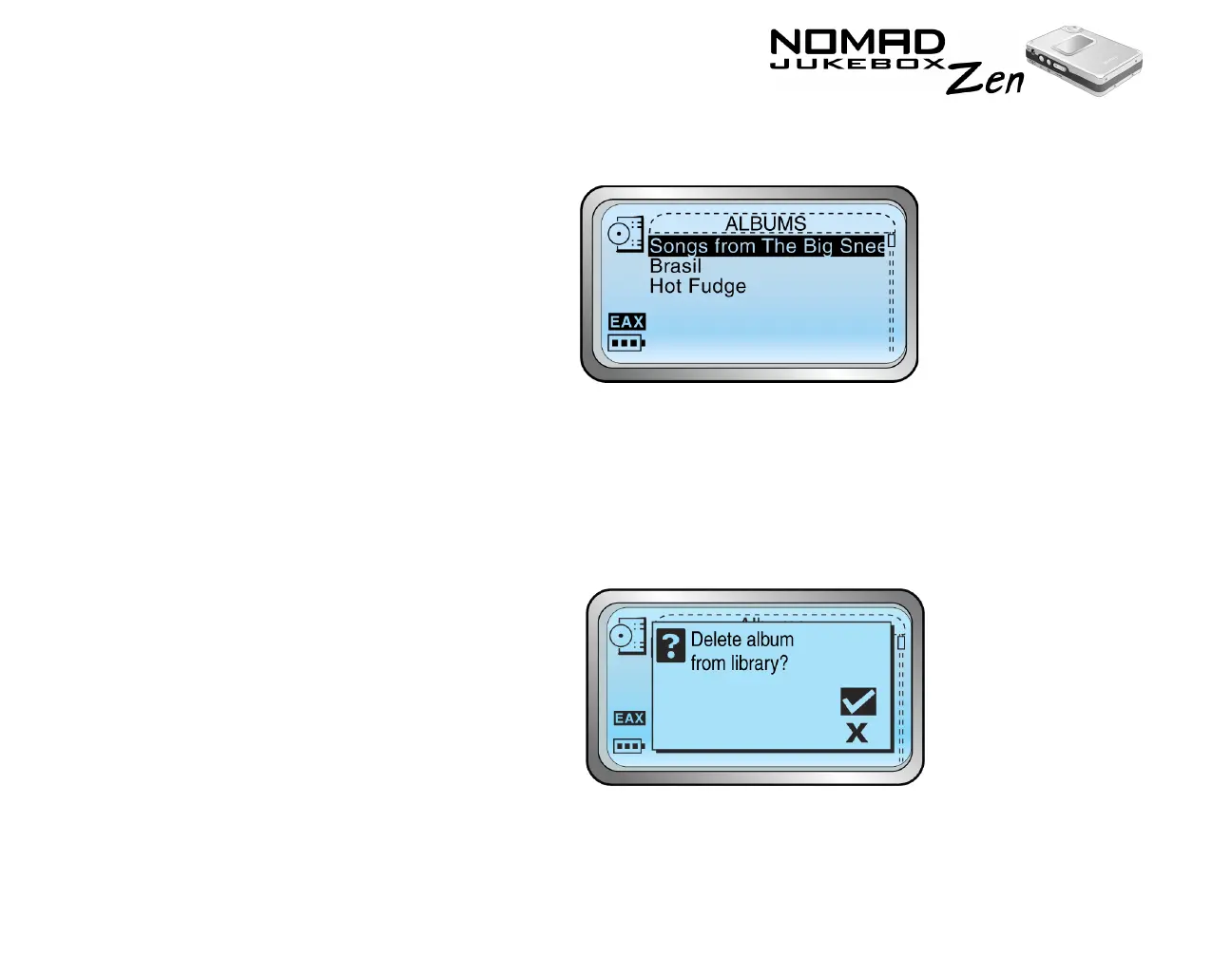
3. Scroll Select an audio category. For example, if you want to delete a
particular album, Scroll Select "Albums".
4. Scroll Select the sub-category. For example, under Albums, Scroll Select
the album title you want to delete. A list appears.
5. Depending on what you are deleting, Scroll Select “Delete Album”, "Delete
Artist", "Delete Genre" or "Delete Playlist". A confirmation box appears,
asking you if you want to delete the selected album, artist, genre or
playlist.













 To Next Page