D-3
Selecting the ’English
Int’l’ option allows you
to view non-English
characters as well as
English text.
Language
Settings
You can change the default language used on your player’s screens and input
boxes.
Menu Language
This option controls the language in which your player’s menus are displayed.
1. From the Jukebox Settings screen, Scroll Select "Menu" under
"Language".
2. From the menu, Scroll Select a language.
Input Language
This option controls the language in which you input letters or characters in
input boxes, for example, when you search for a track or rename a playlist.
1. From the Jukebox Settings screen, Scroll Select "Input" under "Language".
2. From the menu, Scroll Select a language.
Reset your
Player
If your player stops responding, reset the player. This should
not cause you to lose any data or audio tracks, unless you were
in the middle of recording or transferring an audio track. You
can check for the audio track in your music library later. See
"Using the Music Library" on page 3-9.
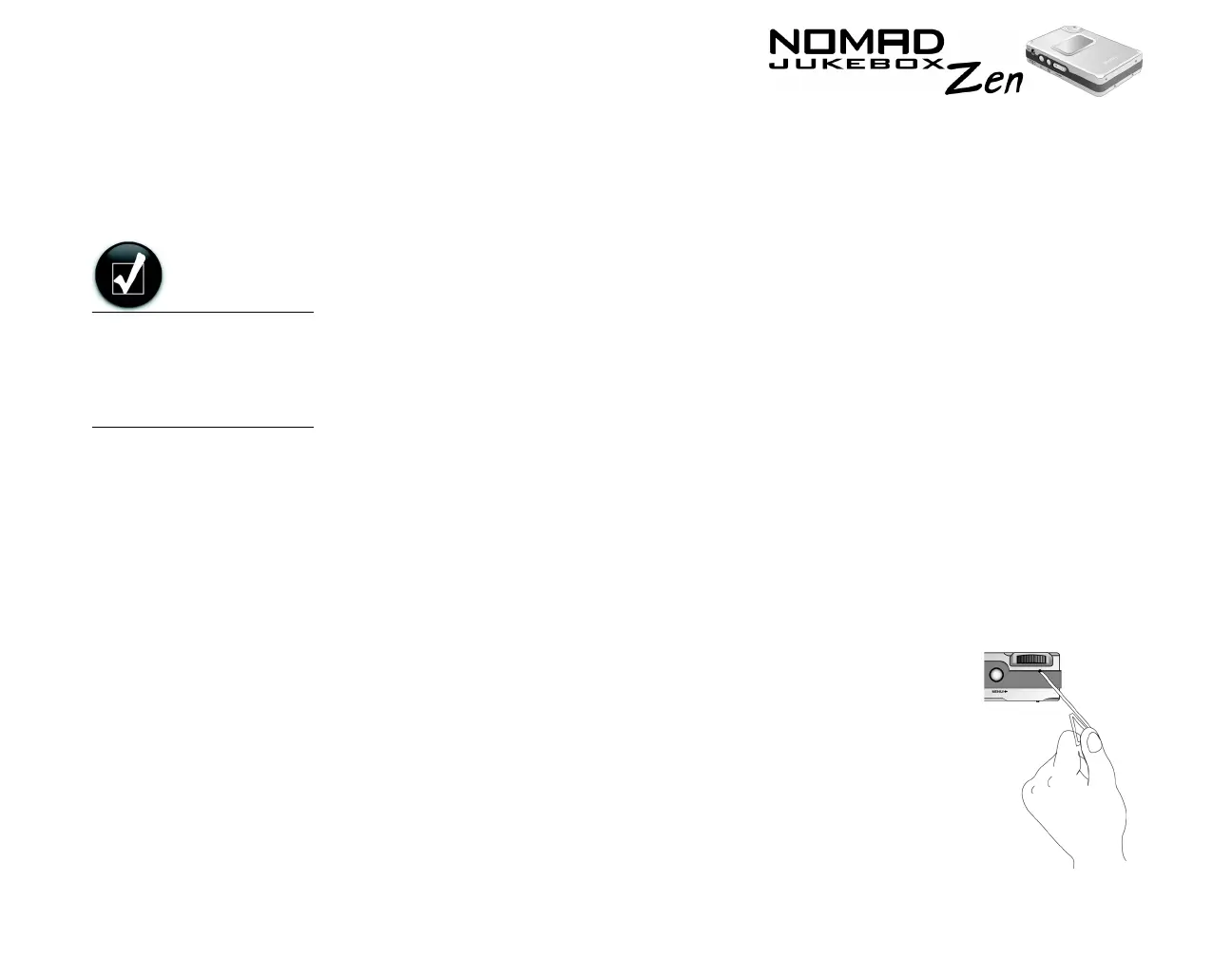
To reset the player: Insert the end of a thin object (like a
straightened paperclip) into the Reset Button.













 To Next Page