A Tour of Your Player 1-4
U
SING
THE
S
CROLLER
Scroll Select
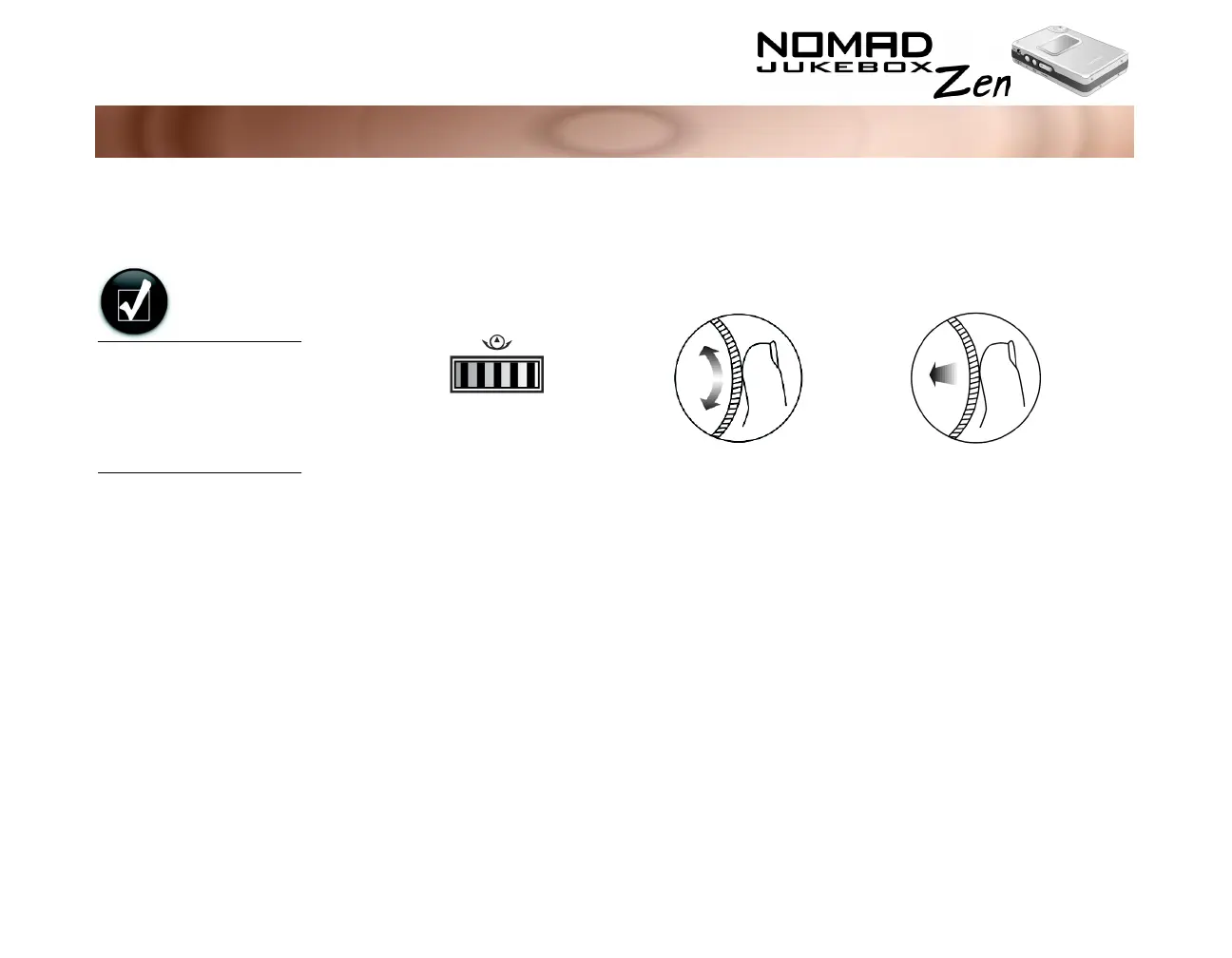
The Scroller is one of the most important features of your NOMAD Jukebox
Zen. In this document, we will use a new term, “Scroll Select”, to indicate that
you should use the Scroller to scroll through options and then select the option
by pressing the Scroller.
Depending on the screen you are in, you can have different menu options. You
can also choose options from a list or a confirmation box.
To "Scroll Select",
use the Scroller to
scroll to the option
you want, and select
the option by
pressing the Scroller.
Use the Scroller to scroll
through options
Press the Scroller to select an
option
The Scroller
(side view)













 To Next Page