A Tour of Your Player 1-3
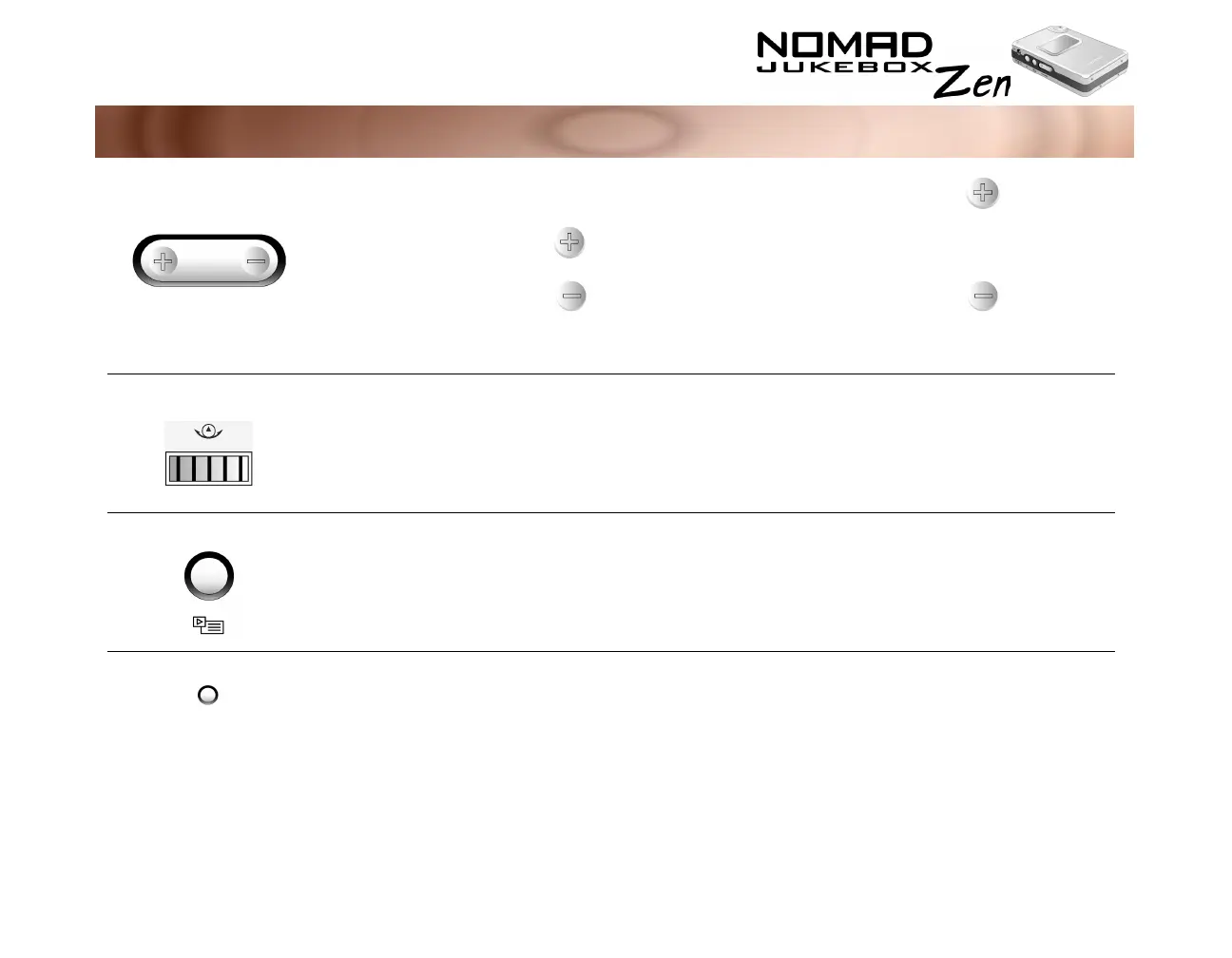
V
OLUME
❍
increases the volume
❍
decreases the volume
❍
Press and hold the end of the
button to increase the volume
quickly.
❍
Press and hold the end of the
button to decrease the volume
quickly.
S
CROLLER
❍
scrolls up and down menus
❍
selects menu options
❍
turn the Scroller to scroll through
menu options and press the
Scroller to select them. This
action is also referred to as
"Scroll Select".
N
OW
P
LAYING
❍
toggles between Playing Track and
Playing List screens
❍
the Playing Track screen shows
details about the track being
played.
❍
the Playing List screen shows
the contents of the Playing List.
R
ESET
❍
Resets your player if it stops reponding
❍
insert the end of a thin object,
like a paper clip, into the button.
Button What It Does Usage Tips













 To Next Page