Playing and Managing Your Music 3-24
Removing music
tracks from the
Playing List
When tracks, albums, artists or genres are removed from your player’s Playing
List, they are only removed from the Playing List—audio still remains in the
Music Library. To delete audio completely, tracks, albums, artists or genres
must be deleted from the Music Library as shown in "Deleting Music Tracks
from the Music Library" on page 3-17.
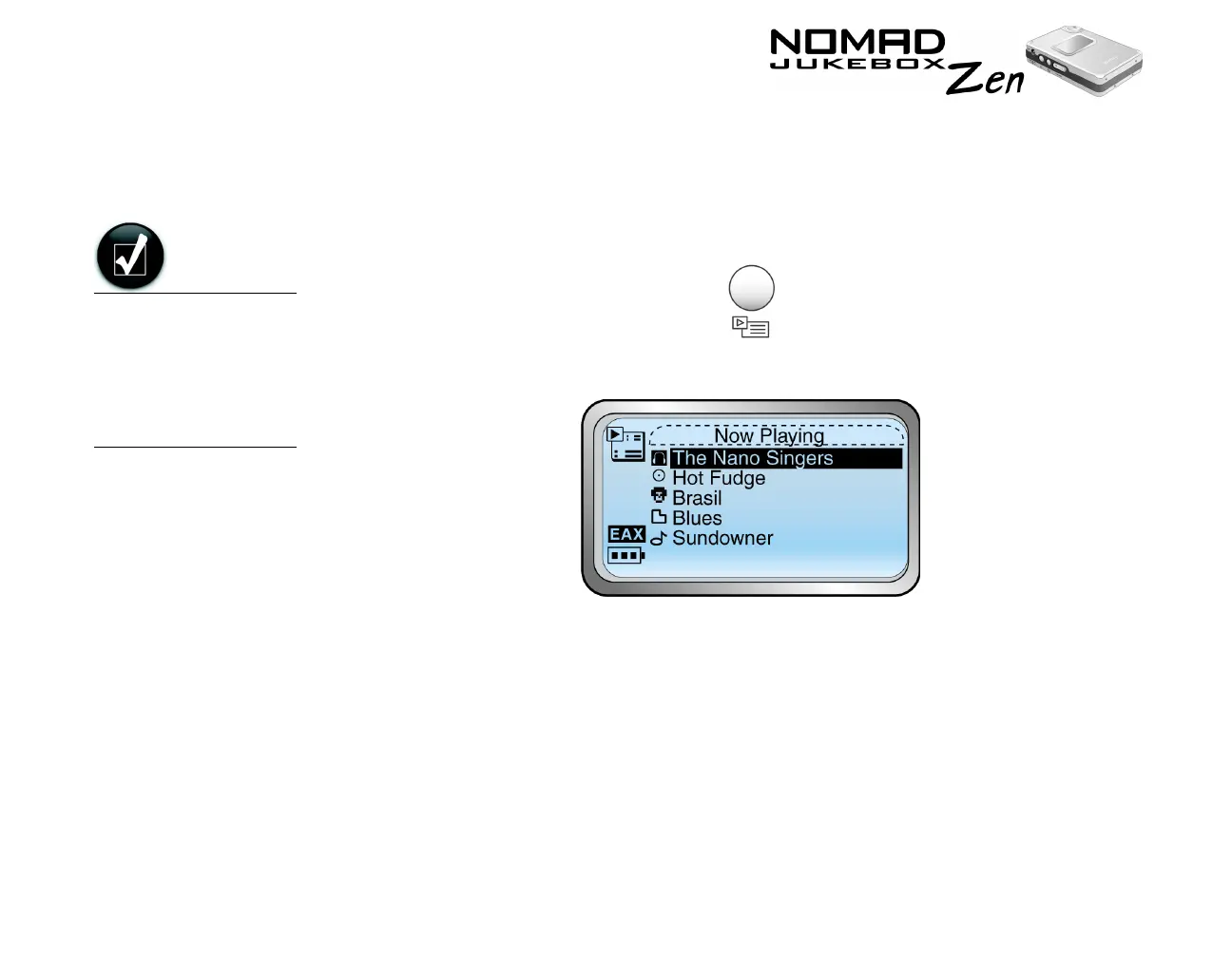
1. Press the NOW PLAYING button .
The Playing List screen appears.
2. Scroll Select the track, album, artist or genre to remove from the Playing
List. A list appears.
3. Depending on whether you want to remove a track or remove all audio
from the Playing list, follow the corresponding step:
To remove a track, album, artist or genre from the Playing List
Scroll Select “Remove”. The track, album, artist or genre is removed from
the Playing List.
When you remove
audio tracks from the
Playing List you are
not permanently
deleting the
selections from your
player.













 To Next Page