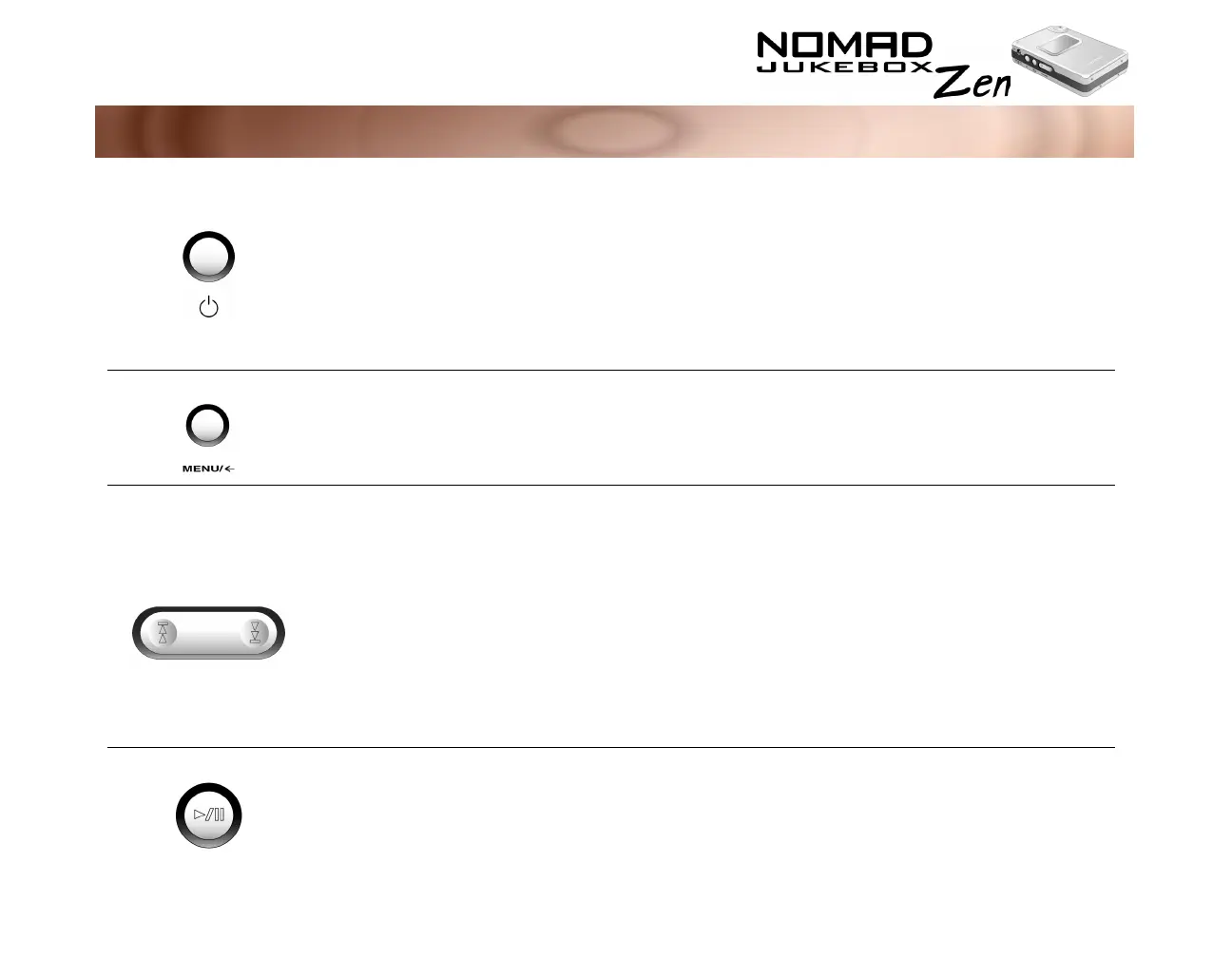
A Tour of Your Player 1-2
Button What It Does Usage Tips
P
OWER
❍
turns the player on and off
❍
activates LCD backlight
❍
disables all buttons except for the scroller
❍
press and hold until player turns
on or off
❍
press to turn LCD backlight on
❍
When the player is turned on,
press and release until the "Lock
player?" window appears. Use
the scroller and select the tick
icon.
M
ENU
❍
accesses most of your player’s features
F
ORWARD
/
R
EVERSE
❍
skips to the next track
❍
skips forward to portions of a track when
you press and hold the button
❍
skips to the beginning of the current track,
or to the previous track
❍
skips to previous portions of a track when
you press and hold the button
❍
to skip ahead to a track, press
the NOW PLAYING button to get
to the Playing List screen. Use
the Scroller and select the track
to skip to.
❍
to skip to earlier tracks, press the
NOW PLAYING button to get to
the Playing List screen. Use the
Scroller and select the track to
skip to.
P
LAY
/P
AUSE
❍
starts, pauses or continues playback
❍
to queue a track for playback,
press and hold this button in the
Music Library screens













 To Next Page