Playing and Managing Your Music 3-2
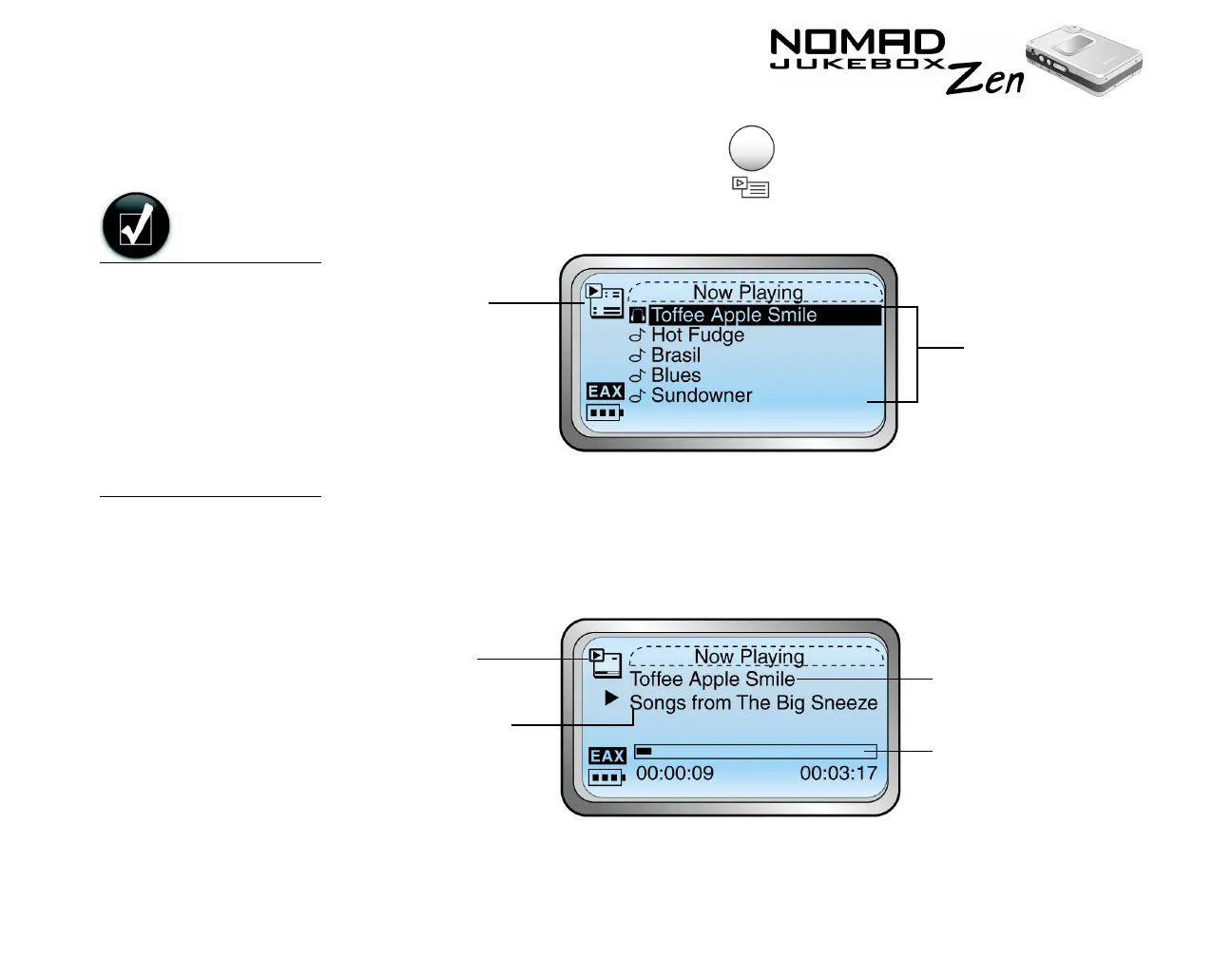
2. Press the NOW PLAYING button .
The upper-left corner of the screen will display the Playing List icon.
3. Pressing the NOW PLAYING button again will display the Playing Track
screen, which shows the track that is being played back or the track that
has been selected. The upper-left corner of the screen will display the
Playing Track icon.
Audio
Selections
Playing
List
icon.
Track Title
Elapsed
Time Bar
Playing
Track Icon
Album Title
You can switch easily
between the Playing
List and Playing Track
screens, without using
the Now Playing
button.
To switch between the
two screens using the
Scroller, just Scroll
Select the View Playing
Track command.













 To Next Page