Playing and Managing Your Music 3-13
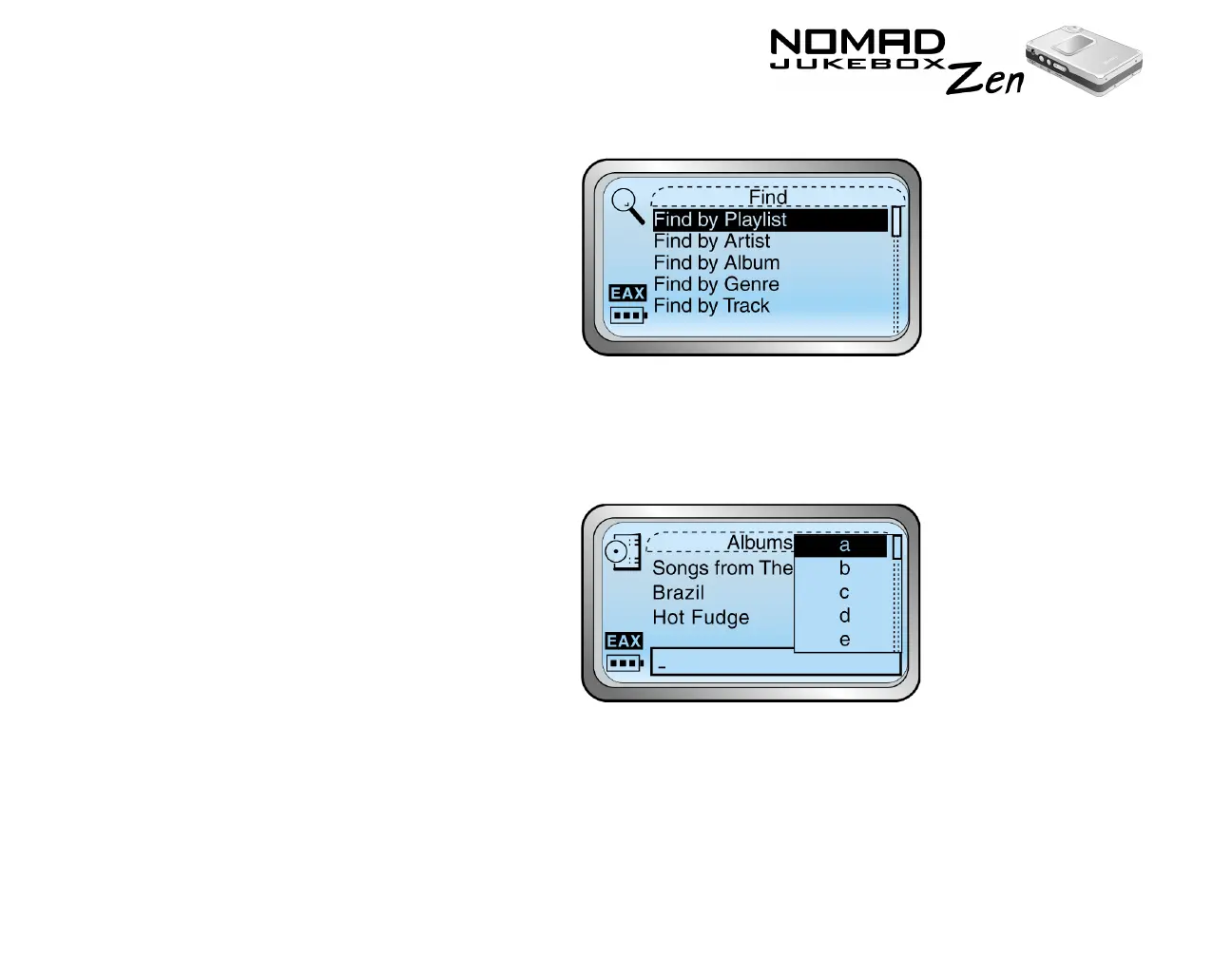
2. Scroll select "Find Music". The Find screen appears.
3. Scroll Select the audio category you want to search. For example, if you
want to find a particular album, Scroll Select "Find by Album" and the
respective audio category screen, in this case the Albums screen, appears
with a list.
4. Scroll Select the letters on the list to form the name of the track, playlist,
album, artist or genre you want to find. The selected letters appear in the
box at the bottom of the screen. Also, each time an entry is made into the
box, the audio category you are in is searched, and the closest matching
result is displayed.













 To Next Page