Playing and Managing Your Music 3-21
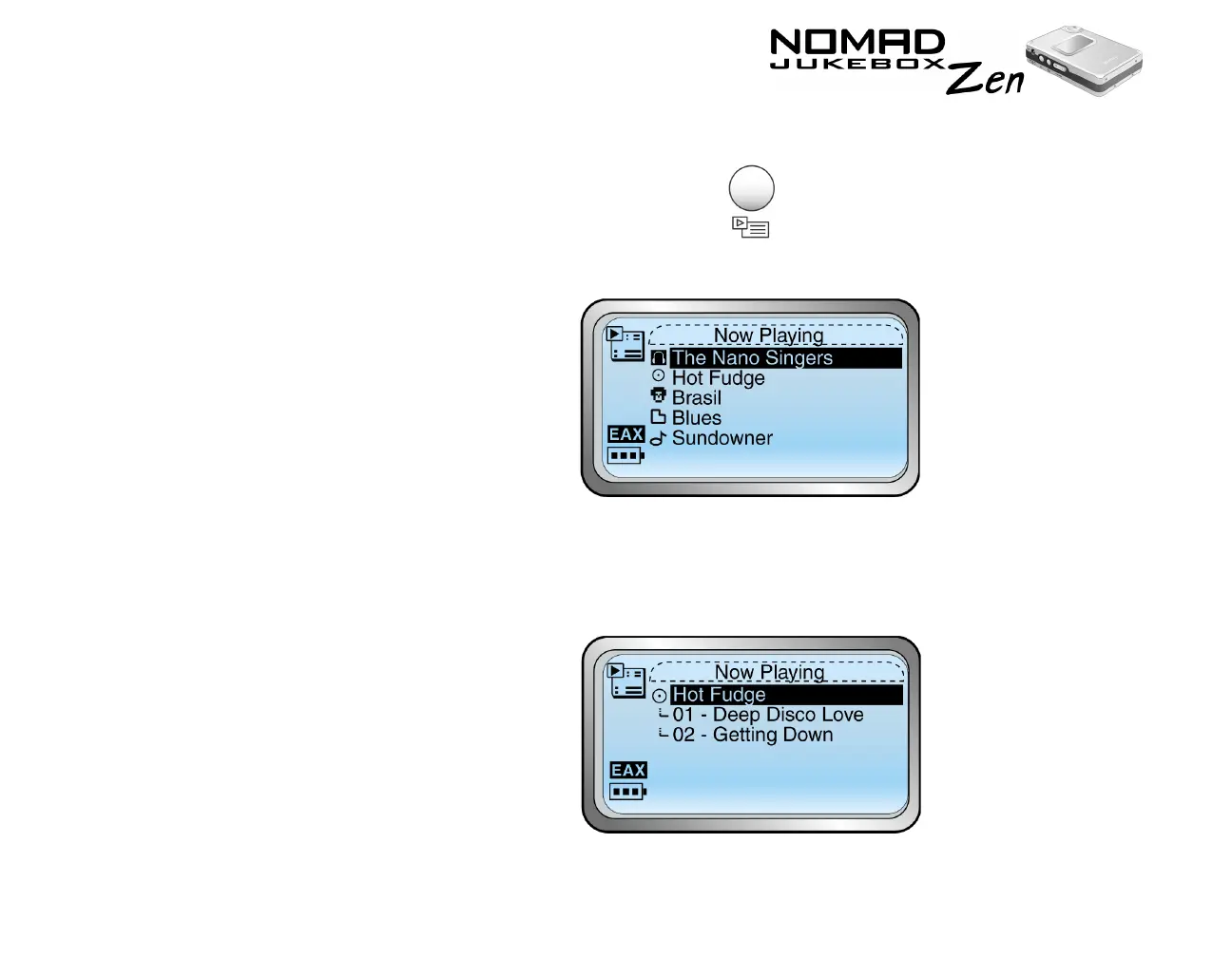
To expand an album, artist or genre
1. Press the NOW PLAYING button .
The Playing List screen appears.
2. Scroll Select the album, artist or genre to expand. A list appears.
3. Scroll Select “Expand”. The tracks in the selection appear beneath the
album, artist or genre.













 To Next Page