Playing and Managing Your Music 3-27
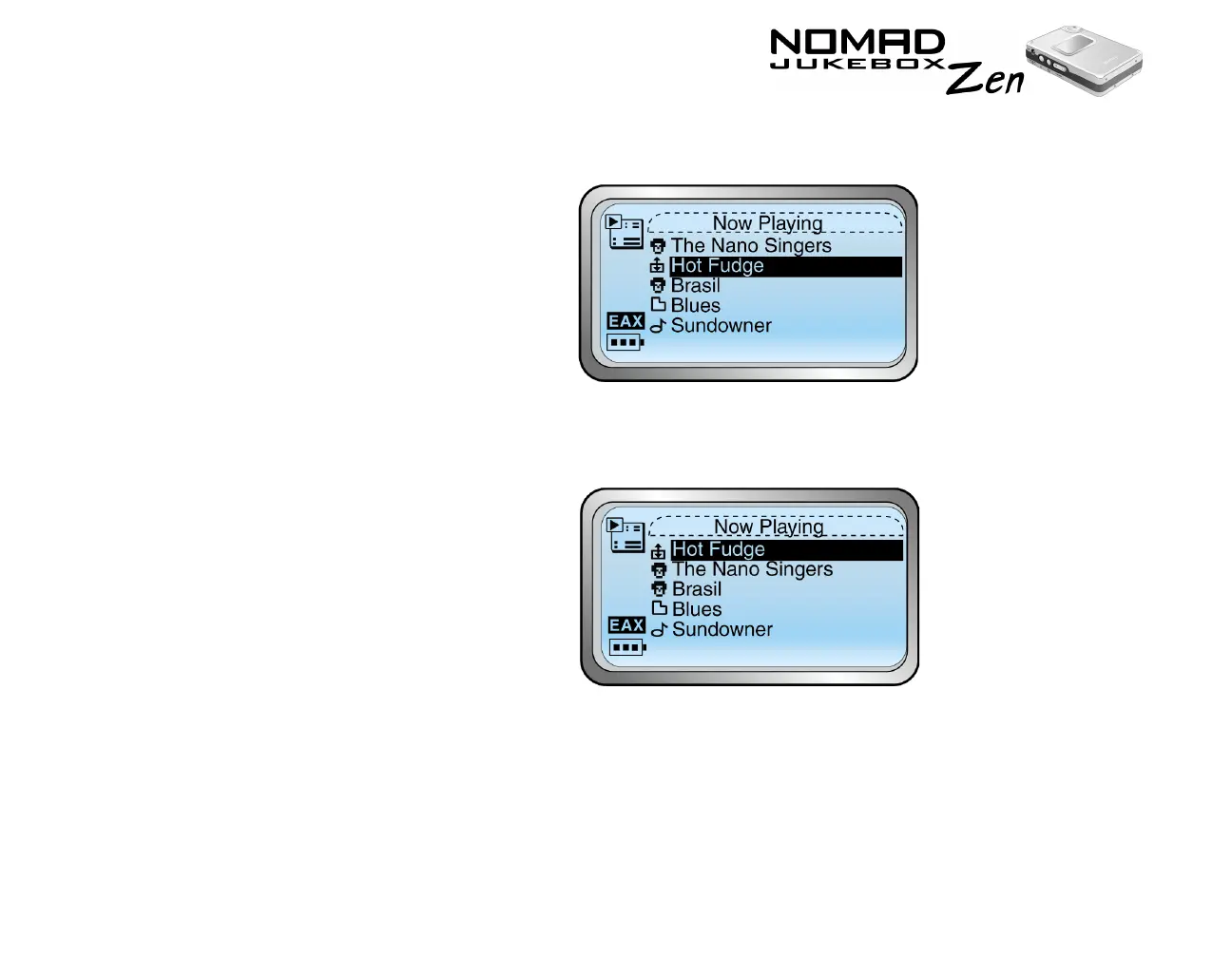
3. Scroll Select “Change Order”. An icon appears next to the selected album,
artist, genre or individual track.
4. Using the Scroller, move the album, artist, genre or individual track to the
preferred position in the Playing List.
5. Press the Scroller to set the position you have selected.













 To Next Page