User Preferences D-6
❍ the available space in your player for storing music or data
❍ the number of tracks stored in your player
❍ the number of albums stored in your player
❍ the number of playlists stored in your player
To see this screen, from the
Settings
screen, Scroll Select
About
.
Resetting your
Player’s Settings
If you wish to reset your player’s settings to the default settings, do the
following
1. Press the
Menu
button.
2. Scroll Select
Settings
.
3. Scroll Select
Reset Settings
. A confirmation window appears.
4. Scroll Select the check mark .
Resetting your
Player
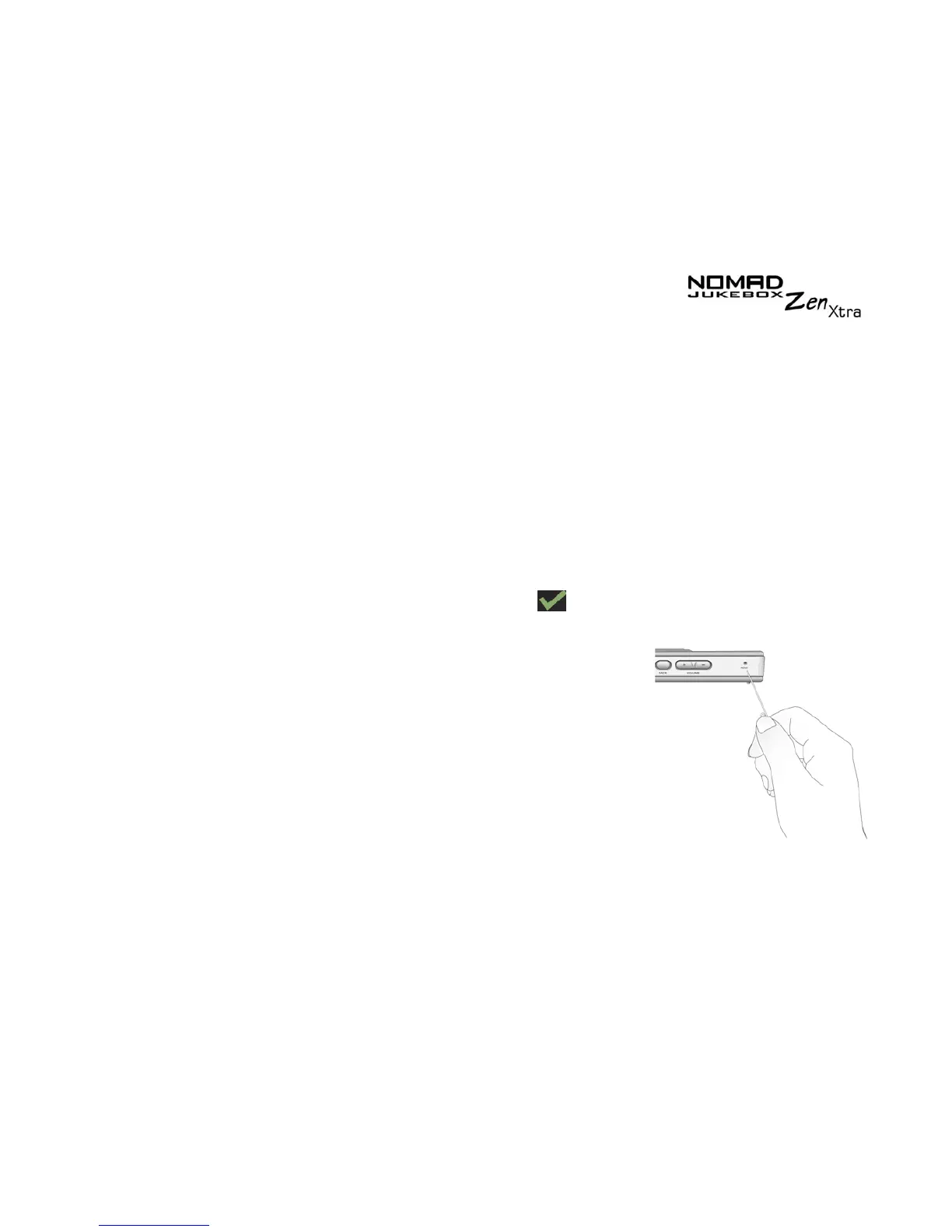
If your player stops responding, reset the
player. This should not cause you to lose any
data or audio tracks, unless you were in the
middle of transferring an audio track. You can
check for the audio track in your music library
later. See "Using the Music Library" on page
3-9.
To reset the player:
Insert the end of a thin
object (like a straightened paperclip) into the
Reset
button.











 To Next Page