Playing and Managing Your Music 3-14
Deleting Music
Tracks from the
Music Library
This action permanently deletes tracks, albums, artists, genres or Selected
Music Lists from your NOMAD Jukebox Zen Xtra.
To delete a track
1. Press the
Menu
button .
2. Scroll Select
Music Library
.
3. Scroll Select an audio category. For example, if you want to find a track
in a particular album, Scroll Select
Albums
.
4. Scroll Select the track you want to delete. A list appears.
5. Scroll Select
Delete Track
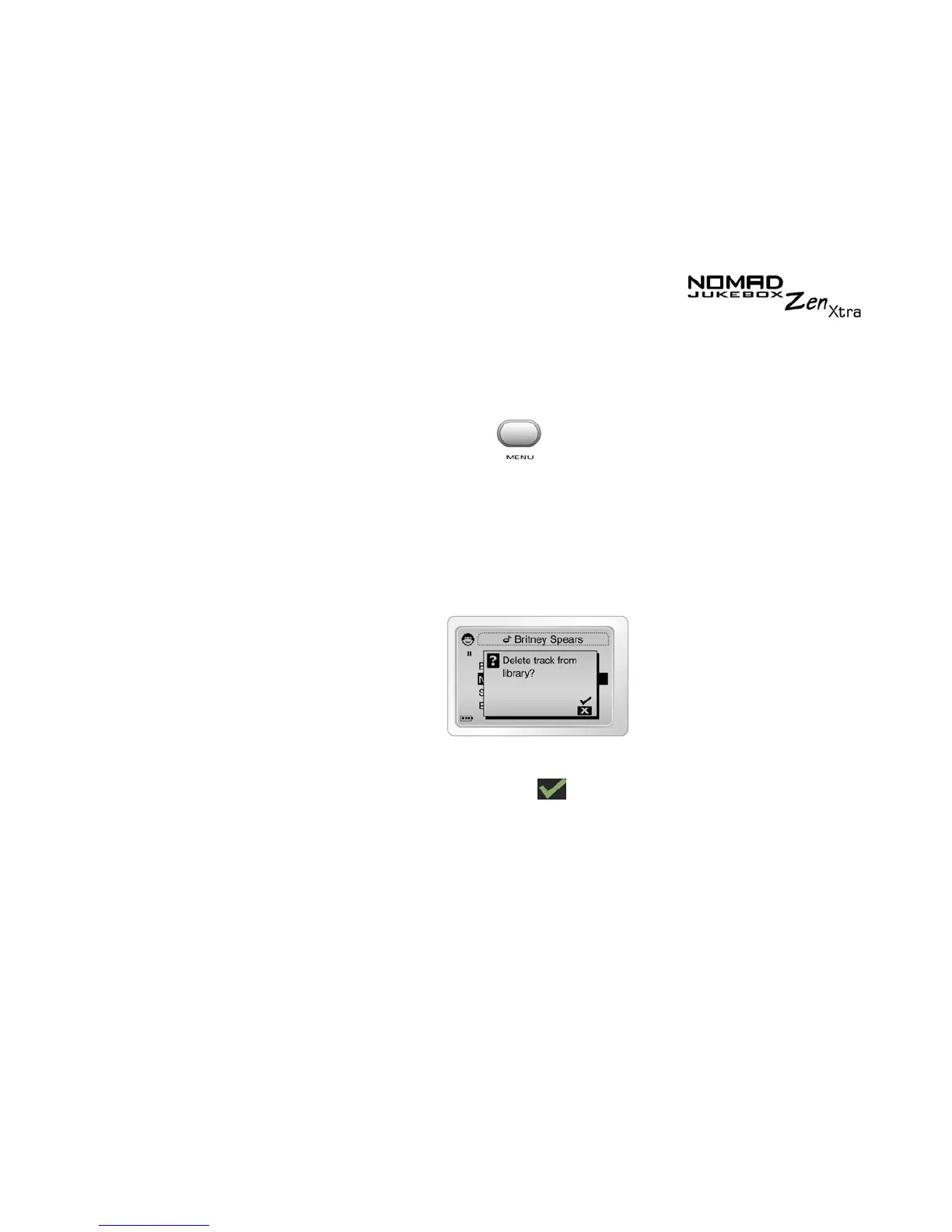
. A confirmation box appears, asking you if
you want to delete the selected track.
6. Scroll Select the check mark
.
The track is permanently deleted from your player.











 To Next Page