Playing and Managing Your Music 3-27
Scroll Select the preset, rate or mode you want to use with your EAX
setting.
Customizing EQ
Settings in EAX
Under the EAX Advanced EQ settings, a Custom EQ option lets you define
your own EQ settings.
1. Press the
Menu
button .
2. Scroll Select
EAX Audio
.
3. Scroll Select
Setting: Advanced EQ
.
4. Scroll Select
Preset: Custom EQ
. A list appears.
5. In the
Preset
screen, Scroll Select
Custom EQ
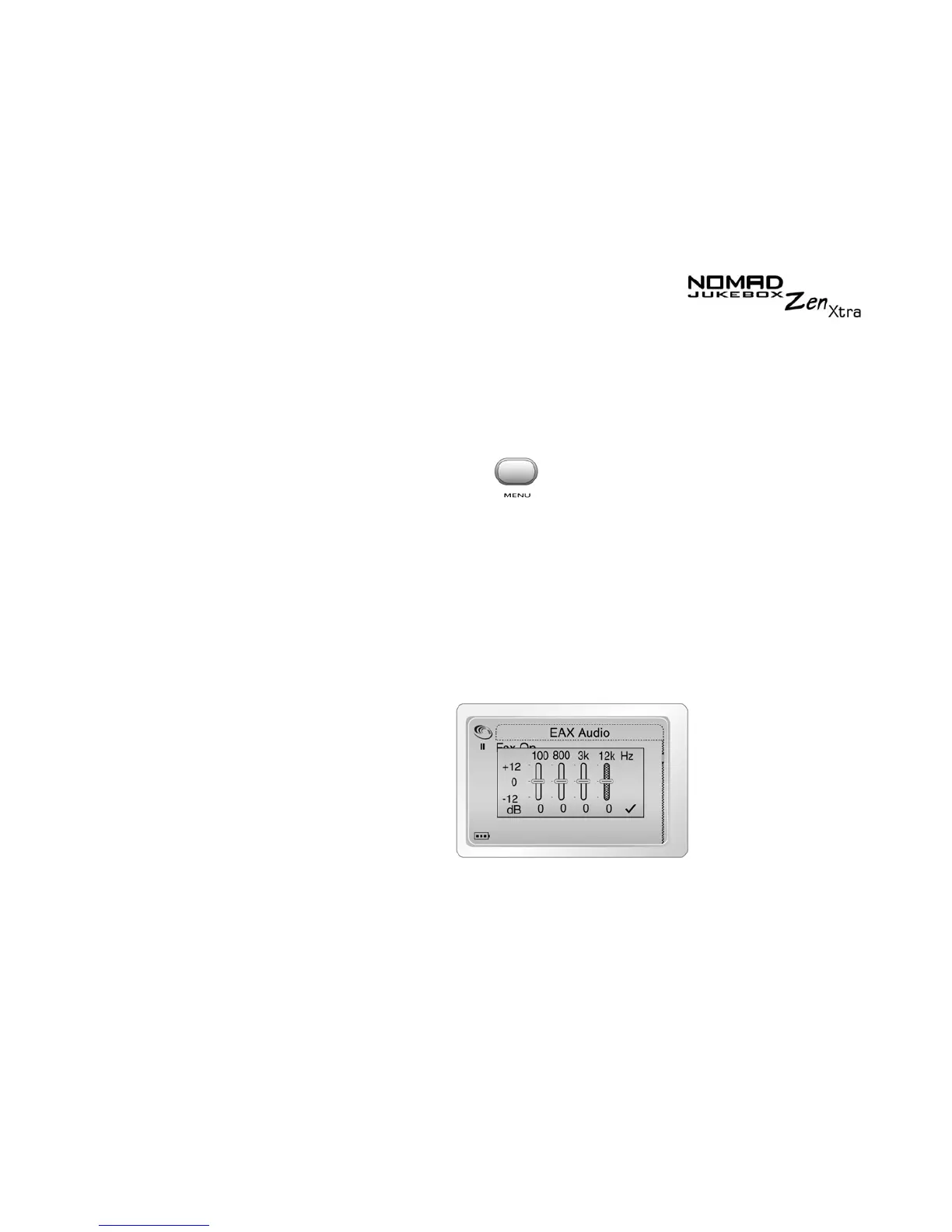
again. Four vertical
control levers will appear in the display. Each lever represents
successively higher frequencies that can be controlled. 100 Hz controls
bass frequencies, 800 Hz and 3 KHz adjust the mid-range and low-treble
frequencies. 12 KHz controls the highest treble frequencies.











 To Next Page