User Preferences D-1
User Preferences
Setting User
Preferences
Your player offers many configuration options. You can
❍ personalize your Jukebox
❍ specify profiles
❍ set the contrast level for your player’s screen
❍ select the default language
❍ reset your player
❍ lock and unlock your player’s buttons
❍ access the information screen
Changing
Settings
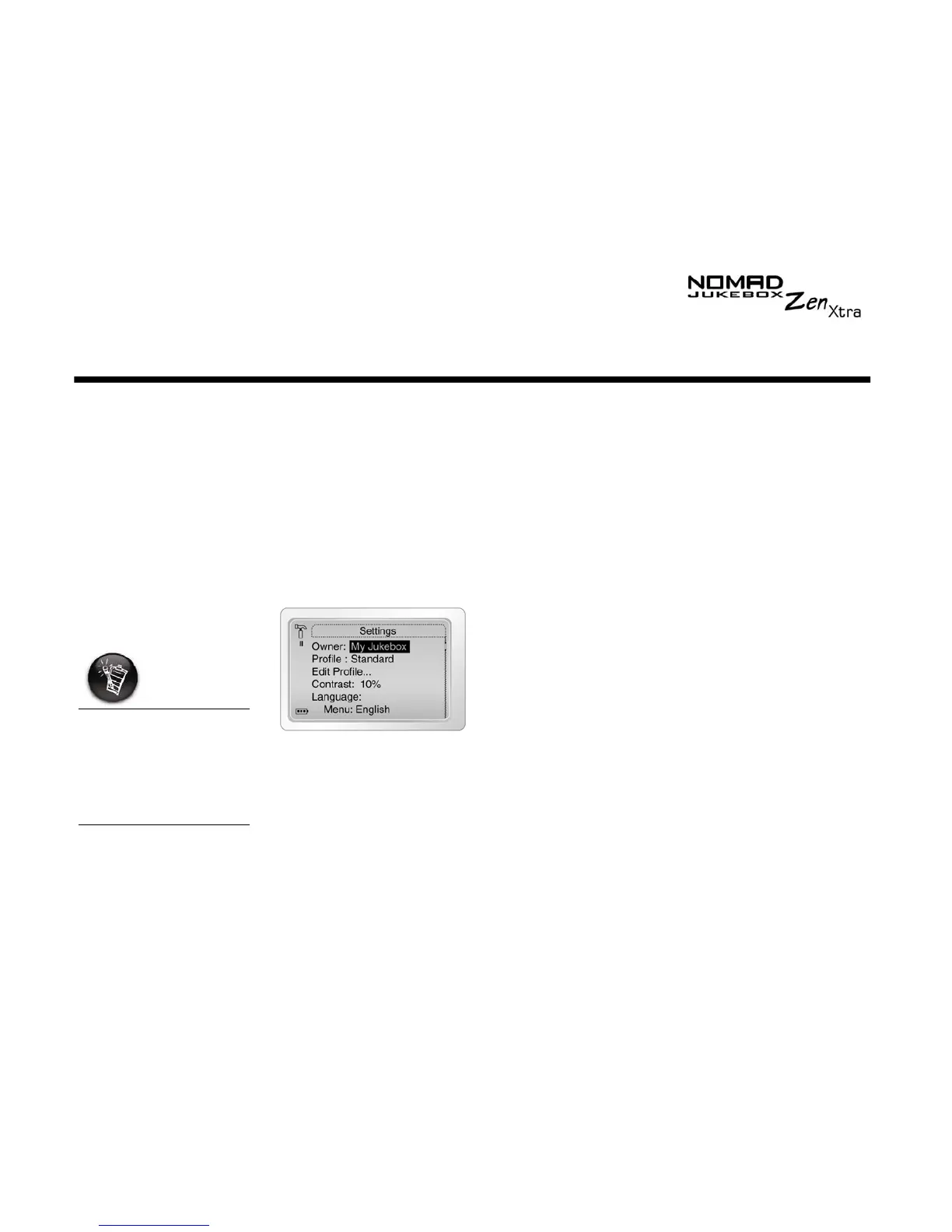
In the
Settings
screen you can:
❍ set the owner’s name
❍ return to the previous screen
1. Scroll Select
Settings
.
2. Scroll Select one of the options.
3. From the menu, Scroll Select a setting or construct a name.
4. To save the setting, Scroll Select
OK
.
To construct a name,
Scroll Select the letters
and numbers to form
the name. Each letter
and number selected is
entered into the entry
area.











 To Next Page