Playing and Managing Your Music 3-21
Rearranging the
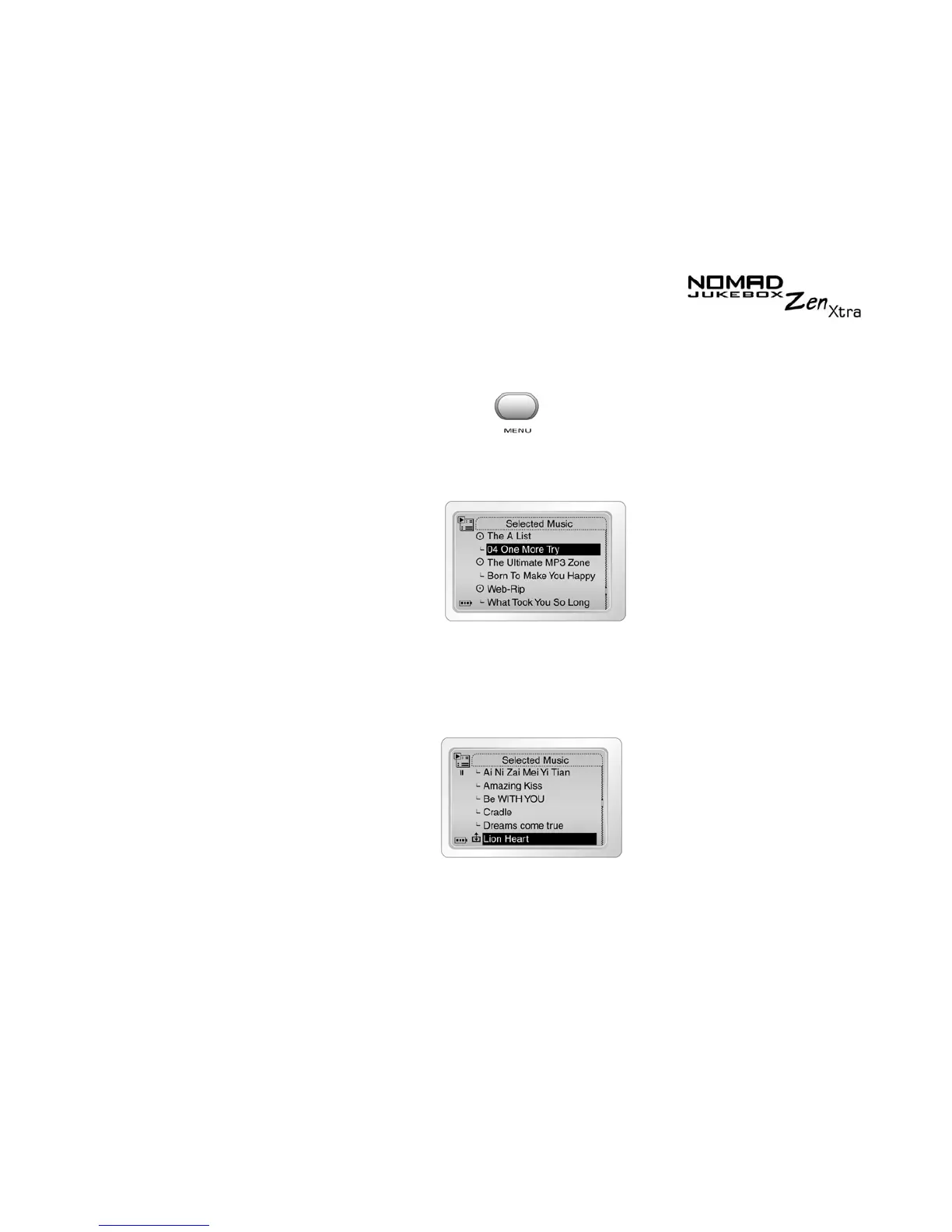
Selected Music
List
If you want to listen to tracks in a particular order, you can rearrange the
tracks in the Selected Music List by artist, genre or individual track.
1. Press the
Menu
button .
2. Scroll Select
Selected Music
.
The
Selected Music List
screen appears.
3. Scroll Select the album, artist, genre or individual track to move. A list
appears.
4. Scroll Select
Change Order
. An icon appears next to the selected
album, artist, genre or individual track.











 To Next Page