Playing and Managing Your Music 3-11
Adding Music
Tracks to the
Selected Music
List
Audio selections from the Music Library can either be added sequentially
after selections already in the Selected Music List ("Add to Play") or placed
at the front of the Selected Music List for immediate playback ("Play Now").
1. Press the
Menu
button .
2. Scroll Select
Music Library
.
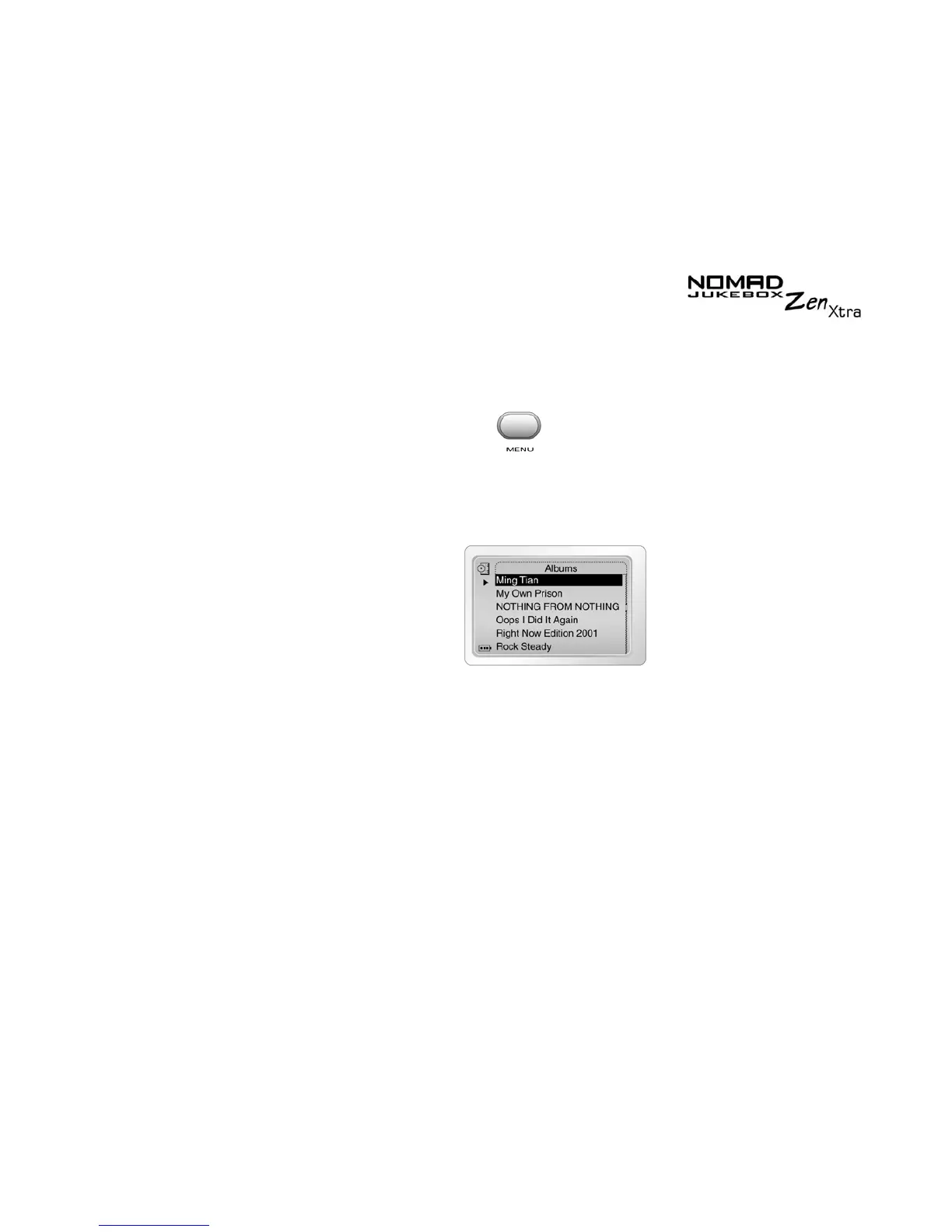
3. Scroll Select an audio category. For example, if you want to add a track
in a particular album, Scroll Select
Albums
.
4. Scroll Select the sub-category. For example, under Albums, Scroll Select
an album. A list appears.
Note:
If adding an entire album, artist, genre or playlist, skip to step 6.











 To Next Page