EasyManua.ls Logo

Creative NOMAD Zen XTRA - Connecting your Player to your Computer

Creative NOMAD Zen XTRA
106 pages
Print Icon
To Next Page IconTo Next Page
To Previous Page IconTo Previous Page
Loading...
Getting Started 2-6
Connecting
your Player to
your Computer
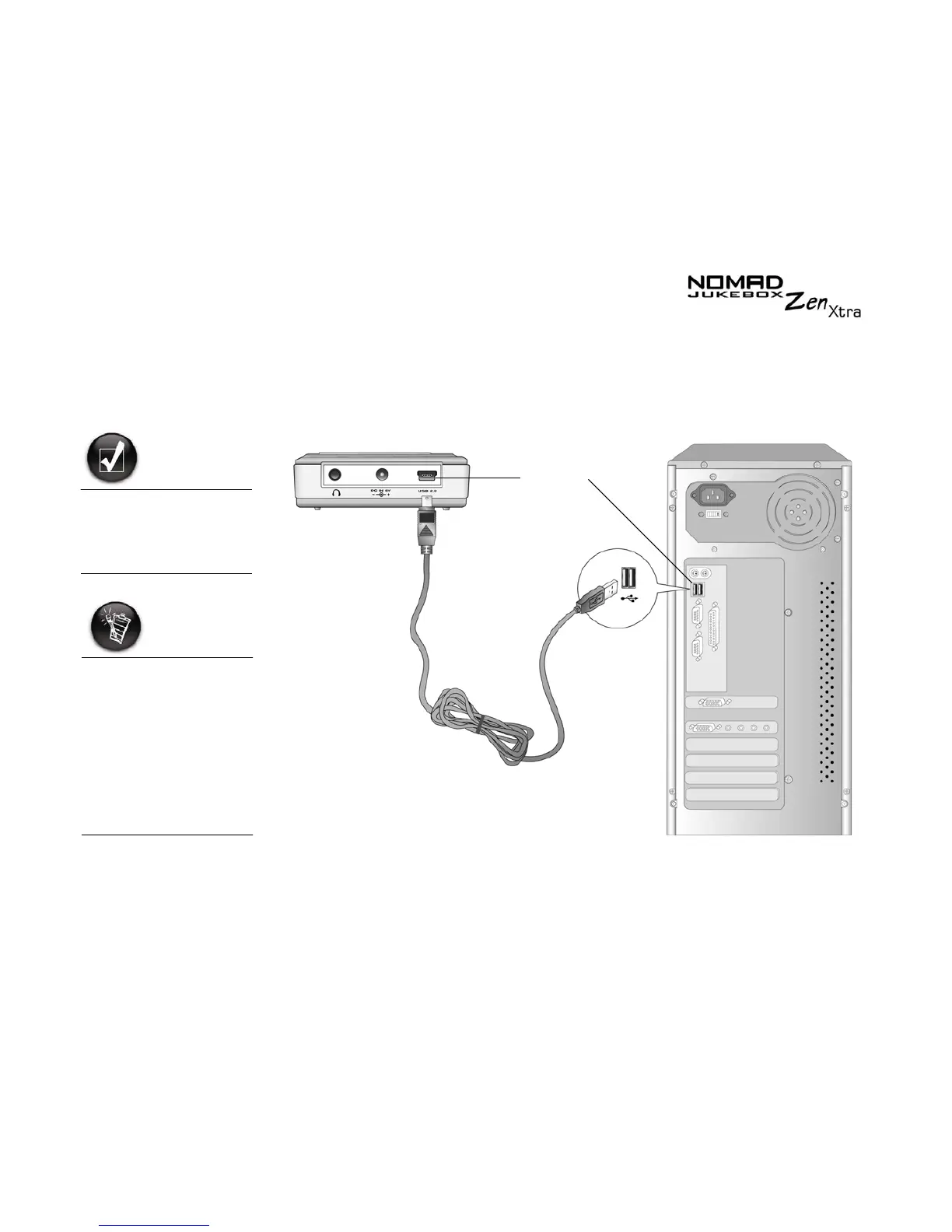
You are now ready to connect your player to your computer. Your NOMAD
Jukebox Zen Xtra comes with a USB 2.0 cable for fast data transfers to and
from your computer. Be sure that you have installed Creative MediaSource
before connecting your player.
You can listen to your
player’s preloaded
music immediately by
pressing the Play
button.
Basic instructions on
how to use Creative
MediaSource are
provided in "Using
Creative MediaSource"
on page 4-2.
Basic instructions on
how to use NOMAD
Explorer are provided
in "Using NOMAD
Explorer" on page 4-7.
USB port

Table of Contents

Related product manuals