Playing and Managing Your Music 3-13
Viewing Track
Information in
the Music Library
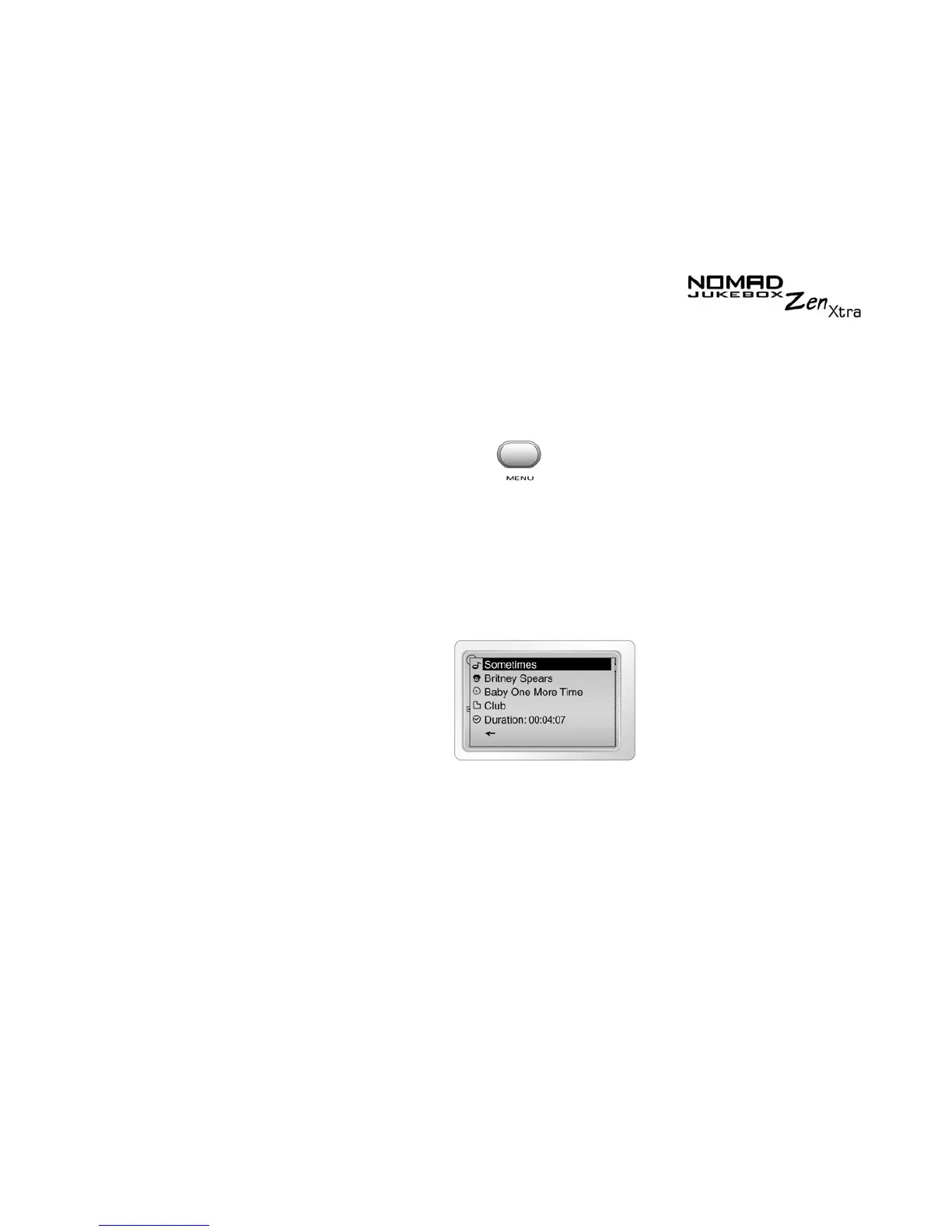
Detailed information about tracks in the Music Library is readily available.
This includes the track’s title, artist, album and genre that the track belongs
to, as well as the track’s length.
To view information about tracks in the Music Library
1. Press the
Menu
button .
2. Scroll Select
Music Library
.
3. Scroll Select an audio category. For example, if you want to find a track
in a particular album, Scroll Select
Albums
.
4. Scroll Select the track you want information on. A list appears.
5. Scroll Select
Track Details
. A message box appears, listing track
information.











 To Next Page