A Tour of Your Player 1-5
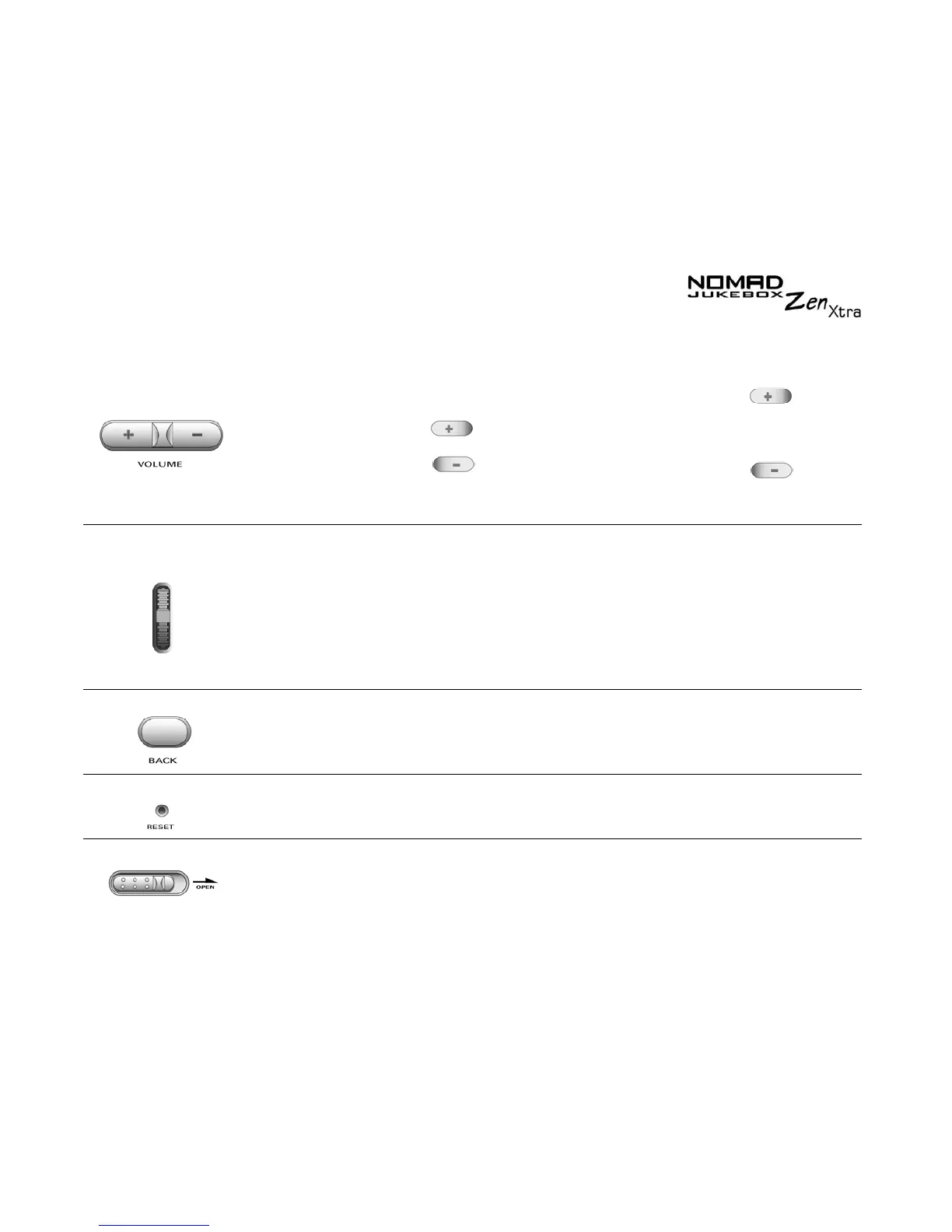
V
OLUME
❍ increases the volume
❍ decreases the volume
❍ press and hold the end of
the button to increase the
volume quickly
❍ press and hold the end of
the button to decrease the
volume quickly
S
CROLLER
❍ scrolls up and down menus
❍ selects menu options
❍ turn the Scroller to scroll through
menu options and press the
Scroller to select them. This
action is also referred to as
"Scroll Select".
To Scroll tracks continuously,
hold the Scroller until you reach
the track that you want.
B
ACK
❍ goes to previously accessed screens
R
ESET
❍ resets your player if it stops reponding
❍ insert the end of a thin object,
like a paper clip, into the button
O
PEN
S
WITCH
❍ To change or insert the battery, push the
switch to the right to open your player’s
cover.
Button What It Does Usage Tips




 To Next Page