Playing and Managing Your Music 3-17
4. Scroll Select
Expand
. The tracks in the selection appear beneath the
album, artist or genre.
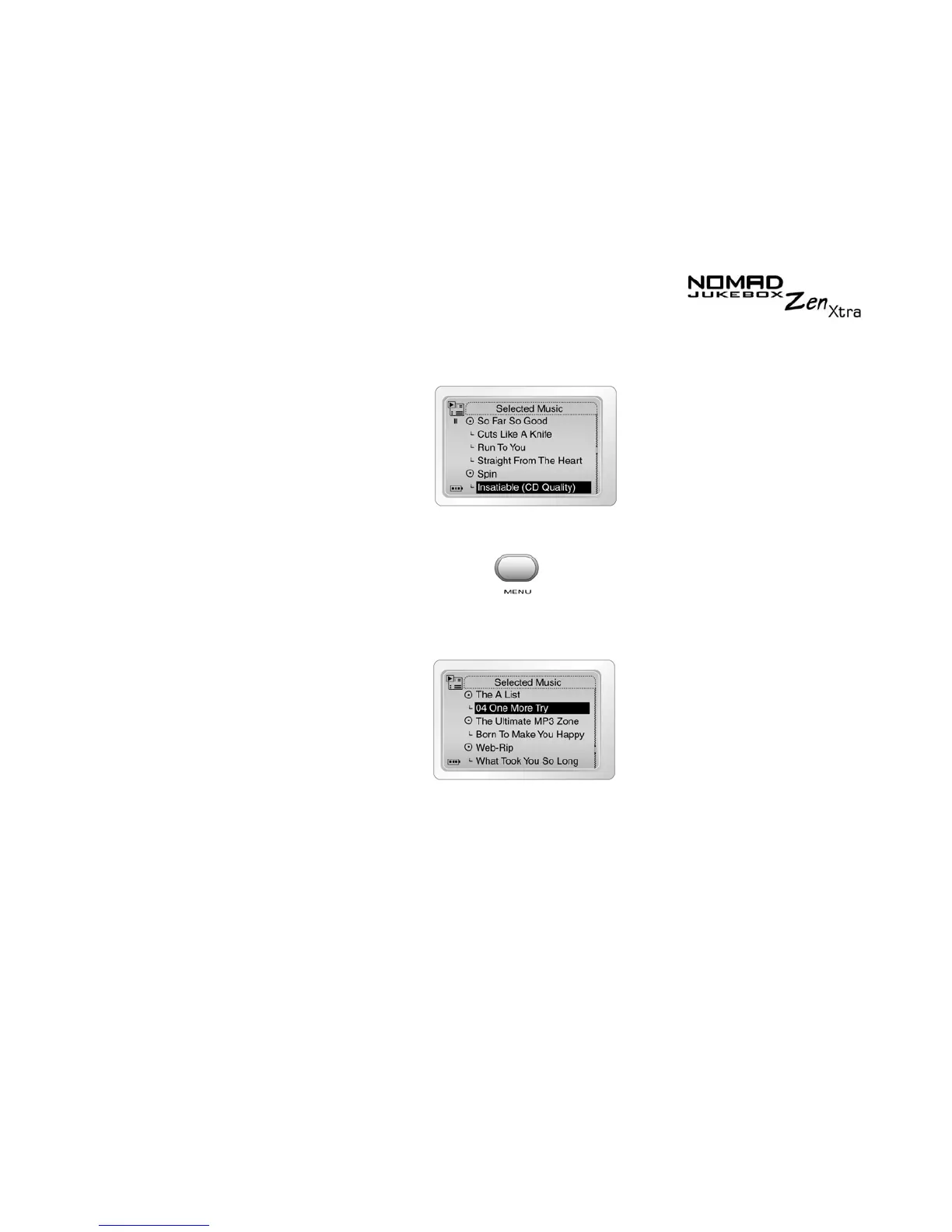
To collapse an album, artist or genre
1. Press the
Menu
button .
2. Scroll Select
Selected Music
.
The
Selected Music List
screen appears.
3. Scroll Select the expanded album, artist or genre. A list appears.
4. Scroll Select
Collapse
. Tracks within the formerly expanded album,
artist or genre are hidden.











 To Next Page