8. Using the Viewer
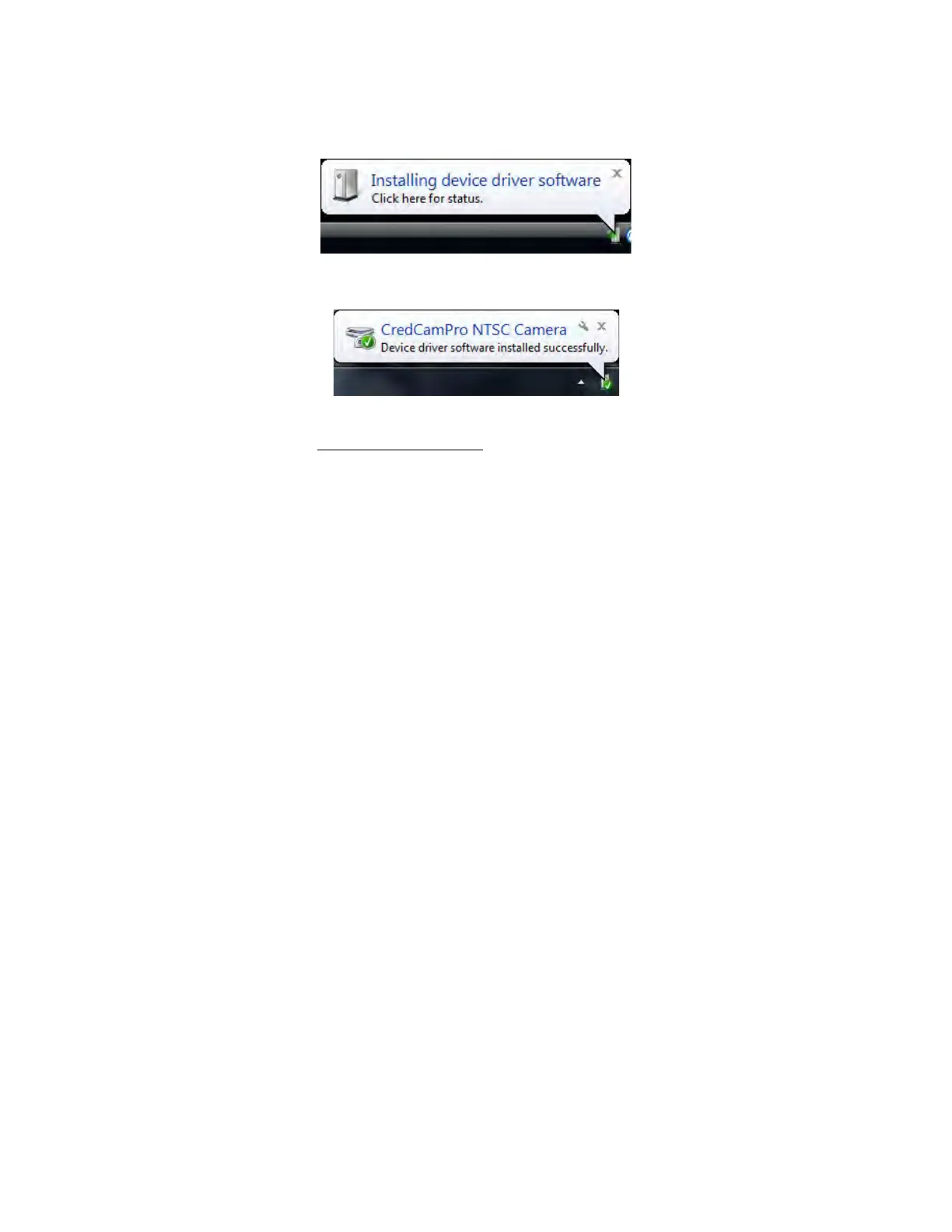
After software installation, plug in the USB cable from the camera. A window will pop up stating that
Windows is installing the device drivers:
Upon completion a second window will state the driver software installed successfully:
NOTE: There is no auto focus feature in these cameras. Once camera is focused, the user can
modify the settings. (see section 8.1 Using
the Viewer)
The camera is now ready for use.



 To Next Page