8.1.6. Still Image Capture (Snap Feature)
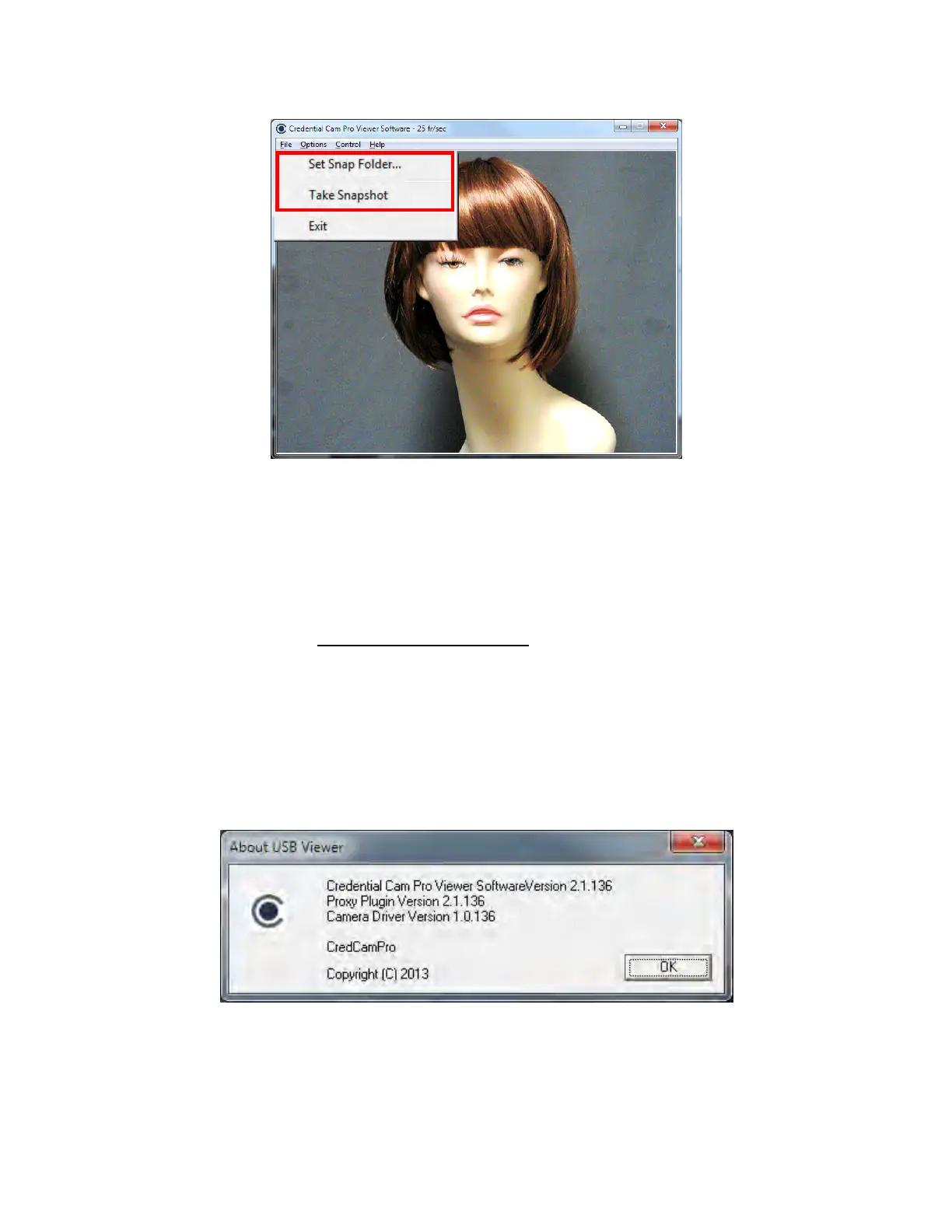
The Image Snap feature is used to acquire and store still images from the video display and is initiated by
selecting the Take Snapshot Option under the File menu.
The “Set Snap Image Folder…” button is used to change the location where snapshot images will be
saved. The files are saved to the user’s desktop by default and are stored as Bitmap (BMP) files.
Filename = Still_DATE_TIME_NUMBER.bmp.
If using flash, please see section 8.1.9 Taking Flash Pictures
for option instructions
8.1.7. Control
Control setting is inactive with 1.3 Megapixel Cameras
8.1.8. Help (About Menu)
The Help feature states the properties of the software.



 To Next Page