7. TWAIN Installation
To install the TWAIN data source, insert the CD labeled Twain Data Source and double click the
executable file named SetupGTDS.exe.
Note: the file name might be slightly different depending on the revision level of the software.
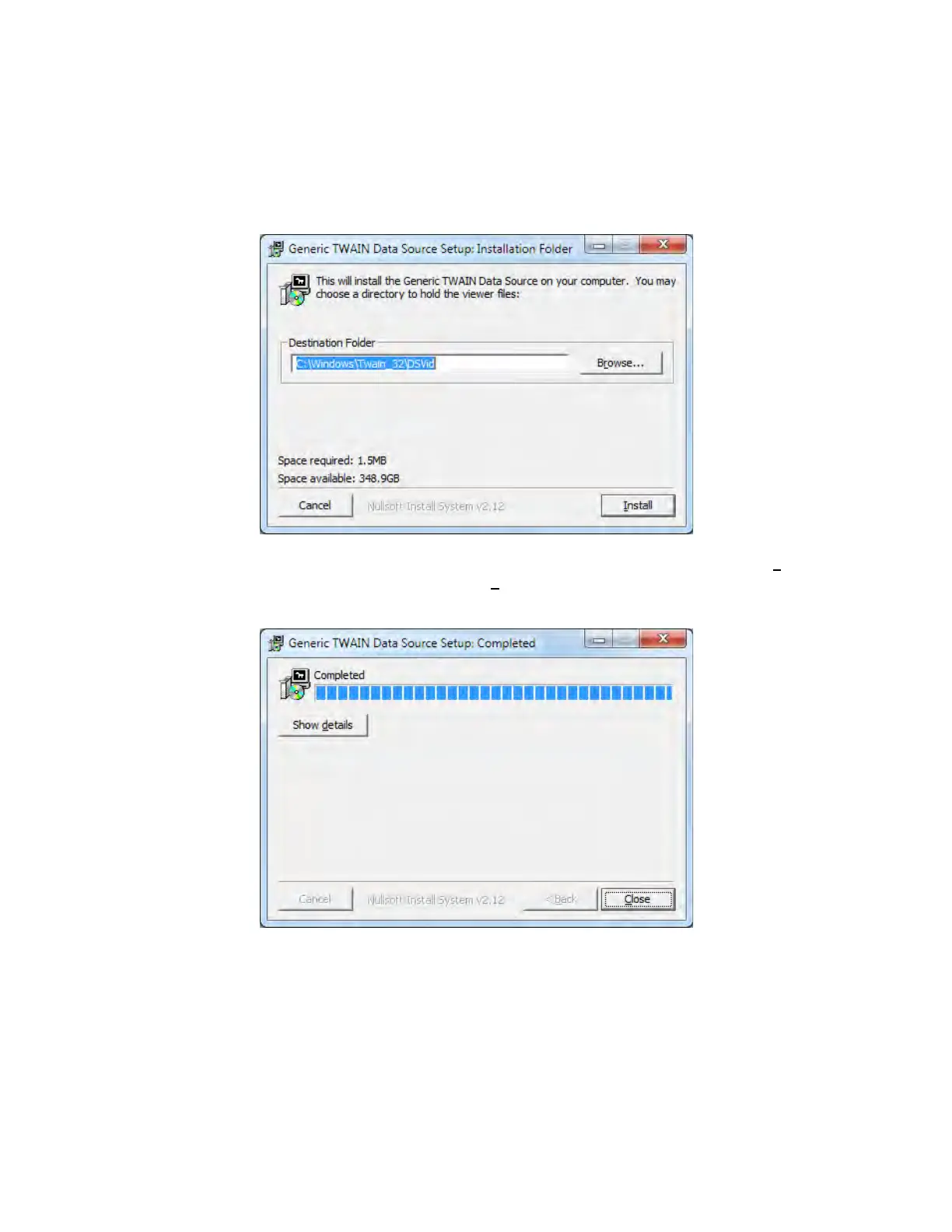
The following window will appear:
If the viewer is to be installed in a location other than the default directories, click on the Browse button
and specify the desired location, otherwise click on the Install Button and the following screens will
appear:
The TWAIN driver installation is now complete. Click Close to exit the hardware wizard.



 To Next Page