3. Credential Cam Pro Camera Features
• Synchronized USB powered LED flash for consistent high quality images in any environment
• 1.3 megapixel progressive scan sensor
• >12.5fps at 720p high definition uncompressed resolution
• Still image capture with streaming video
• USB 2.0 bus provides power, camera and flash control
• Complete SDK available
• Compact industrial design
• Convenient manual dial allows customized flash intensity
• S
oftware
o USB 2.0 viewer software for 32bit and 64bit Windows operating systems
o TWAIN compliant
o FIPS 201 compliance (in conjunction with appropriate software)
o Select Linux drivers available
4. Mounting Methods
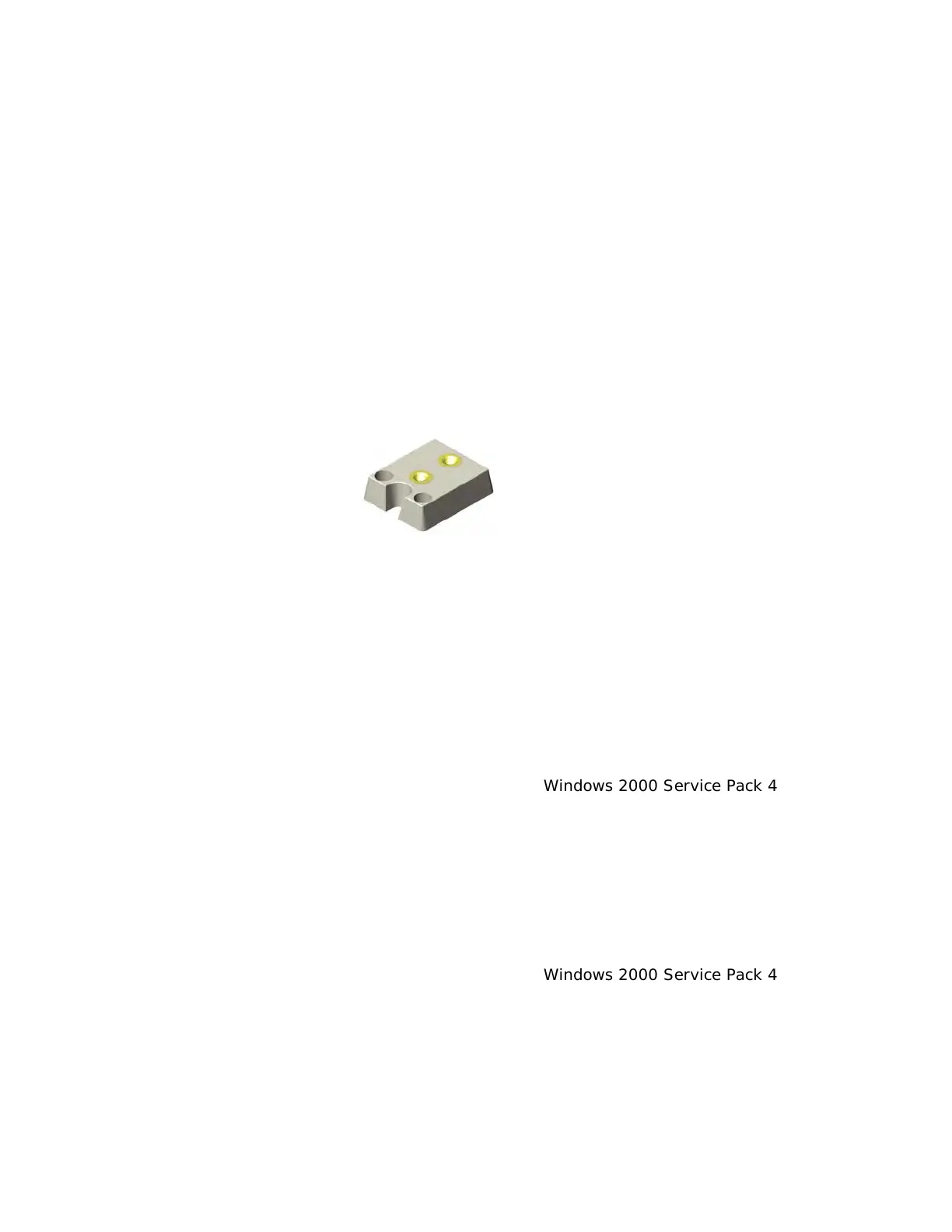
The Credential Cam Pro is fitted with a ¼-twenty screw thread so that any common tripod can be used.
¼-20 mount
5. Minimum System Requirements
A PC with USB 2.0 compatible port.
M
AC is not supported.
USB 1.1 is not supported.
P
review only
• PIII- 1.1GHz or above
• 128MB of RAM (256MB preferred)
•
Windows XP for USB2.0
•
DirectX/DirectShow 9.0c or later
• Windows XP Service Pack 1 (Service Pack 2 Preferred) Windows 2000 Service Pack 4
Pr
eview and capture at the same time
• Full D1 MPEG 2 - P4 – 2.4GHz or above
• 640 x 480 MPEG 2 - P4 – 2.0GHz or above
• 352 x 288 MPEG1 - P4 – 1.5GHz or above
• Hard Disk - 5400RPM or above (7200RPM preferred
)
• 128MB of RAM (256MB preferred)
•
Windows XP for USB2.0
•
DirectX/DirectShow 9.0c or later
• Windows XP Service Pack 1 (Service Pack 2 Preferred) Windows 2000 Service Pack 4
V
erify system has the latest USB 2.0 host driver from Microsoft
®
only.
Verify that USB host controller chipset is Microsoft
®
certified.
T
his product is not guaranteed to operate with a USB 2.0 host driver or application from OWC
(Other World Computing).



 To Next Page