8.1. Using the Viewer
Please refer to section 6 Viewer and USB Driver Installation for viewer installation instructions.
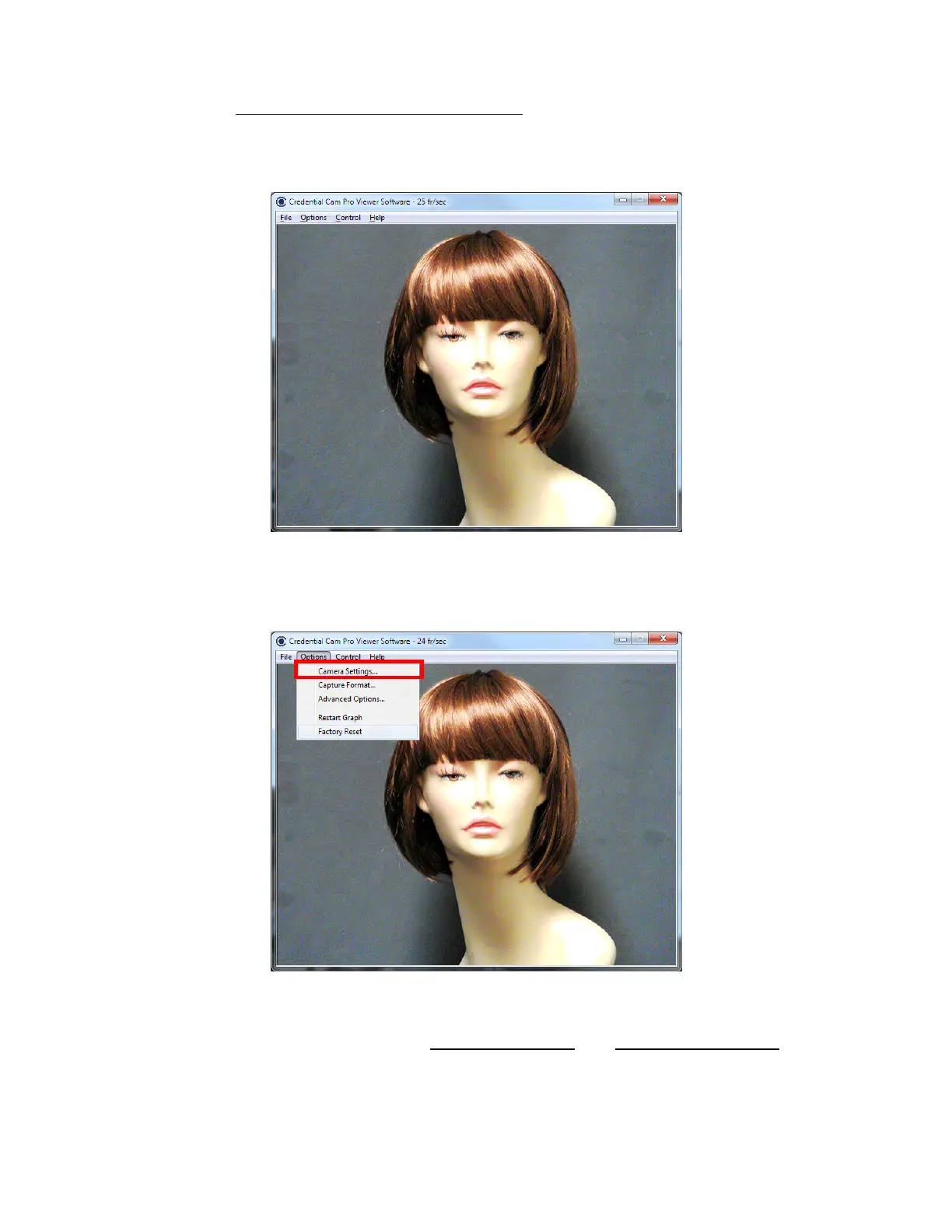
To launch the viewer software, simply click on the Credential Cam Icon on the Desktop. A window will
appear displaying the camera image.
8.1.1. Camera Settings
The Camera Settings (gain, shutter speed etc.) can be selected via Options > Camera Settings…
8.1.1.1. Video Capture Filter Properties
When Camera Settings is selected, the Video Capture Filter Properties window is opened. There are two
tabs within the Video Capture Filter Properties; Camera Properties and Zoom/Pan Properties
.



 To Next Page