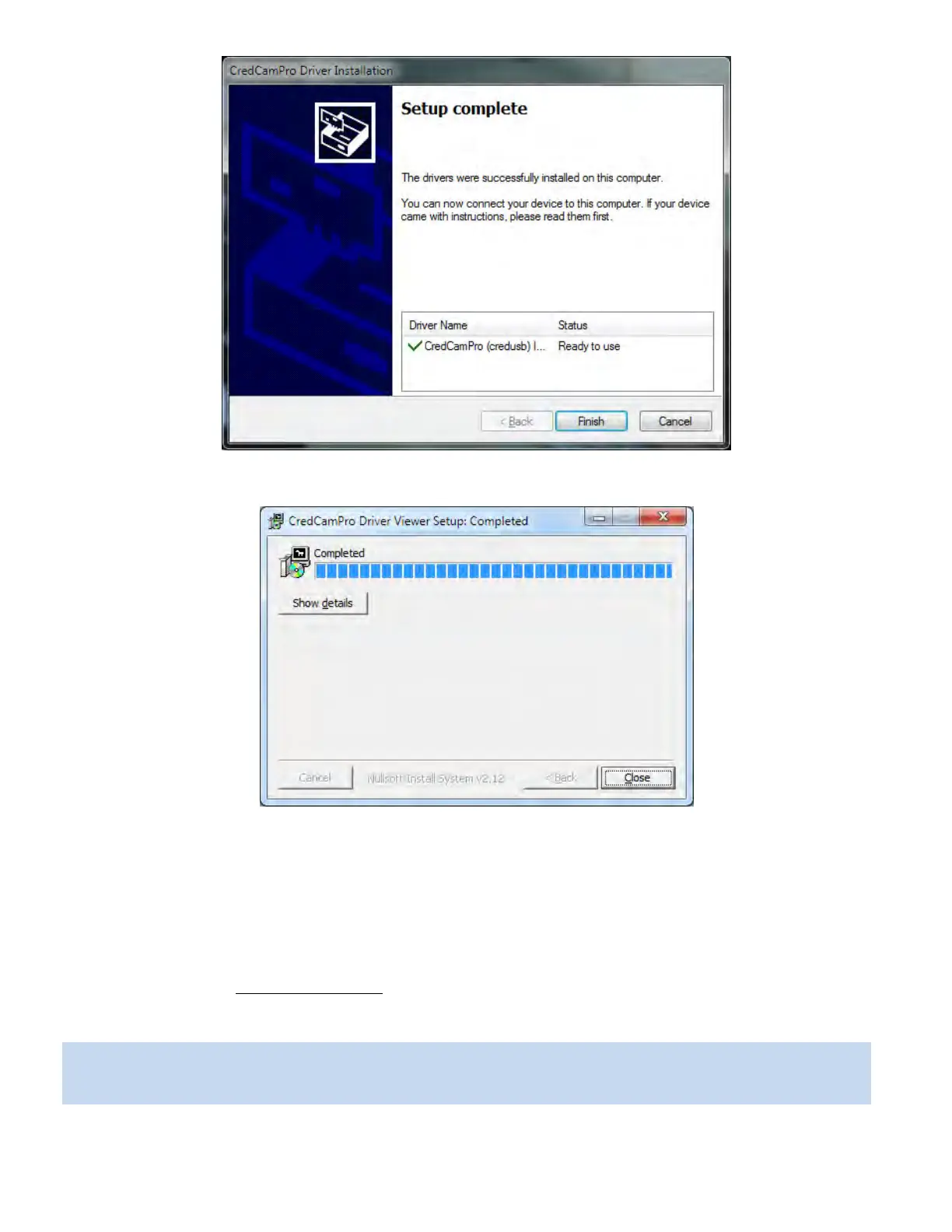
The driver and viewer installation is now complete. Click Finish.
Click Close to exit the hardware wizard.
You can now connect the Credential Cam Pro camera to your PC using any available USB port. When the
camera is connected, your computer will report that a new USB device has been detected, and will
proceed to install the driver. Each time the camera is connected to a different USB port, the driver will be
installed, this will be done only once for each port.
Please refer to section 8 Using the Viewer
for launching the USB Credential Cam Pro viewer.
The camera is now ready for use.
CredCamPro Ensure that the cable connecting the camera to the flash module is connected at both
ends, push the plugs in firmly to ensure a good connection.



 To Next Page