Crestron AV2 & PRO2 2-Series Integrated Dual Bus Control System
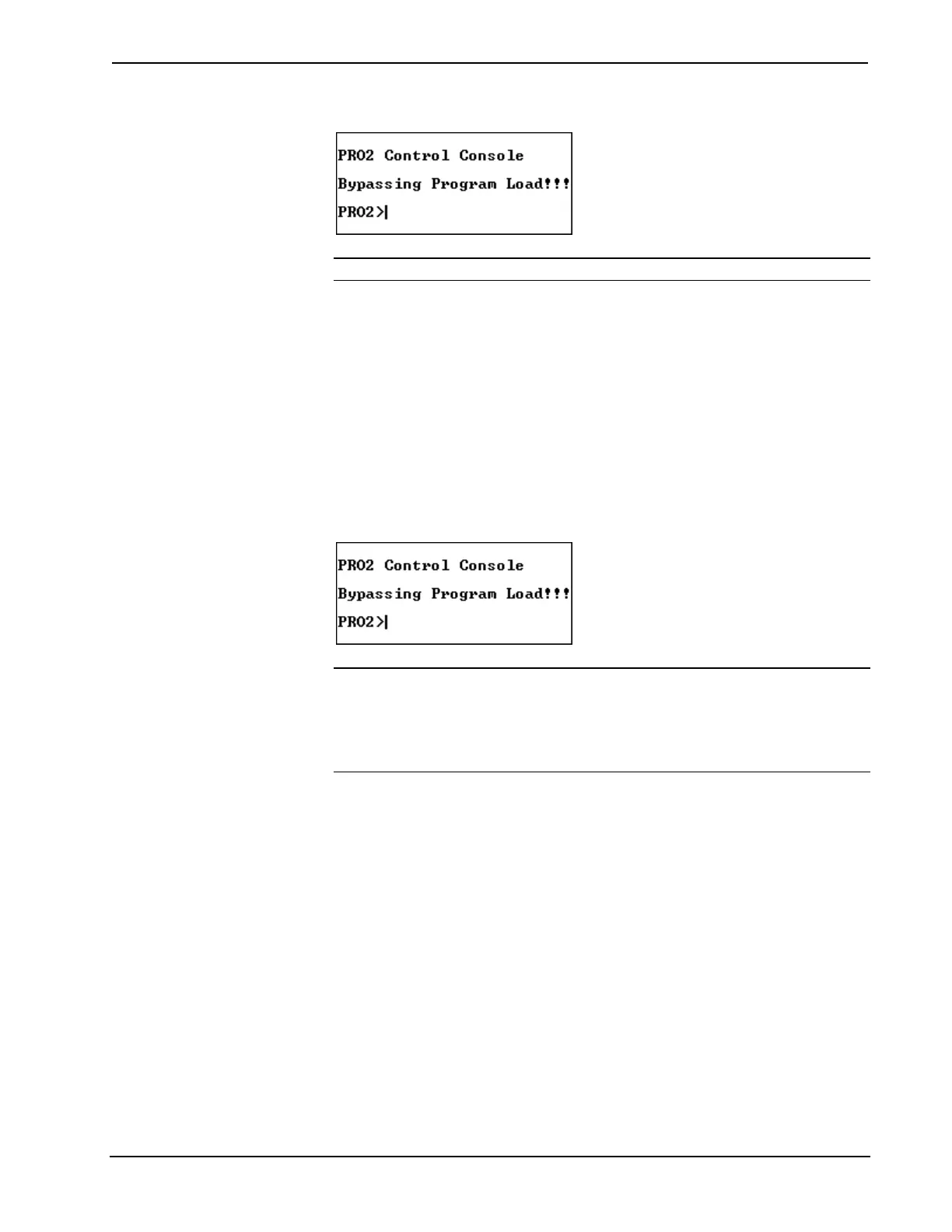
Viewport Message
NOTE: If a computer is not hooked up, wait approximately three to four seconds.
- Release the SW-R button.
5d. If the 2-Series integrated dual bus control system responds,
proceed to step 5e. Otherwise, do the following.
- Remove power from the control system.
- Depress and hold the SW-R button on the front panel of the 2-
Series integrated dual bus control system.
- Reapply power to the control system.
- Wait until a message similar to the one below appears in the
Viewport.
Viewport Message
NOTE: If a computer is not hooked up, wait approximately three to four seconds.
NOTE: The message "Bypassing 000" indicates that the SIMPL Windows program
loaded in the system is not running. However, it is stored and will execute during the
next reset.
- Release the SW-R button.
5e. To confirm communication from the PC to the 2-Series integrated
dual bus control system, select Diagnostics | Check Operating
System Version (alternatively, depress the F5 key) from the
Viewport. After a few seconds, the Viewport responds by
displaying the operating system version number that is loaded into
the unit. If a message does not appear or if it is intelligible, verify
that the Viewport is set to 115200 baud and repeat steps 5a through
5d.
5f. Select Functions | Set Baud Rate (alternatively, depress the F8
key) from the Viewport to open the "Set Baud Rate" window. As
shown after this step, scroll down to the desired baud rate at which
communications should take place. This value is purely subjective.
Operations Guide - DOC. 5957 Integrated Dual Bus Control System: PRO2 & AV2 • 29











 To Next Page