107 • AirMedia® Series 3 Receivers Product Manual — Doc. 9020C
Refer to Present with AirMedia (on page84) for instructions on connecting to AirMedia and
sharing content.
AirMedia Canvas
When configured, the receiver can show two sources on the display device simultaneously. The
touch screen is used to manage the sources shown on the display device.
NOTE:For details on configuring the receiver to use the AirMedia Canvas feature, refer to
AirMedia (on page53).
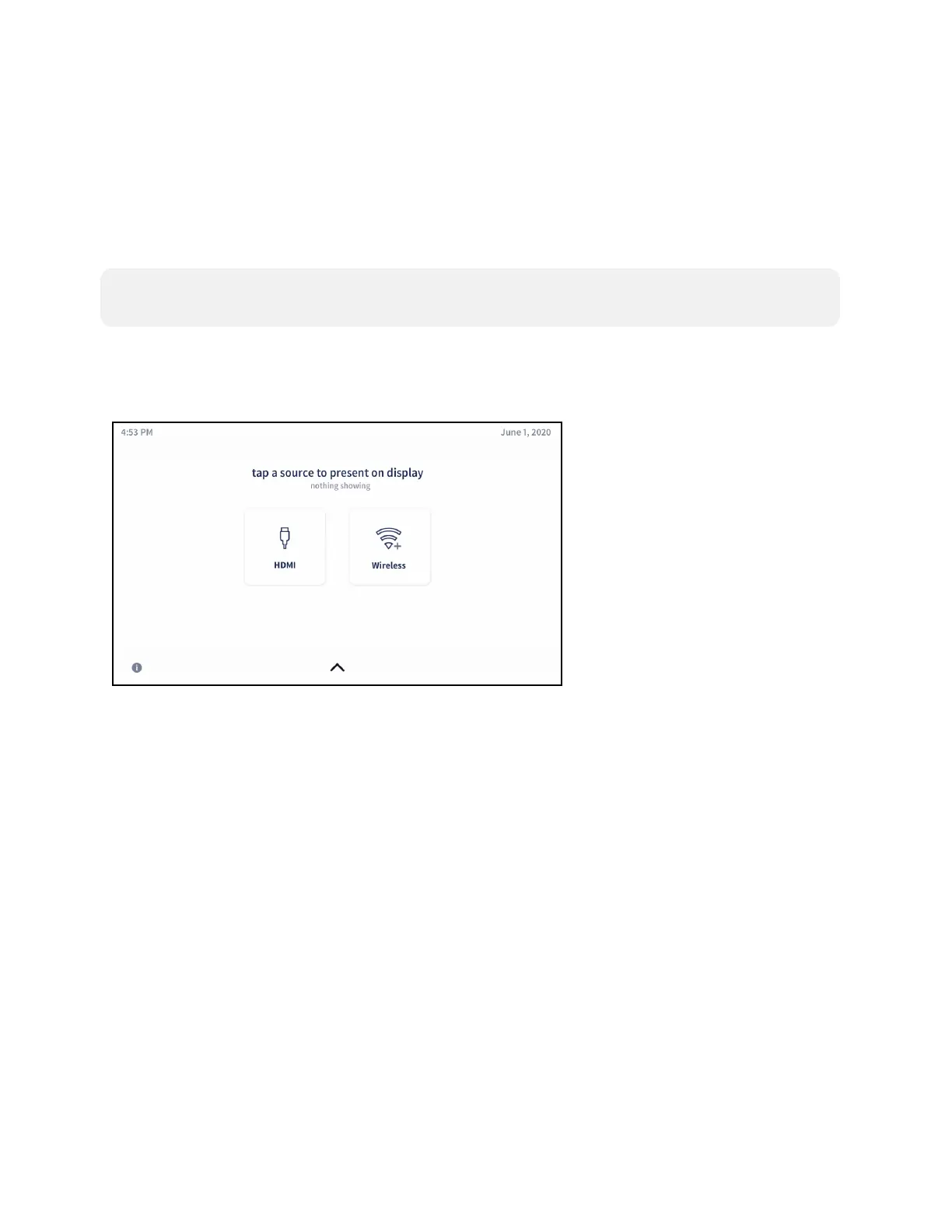
When AirMedia Canvas and Canvas Session Controls are enabled, the Present a Source screen
appears as shown below.
Present a Source Screen
Control Multiple Sources
To control multiple sources using Canvas Session Controls:















 To Next Page