Product Manual — Doc. 9020C AirMedia® Series 3 Receivers • 32
Cloud Settings
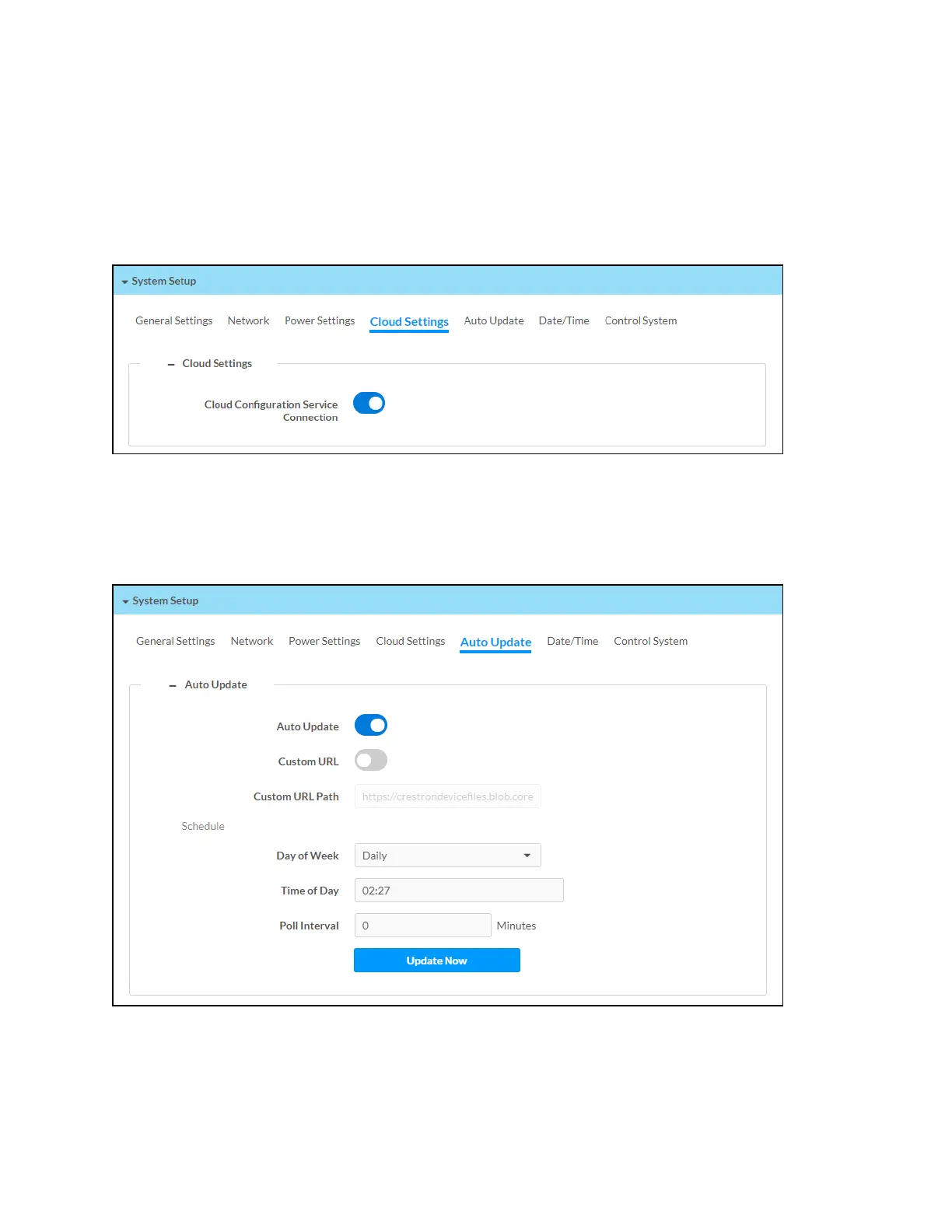
Select Cloud Settings to configure the device's connection to the XiO Cloud® service. By default,
the Cloud Configuration Service Connection toggle is turned on. For more information on using
the XiO Cloud service with an AirMedia receiver, refer to Enterprise Deployment Options (on
page70).
System Setup - Cloud Settings
Auto Update
Select Auto Update to configure the auto update feature. The auto update feature allows the
device to automatically scan for firmware updates and install the updates as needed.
System Setup – Auto Update















 To Next Page