Product Manual — Doc. 9020C AirMedia® Series 3 Receivers • 92
3. If a code is required, enter the code shown on the display device. Follow the onscreen
instructions to present. Select OK to return to the presentation controls.
Presentation Controls
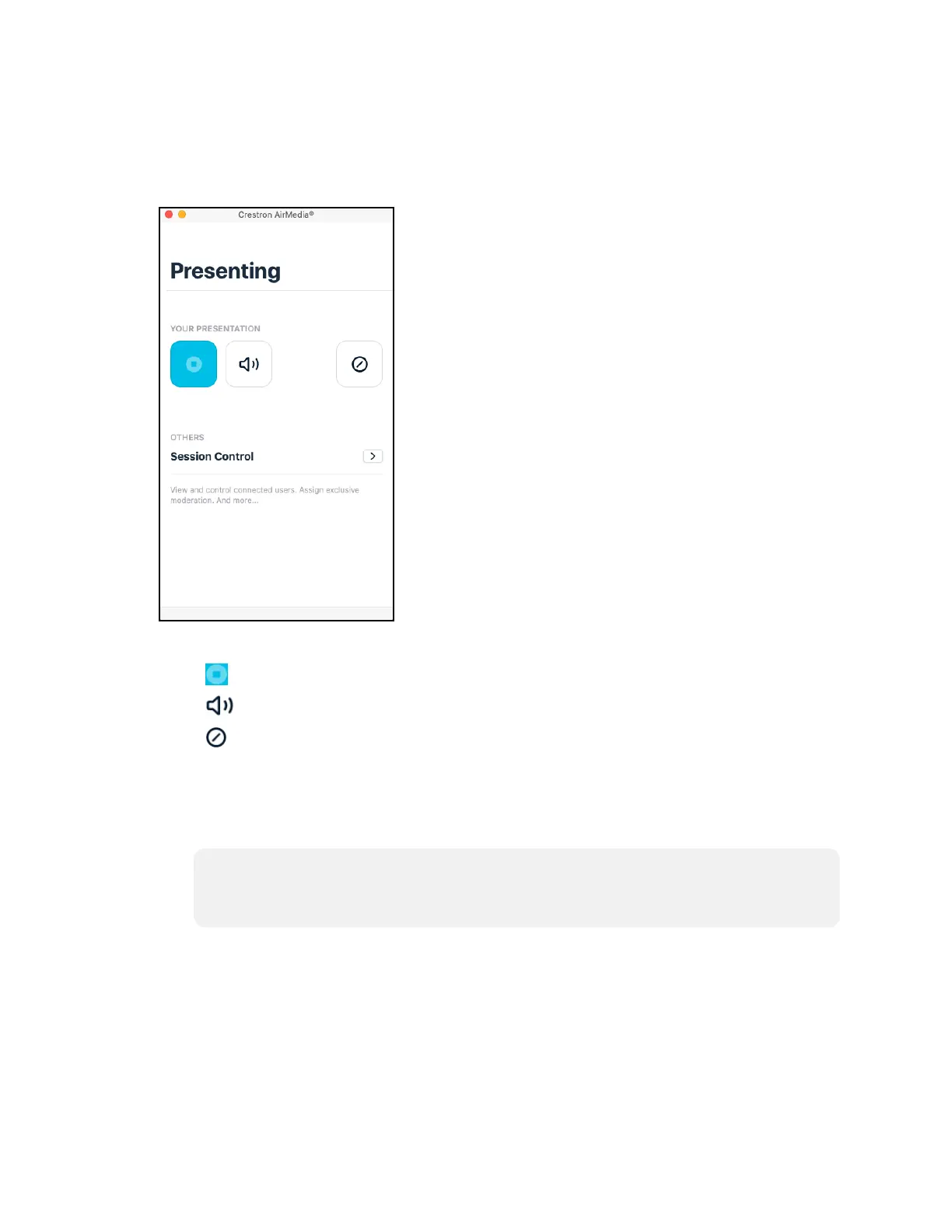
4. Direct the presentation with the following controls:
l
: Dock functionality to be supported in a future release.
l
: Control the output volume of the display.
l
: End the connection between the computer and the receiver.
l
Select Session control for additional controls and information about all presenters.
The Session menu opens and lists each presenter with corresponding presentation
controls. Use the back arrow to return to the presentation controls for the
computer.
NOTE: To disable Session control, disable the Canvas Session Control setting in the
device's web configuration interface. For more information on Session control,
refer to AirMedia (on page53).
l
Select Options > Settings in the menu bar to customize AirMedia settings.















 To Next Page