DigitalMedia™ Room Controller, CAT Crestron DM-RMC-100
2. If additional DM-RMC-100 devices are to be added, repeat step 1
for each device. Each DM-RMC-100 is assigned a different IP ID
number as it is added.
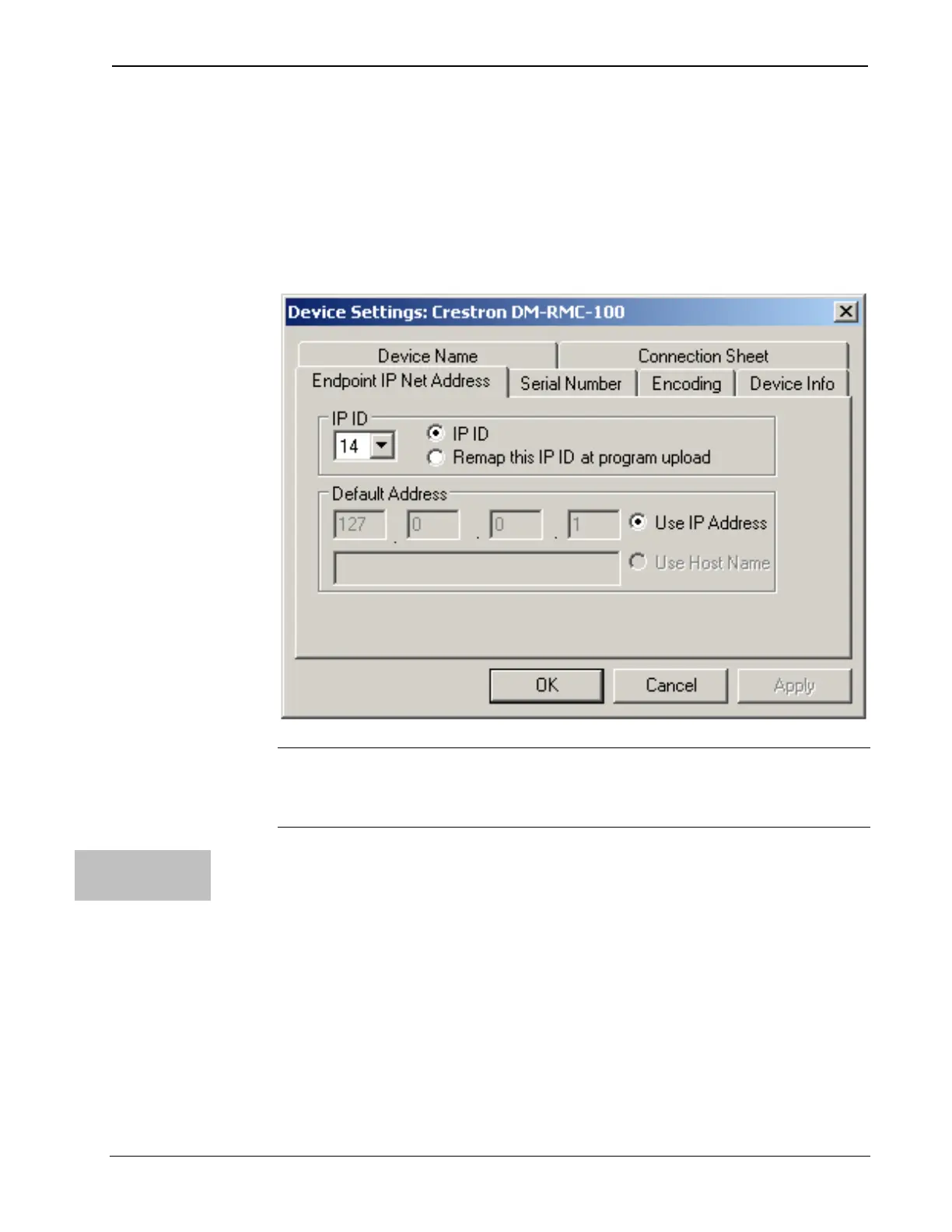
3. If necessary, double click a device to open the “Device Settings”
window and change the IP ID, as shown in the following figure.
“Device Settings: Crestron DM-RMC-100” Window
NOTE: The ID code specified in the SIMPL Windows program
must match the IP ID of each unit. Refer to “Identity Code” on
page 19.
Program
Manager
Program Manager is the view where programmers “program” a Crestron
control system by assigning signals to symbols.
The symbol can be viewed by double clicking on the icon or dragging it
into Detail View. Each signal in the symbol is described in the SIMPL
Windows help file (F1).
26 • Room Controller, CAT: DM-RMC-100 Operations & Installation Guide – DOC. 6743-1F



 To Next Page
 Loading...





