Rebooting the DM-NVX-E30(C)
1. Click the Reboot button. The Reboot message box appears, asking for confirmation
that the device be rebooted.
2. Click Yes to reboot the device. The Reboot message box appears, indicating that the
device is rebooting.
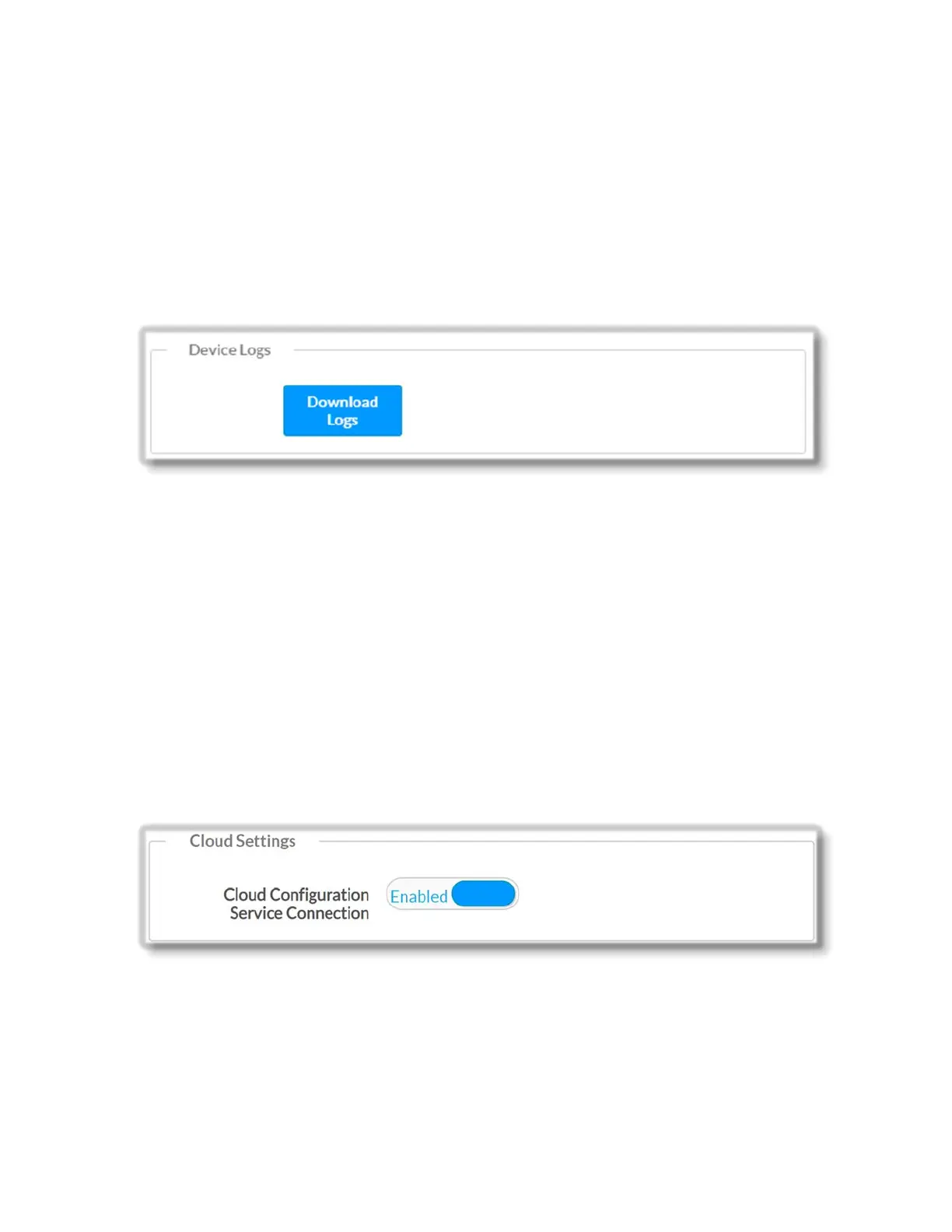
The Device Logs section of the Device page allows downloading logs for troubleshooting
and other purposes.
To download device logs:
1. Click the Download Logs button. A logs file (*.tgz) is downloaded to the PC
(Downloads folder) or mobile device.
Name of the Log file consists of the following: 'logs_' + IP Address of DM-NVX-E30(C)
+ Date + Time + the extension .tgz ; for example:
logs_172.30.73.11_2017.3.13_12.11.51.tgz
Cloud Settings
The Cloud Settings section of the Device page provides functionality to enable (default)
or disable the cloud connection.
To enable/disable the connection to the cloud server:
1. Move the Cloud Configuration Service Connection slider to the Enabled
(Disabled) position.
32 • DM-NVX-E30(C)



 To Next Page