RR400/420 User Manual - CRISARTECH
Firmware version 190122 - © CRISARTECH 2019 - Page 12 / 29
5 Vehicle type configuration, tests, calibration…
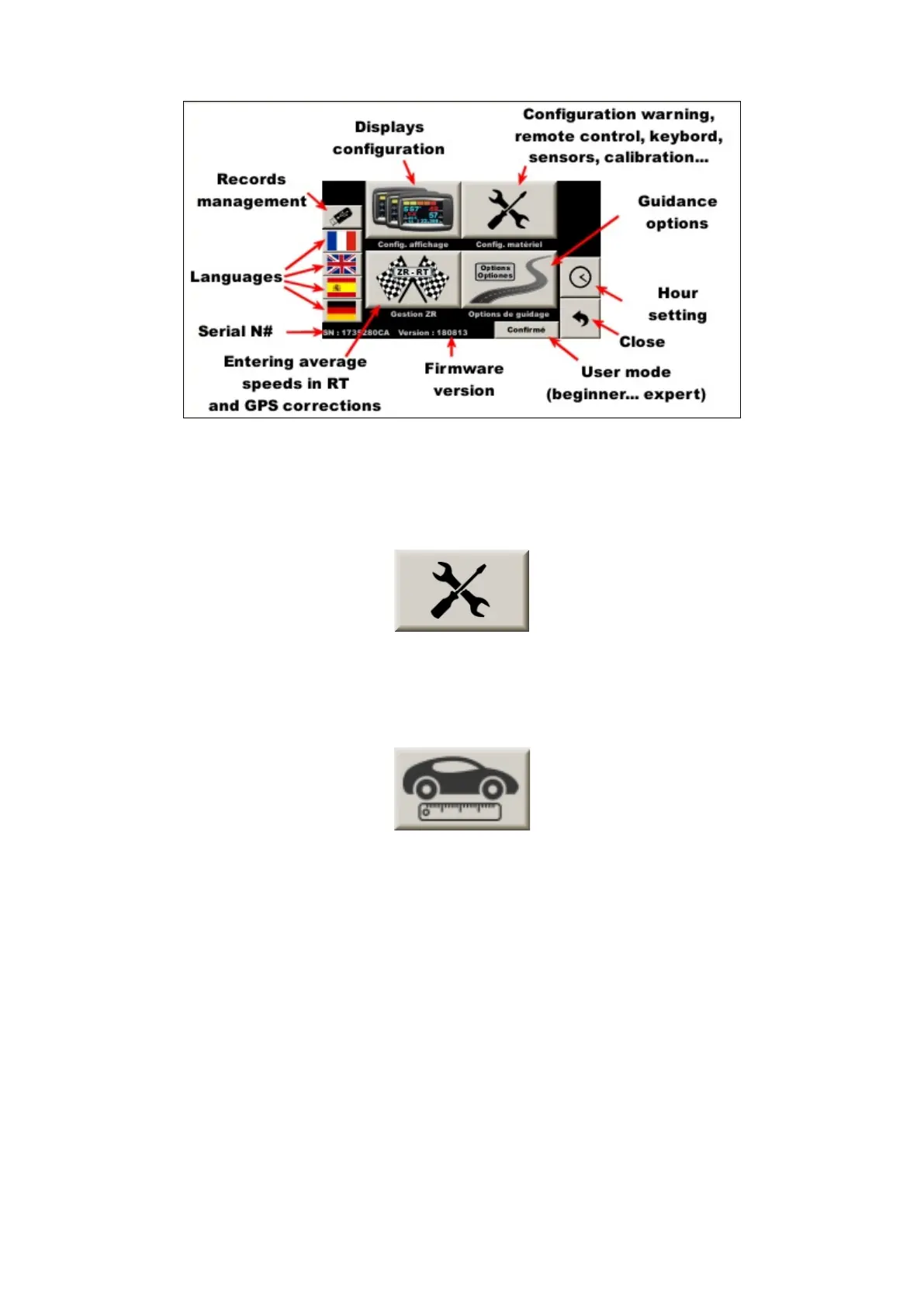
In the main menu, press the button with tools:
5.1 Vehicle type configuration
In the following menu, press the button with auto and ruler:
5.1.1 Type of connection choice
Start by choosing the type of connection:
- GPS (not very accurate),
- OBDII (diagnostic socket), then the vehicle type. Those marked "ABS" have a very precise measurement of
the distance (from 1 to 10 cm). "Obd 11 bits" and "Obd 29 bits" are universal but not very accurate (1 to 3 m
error per km). This precision is sufficient in the race because it is negligible in relation to the trajectories cut
but insufficient for the measurements carried out for creating road-books or scouting,
- wheel speed sensor (s). Three configurations (A, B, and C) are proposed, corresponding to 3 different types
of tires. This makes possible to memorize in the device 3 calibration values that will be associated with each
type of tire. By changing the wheel during the race, simply change the configuration here, without having to
change the value by itself,
- speed simulation (speed is set with two buttons).
These points can be "swept" using the up and down arrow keys on the remote control. In OBDII configuration,
the red and blue function keys are used to select the type of vehicle.


 To Next Page