RR400/420 User Manual - CRISARTECH
Firmware version 190122 - © CRISARTECH 2019 - Page 16 / 29
number of m. / Km
to correct
% of
correction
multiplier coefficient
to apply
10 1 1.01
5 0.5 1.005
1 0.1 1.001
0.5 0.05 1.0005
-0.5 -0.05 0.9995
-1 -0.1 0.999
-5 -0.5 0.995
-10 -1 0.99
5.6 Calibration history
The button is used to display a table of the different calibration values calculated on the device:
Date – hour Source Method Calibration
2018/09/01-07:24 OBD MAN 1.025399
2018/09/01-07:28 GPS MAN 0.9869231
2018/09/01-07:31 Sensor A MAN 0.4893265
2018/09/05-16:08 Sensor A % 0.4895712
2018/09/05-16:08 Sensor A MAN 0.4895712
2018/09/05-16:08 Sensor A TRIP1 0.4886692
2018/09/05-16:08 Sensor A MAN 0.4886692
2018/09/05-16:08 Sensor A TRIP2 0.4893671
2018/09/05-16:09 Sensor A MAN 0.4893671
2018/09/05-16:09 Sensor A FREE 0.4898044
2018/09/05-16:10 Sensor A GPS 0.4895166
The Source column corresponds to the input selected to calculate distances that has been calibrated (GPS, OBDII,
Sensor A, B, C or simulation).
The Method column recalls which method was used to change the calibration:
- MAN: the calibration value was entered directly with the keyboard,
- TRIP1 or TRIP2: the value has been calculated on a calibration zone,
- FREE: the value has been freely calculated based on a distance traveled and a reference distance,
- GPS: the value was calculated approximately using GPS speed,
- %: the value has been adjusted by percentage.
Note: during TRIP1, 2 or FREE calculations, the value before calculation is recalled on the top line in MAN.
The button
deletes the table.
The file containing these data is copied to the USB drive at the same time as the race recordings and can be
archived with this data.
5.7 Wheel sensor monitoring
Specifically for the Capteur/sensor configuration it is possible to activate the sensor signal monitoring function
by ticking the Compare GPS or Compare L/R box in the configuration tab of the input used for speed
measurement. The distances measured by the sensors left and right and/or the GPS are compared and if a significant
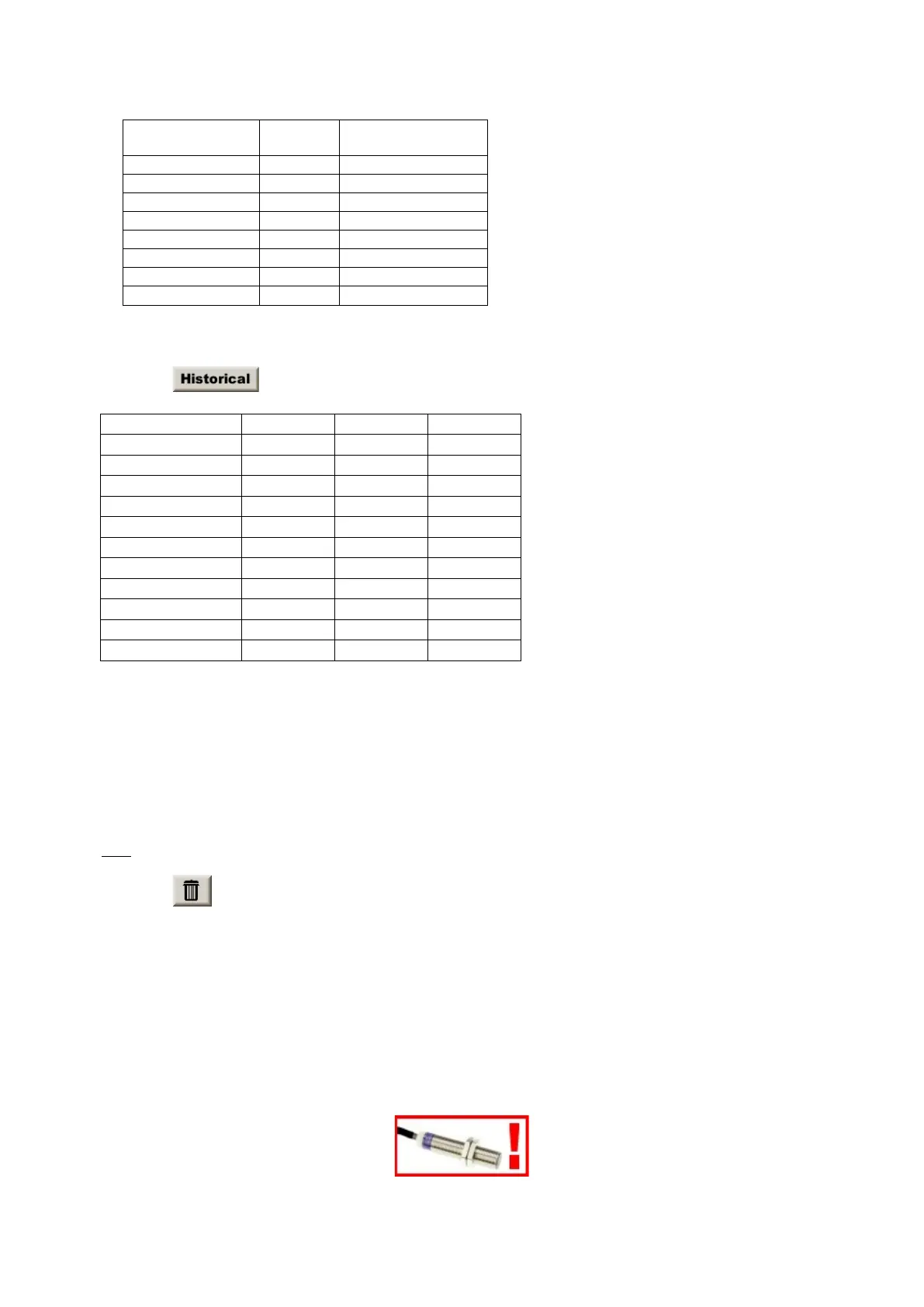
difference appears, an alert popup is displayed in the main running screens:


 To Next Page