13
Sidekick Backwash Cycle Step Explanations
Step 1: Air Release Step
-For approximately 6 minutes, Non-adjustable
This position slowly opens the treatment tank to the drain. This allows air in the top of the tank to be gently released out
the drain.
2 -05
Example: STEP TIME REMAINING
IN STEP
Step 2: Backwash Step
- Default of 10 minutes
This position does a high flow rate rinse in the opposite direction of normal water flow. This rinses any physical particles
filtered by the media in the unit down the drain.
Step 3: Rest Step
- Default of 0 minutes
This position is a rest position. If needed, this position is used to give a well time to recover after running water in the
backwash step.
Note: Depending upon system pressure and other factors, it is possible to observe a small amount of flow to drain in the
rest cycle.
Step 4: Air Replenish / Oxyclean NP Injection
- Default of 20 minutes
- Ozone Optional
- For Oxyclean operation, see Master Programming Mode
This position draws in the air and chlorine into the filter tank. The air is used to oxidize iron and sulfur in the water so the
filter media can remove it. If the Pulse Chlorine setting is enabled and an Oxyclean NP is installed this cycle will inject
approximately 8 - 16oz of chlorine solution into the filter to disinfect the media bed and improve filtration. See “Pulse Chlo-
rine Setting” for more information.
Step 5: Rapid Rinse Step
- Default of 5 minutes
This position runs a higher rate rinse in the same direction as normal water flow. This packs the filter media bed and gets
the unit ready for service by rinsing any untreated water to the drain.
- The default time at which backwash or air draw cycle will occur is 12:00 a.m.
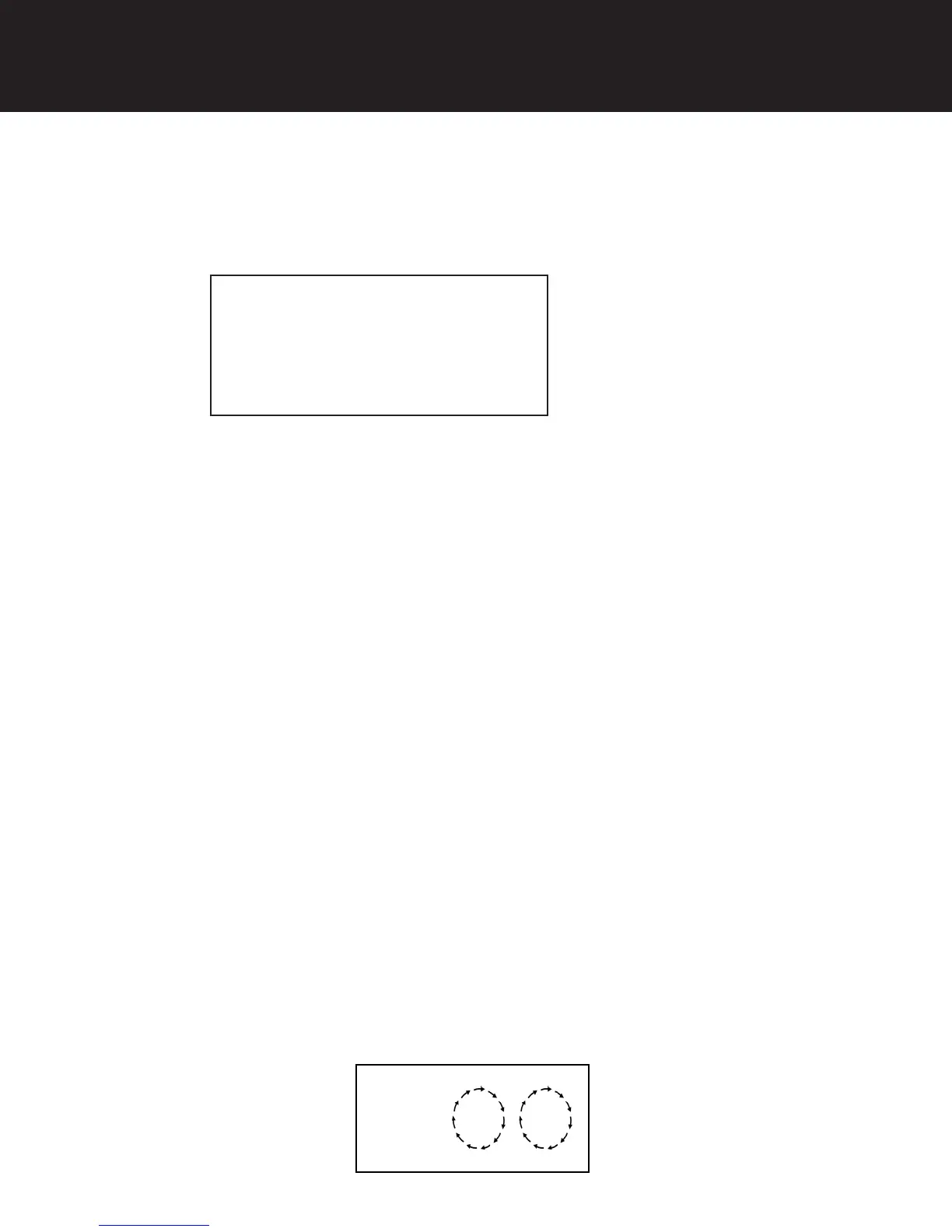
- When the valve is between positions, the display will flash the number of the step it is moving towards. The motor’s run
direction during a particular regeneration cycle step is indicated by the rotation direction of the last 2 digit displays.
Example:
5-
Set Up Using Buttons and Display on Valve


 To Next Page