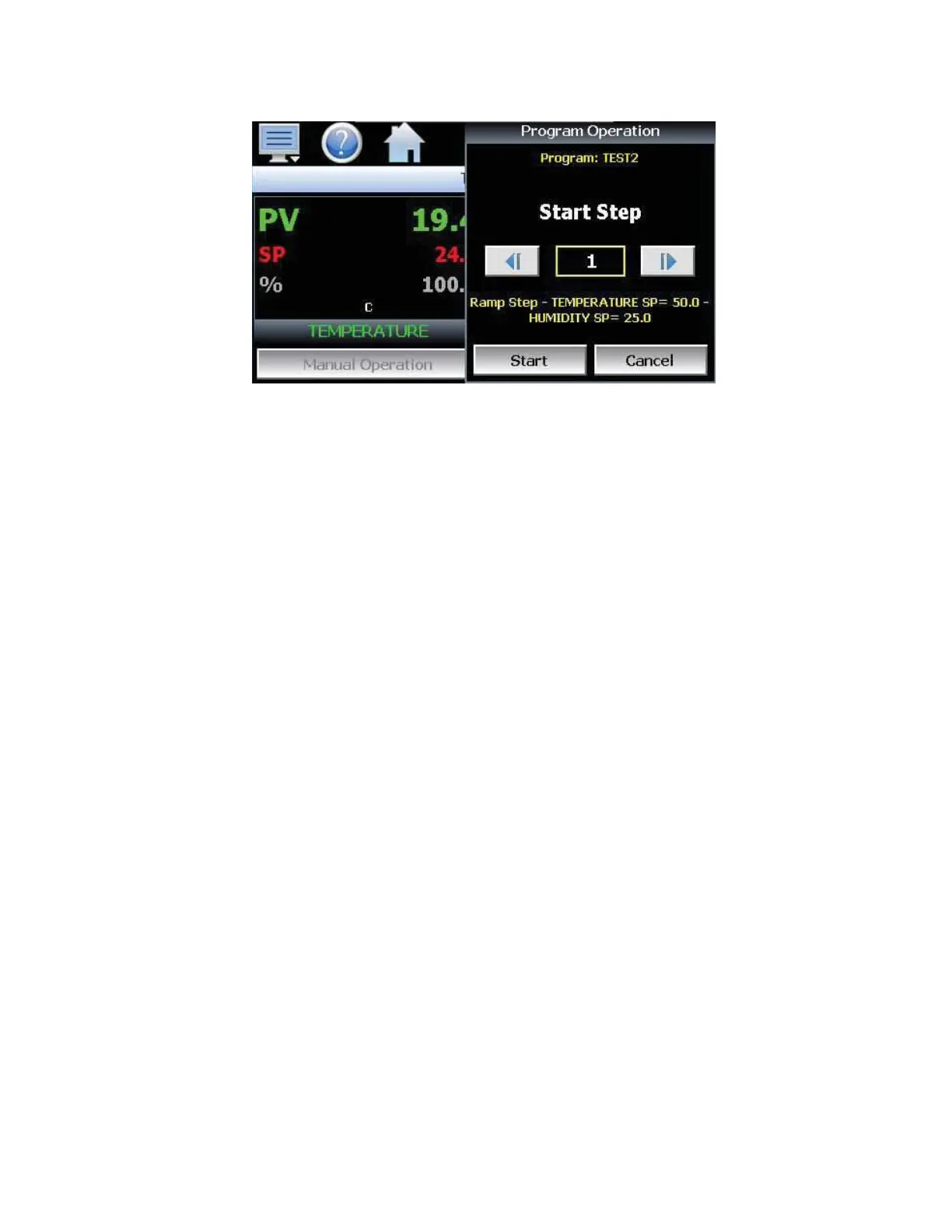
Hold/Resume Ramp/Soak Program Operation (Icon Based Navigation)
At any time during the operation of a program, it can be manually placed into hold. This stops the program
timer; however, the EZT-430S continues operation under the current step settings at the time the program
was put into hold. To pause a program, select “Hold” from the Program menu. To resume the program from
the point in which it was paused, select “Start” from the Program menu.
NOTE: The program will automatically be placed in hold if holdback is enabled for the step and the process
value of the selected loop deviates from set point by more than the holdback band. When the program is in
holdback, it cannot be resumed by pressing the Run button. The program will automatically resume once the
process value of the selected “hold loop(s)” is within the holdback band from set point.
To Stop a Running Automatic Ramp/Soak Program (Icon Based Navigation)
To stop a currently running program press the Program Operation button. Once in the Program Operation,
press the Stop button. Select Yes in the Halt Automatic Program pop-up.


 To Next Page