26
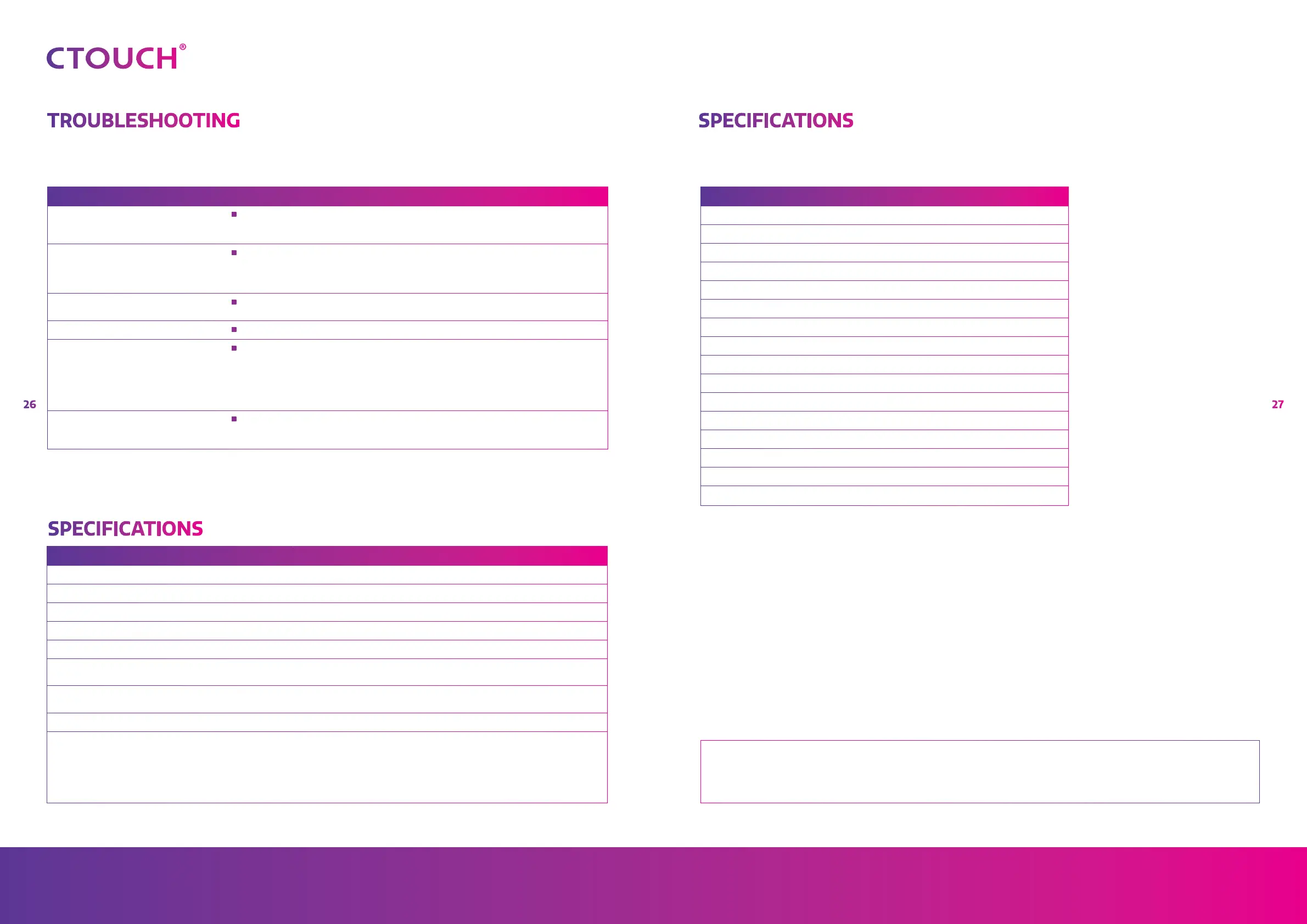
Riva
27
Share, inspire, have fun!
With CTOUCH by your side.
ctouch.eu
TROUBLESHOOTING SPECIFICATIONS
SPECIFICATIONS
PROBLEM POSSIBLE SOLUTION
Some items can not be accessed
•
If a setting option appears in grey, this indicates that the settings option is unavailable
in current input mode. Some display menu items may be different when the unit
works in different sources
Remote control command is not
working in some cases
•
During the timing of USB device detection (i.e. when the CTOUCH interactive display
is turned on with USB device connected, or when you plug in USB device during the
working of the CTOUCH), the display may not react on remote control buttons in such
case. Wait a moment before the remote control should function again
Control buttons do not operate
•
Disconnect the power cord and wait for a few seconds. Then re-plug the power cord
and turn on the unit again
Touch does not work
•
If you use an Apple-device, please download the Mac-driver from our website
Fog appear on the screen
•
For the safety of screens, adding stalinite out of the screens. It is need to keep certain
space between two layers for reserving air passages generate cross-ventilation and
for insuring heat dissipation. Fog mainly comes from the temperature difference
between the screen and the external. Moisture streaks congeal when hot air meets
the low temperature glass surface The fog does not impact the normal use and it
disappears after several-hour usage
Screen puts itself in stand-by mode
as external device or Easy Air PC
goes in sleeping mode
•
Change the energy settings/sleeping-mode of the external device or Easy Air PC
MODEL NO. CR-55X02 CR-65X02 CR-75X02 CR-86X02
Visible screen size 55 inch (diagonal) 65 inch (diagonal) 75 inch (diagonal) 86 inch (diagonal)
Power Source AC 100-240V, 50/60Hz
Current Max. 2.8 A 3.4 A 3.8 A 5.0 A
Default Power Consumption 95 W 124 W 151 W 194 W
Standby condition * ≤ 0.5 W ≤ 0.5 W ≤ 0.5 W ≤ 0.5 W
Number of pixels
(Display panel )
3840×2160 3840×2160 3840×2160 3840×2160
Dimensions
(W×H×D) (Unit: mm)
1298x105x783 1503x103x892 1745x112x1036 1972x104x1157
Weight 38 kg 46 kg 60 kg 73 kg
Operating conditions:
- Operating temperature
- Storage temperature
- Storage humidity
- Operating humidity
- Atmospheric pressure
5°C - 35°C
-15°C - 45°C
10% - 80%
20 % - 80 % (no moisture condensation)
86kPa ~ 106kPa
CONNECTION TERMINALS OF THE CTOUCH INTERACTIVE DISPLAY
HDMI In 3
DP (Display Port) In 1
USB-C (USB 3.1 Gen 2) 1
HDMI Out 1
VGA (incl. Mini Jack) 1
Mini Jack 1
SPDIF 1
USB 3.0 3
USB 2.0 2
Touch Out 3
RS232C 1
LAN 2
OPS slot 1
Wi-Fi slot 1
CTOUCH module slot 1
Decicated port 3
General
Note: If your problem is not solved, turn off your unit and then on again.
Cautions! Never attempt to repair a defective CTOUCH interactive display yourself, as the warranty will void.
Notes:
1. Design and specifications are subject to change without notice.
2. Weight and dimensions shown are approximate.
3. Specifications and external appearance may be changed for the sake of
improvement.
* Due to different standby conditions, the standby power consumption of some models
could be higher than 0.5W.
Changes or modifications void any warranty and exclude any liability. This user manual includes detailed instructions for your product. Figures
and illustrations in this user manual are provided for reference only and may differ from actual equipment appearance. Equipment design and
specifications may be changed without notice.
CTOUCH Europe BV - Achtseweg zuid 153 R, 5651 GW Eindhoven, The Netherlands


 To Next Page