18
Riva
19
Share, inspire, have fun!
With CTOUCH by your side.
ctouch.eu
OTA UPDATE
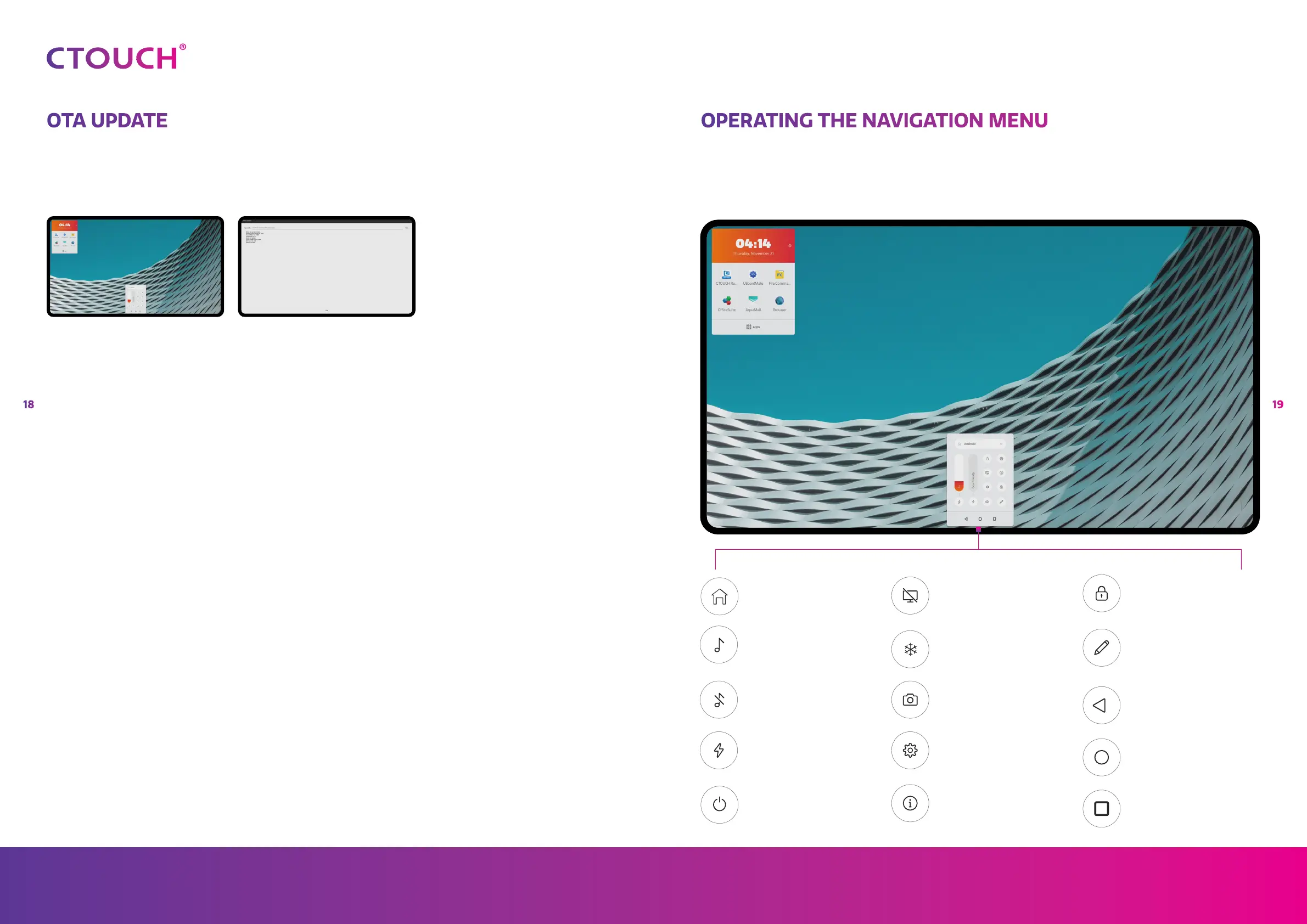
When you connect your display to thg internet, a notification will appear when a new firmware
update is available.
Select the option you like.
Yes = See next photo.
No = The notification will
not appear again until
the next firmware
update.
Later = The next time you
turn on the display the
notification will appear
again.
Press on ‘Download’ to
download the firmware
update. After the download is
complete, the installation will
start automatically. This will
take about 10 minutes.
OPERATING THE NAVIGATION MENU
Press the CTOUCH button, slide up from the bottom of the screen with two fingers or long press
on the screen with five fingers to call up the Float Bar.
Source menu
Volume bar
Mute/Unmute
Energy mode
Power off
Backlight mute function
Freeze image
Screenshot function
Settings menu
User manual
Lock touch
Annotation tool
Previous screen
Home page
Application history


 To Next Page