CDR-3250/80 TECHNICAL MANUAL
Issue 2.2 3-9
3-7.1 Basic Soft Key Menus. Four basic soft key menus can be displayed; primary, secondary, scan/sweep, and utility. Each
menu is described below.
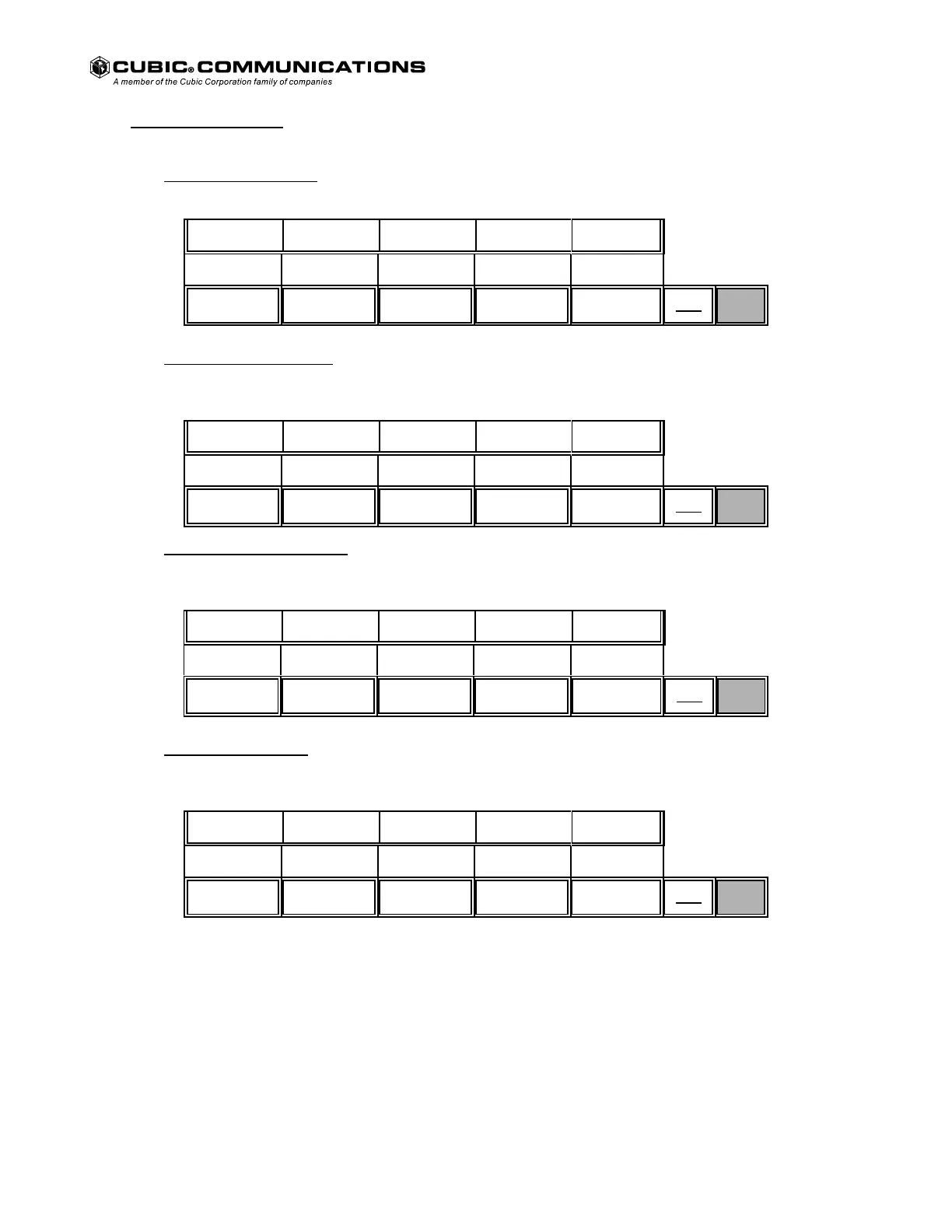
A. Primary Soft Key Menu.
This menu is displayed after power up and completion of POST testing.
Primary Soft Key Menu.
FREQ MODE BW SQELCH GAIN
MTR
MNU
NEXT
B. Secondary Soft Key Menu. This menu is displayed by pressing the NEXT key while the primary soft key menu
is shown.
Secondary Soft Key Menu.
BFO IF SHF SKIP STORE RECALL
MTR
MNU
NEXT
C. Scan/Sweep Soft Key Menu. This menu is displayed by pressing the NEXT key while the secondary soft key
menu is shown.
Scan/Sweep Soft Key Menu.
SCAN SWEEP STEP DWELL BRIDGE
MTR
MNU
NEXT
D. Utility Soft Key Menu. This menu is displayed by pressing the NEXT key while the scan/sweep soft key menu
is shown.
Utility Soft Key Menu.
TEST CONFIG FAULTS SYSTEM
MTR
MNU
NEXT
Pressing NEXT while in this menu restores the primary soft key menu.
Each basic soft key menu is detailed in the following paragraphs.
Courtesy of http://BlackRadios.terryo.org



 To Next Page