29
01021076
First Time
Setup
First Time Setup Procedure
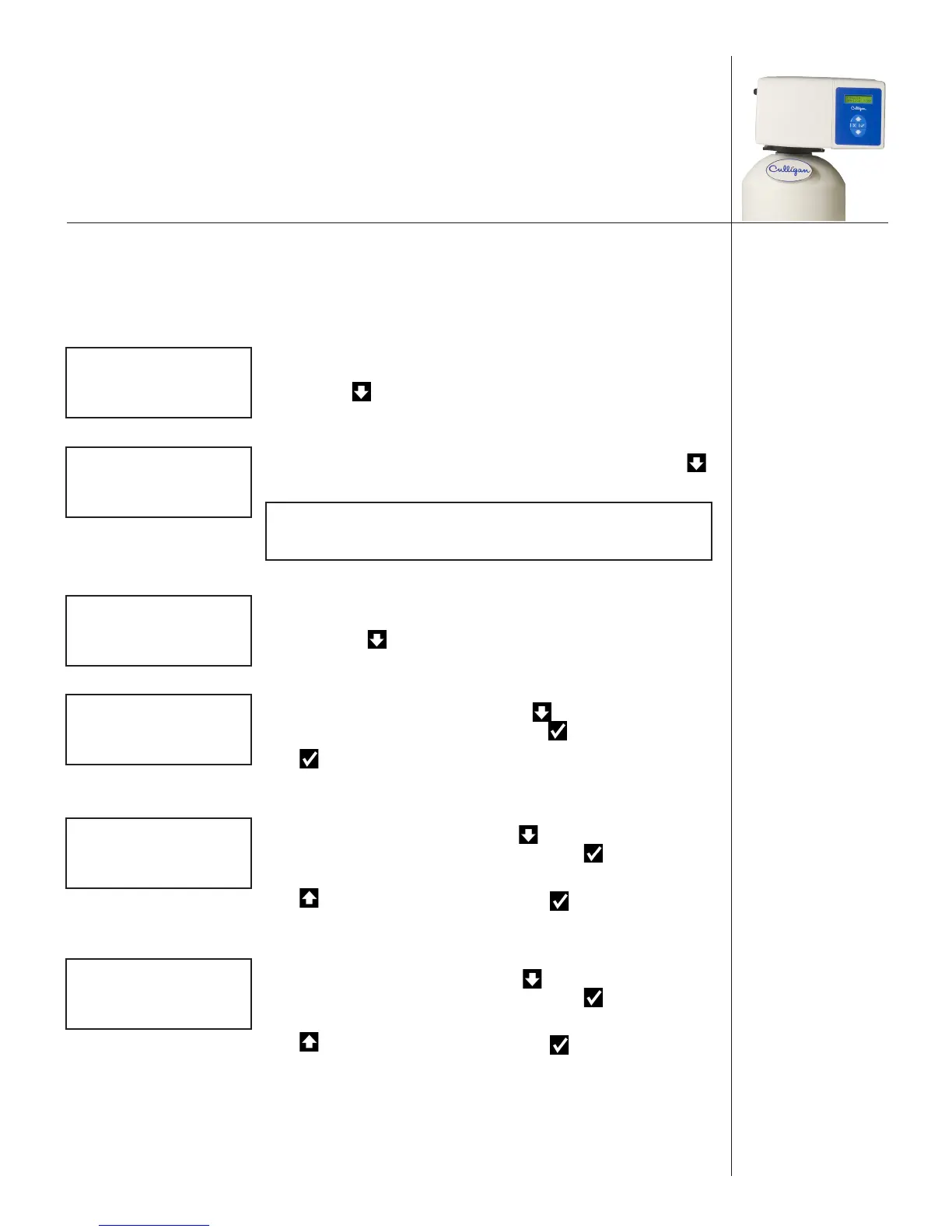
When a new controller is first powered on, the screen will display the first time setup message. The HE
Controller is designed to simplify the setup and installation process by making some default recommenda-
tions during the initial setup. These default settings are appropriate for most common installations.
After completing the plumbing connections to the water softener, turn on and program the HE Controller.
FIRST TIME SETUP
PRESS DOWN ARROW
When a new controller is first turned on, the screen displays FIRST TIME
SETUP. Press to display the first setup screen.
Serial Number
S/N: 00000123
The screen displays the serial number for this Smart Controller. Press
to display the firmware version information screen.
NOTE If this unit will be installed with a modem, it is
required that this electronic ID number be reported
to Culligan on the IQR form.
Firmware Version
FWR***LT21
MON DD YEAR
The screen displays the firmware version and date installed for this Smart
Controller. Press to display the month setup screen.
Set Month (Jan–Dec)
SET MONTH
>JAN
The screen displays the month setting. Press to accept the information
displayed (and view the next setting), or press to change the setting.
Press to accept the selected month and advance to the next setting,
SET DAY.
Set Day (0–31)
SET DAY
>1
The screen displays the day setting. Press to accept the information
displayed (and view the next setup screen), or press to change the
setting.
Press to see the next available value. Press to accept the selected
day and advance to the next setting, SET YEAR.
Set Year (2009–2030)
SET YEAR
>2013
The screen displays the year setting. Press to accept the information
displayed (and view the next setup screen), or press to change the
setting.
Press to see the next available value. Press to accept the selected
year and advance to the next setting, CLOCK TYPE.


 To Next Page