28
01021076
Navigating
the Menus
and Keypad
DOWN button
CHECK MARK
or OK button
UP button
CANCEL (X) button
UP ARROW button: scrolls up the menu
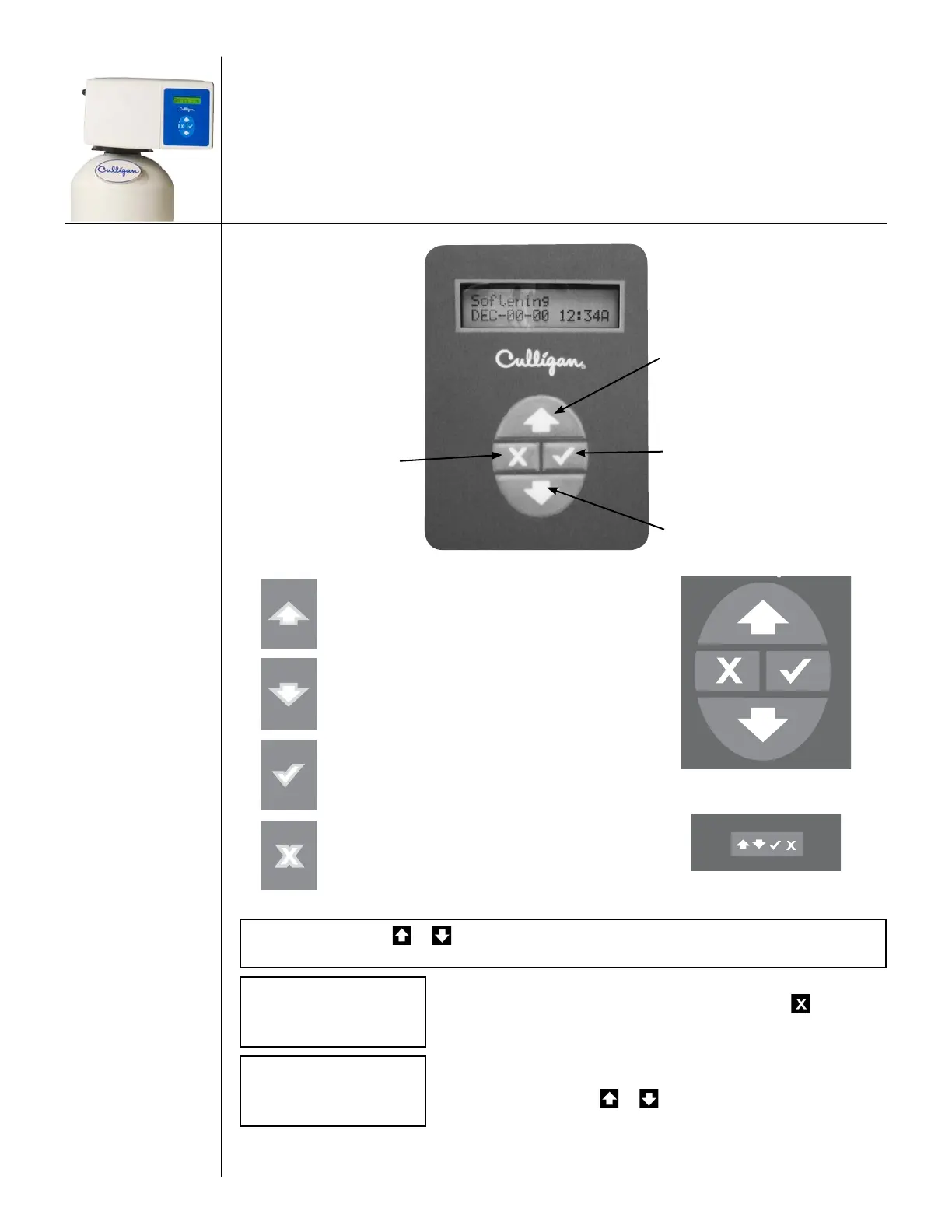
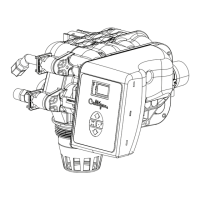
Controller
Remote
DOWN ARROW button: scrolls down the menu
CHECK MARK button: selects the highlight-
ed option, opens a new screen, or accepts a
changed setting
CANCEL or X button: returns to the previous
screen or cancels a changed setting
NOTE Hold down or to quickly scroll through the setting without repeatedly
pressing the button.
Softening
JAN-01-12 12:01P
1. This is the HOME SCREEN. Press any button except to advance
to the MAIN MENU SCREEN.
>1)INFORMATION
2)MANUAL MODE
2. This is the MAIN MENU SCREEN. The “>” symbol indicates the
menu selection. Press or to scroll through the menu.




 To Next Page