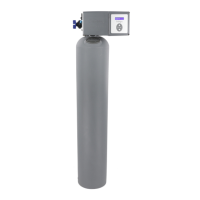
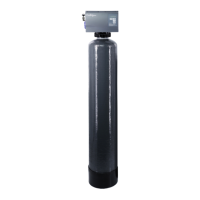
44 Culligan® High Efficiency 1.5 Water Filter
44 Cat. No. 01024514
Final Startup
Recommended Start-Up Procedure
1. Close the main water supply valve.
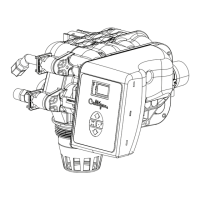
2. Set the Cul-Flo-Valv® to the bypass position.
3. Ensure that all faucets at the installation site are closed.
4. Direct the drain line discharge into a bucket where flow can be observed.
5. Plug the transformer into a 120 Volt, 60 Hz, single-phase receptacle. The screen displays FIRST TIME SETUP.
(see the GBE Programming for Commercial Softeners and Filters, except HF xN Manual (P/N 01027295)).
NOTE This manual can be obtained from your local dealer, on C-Port (www.cport.culligan.com) under the
Technical Service Tab or on the Service Tech App.
6. Complete the First Time Setup.
7. Open the main supply valve.
8. Initiate an immediate regeneration to move the control into the BACKWASH position.
9. Refer to the section on manual cycling for information on cycling the control through its positions.
10. When in the BACKWASH position, slowly rotate the bypass to the conditioned water position until water flows.
11. Allow the tank to fill slowly until water flows from the drain line.
12. When flow to drain is established, open the bypass fully. Watch the drain line discharge for signs of media. If
signs of media particles appear, reduce the flow. Increase the flow again when media no longer appears in the
discharge.
13. After the BACKWASH runs clear for at least 20 minutes (required for final startup only, backwash can be
changed to a shorter time for regular service), step the control to the SERVICE position.
14. Complete the installation and cleanup.
15. Initiate an immediate regeneration, or set to regenerate at the preset time.
NOTE Unplugging the Culligan HE Series water filter will not affect any of the control settings. Once pro-
grammed and powered on for at least 15 minutes, the settings will be stored indefinitely.
Installation Wrap Up
“Performance Specifications” on page 4 provides the expected flow rates to the drain during the various steps of the
regeneration process.
Before Leaving the Installation Site
Once you have completed the installation the system is ready to be placed in service. Prior to placing the system in ser-
vice review the following checklist to be sure the system is properly installed.




 To Next Page