3. PRINTER FUNCTIONS
3-11
DPT100-B/I/BT
1tiBnoitcnuFnoitpircseD
6desutoN-
7desutoN-
[maximum length]
Interleaved 2/5 = 12 characters
Code 39 = 10 characters
CodaBar = 10 characters
EAN8 = 8 characters
EAN13 = 13 characters
[data] = Expressed in ASCII.
[Notes]
[Default]
[Reference]
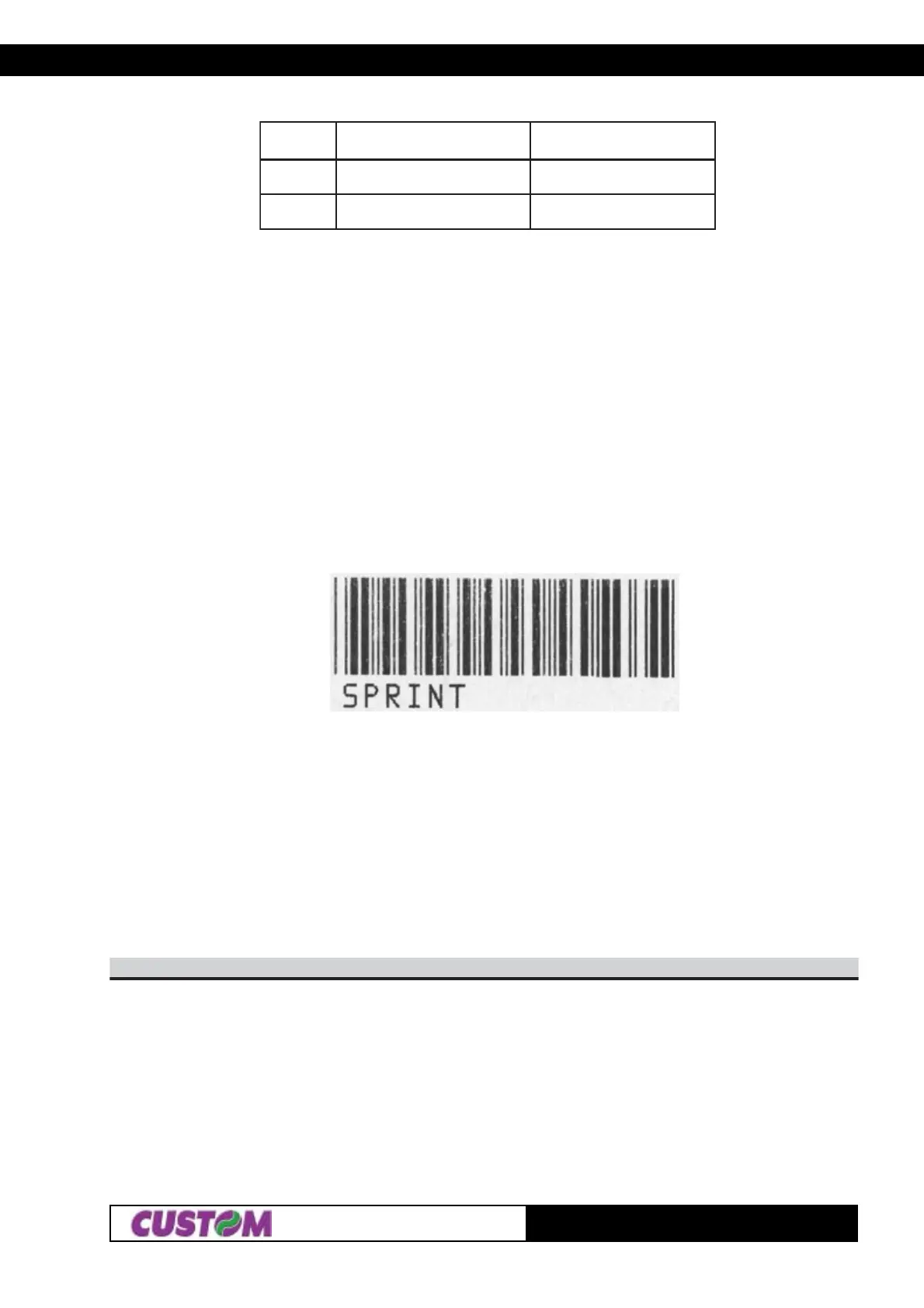
[Example] In the following example is listed the command sequence to print a barcode :
$1B, ‘N’, $1B, ‘c’, ‘C’, $50, $3C, $14, $06, ‘SPRINT’
where :
$1B, ‘N’ (set normal mode printing)
$1B, ‘c’, (printing barcode command)
‘C’, ( barcode type = Code 39)
$50, (barcode height = 10 mm)
$3C, (starting position = 7,5 mm)
$14, (printing HRI below, barcode width double)
$06, (number of characters to print)
‘SPRINT’ (characters to print)
D6$B1$
[Name] Transmits the print mode in serial
[Format] ASCII ESC m
Hex 1B 6D
Decimal 27 109
[Description] Transmits the print mode configuration on the serial port
[Notes] • If the printer is using the parallel protocol, nothing with be transmitted
[Default] Setting in the option register by means of the front keys
[Reference] $1B $4D
[Example] The response is on two bytes. E.g. if you receive: $30, $32
it means that printing is in double height mode



 To Next Page