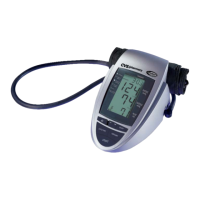
5.7. Hypertension risk indicator
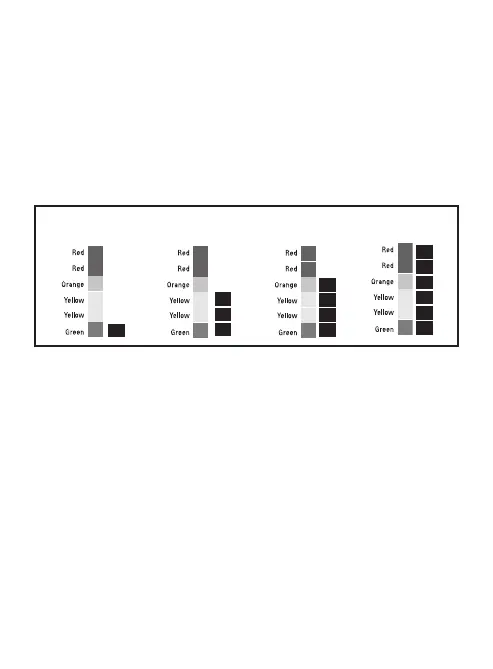
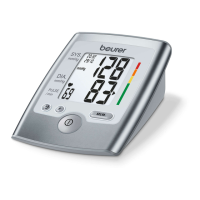
The bars on the left-hand edge of the LCD show you the range within
which the indicated blood pressure value lies. Depending on the height of
the bar, the readout value is either within the normal (green), borderline
(yellow) or danger (orange, red) range.
The classification is based on standards established by the National Insti-
tutes of Health JNC7, 2003. Refer to the chart in section 2.2 of this
instruction manual for details of the classifications.
The traffic light bar raises according to your measurement.
• If the bar is in the green zone, your measurement is "Normal" accord-
ing to NIH standards
• If the bar is in the yellow zone, your measurement is "Pre-Hyperten-
sion" according to NIH standards
• If the bar is in the orange zone, it is "Stage 1 Hypertension"
• If the bar is in the red zone, it is "Stage 2 Hypertension"
Indication of a
“Normal” Blood
Pressure
Indication of a “Pre-
Hypertension” Blood
Pressure
Indication of a “Stage 1
Hypertension” Blood
Pressure
Indication of a “Stage 2
Hypertension” Blood
Pressure
19



 To Next Page