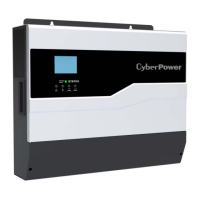
3.2 LED Indicator on Front Panel
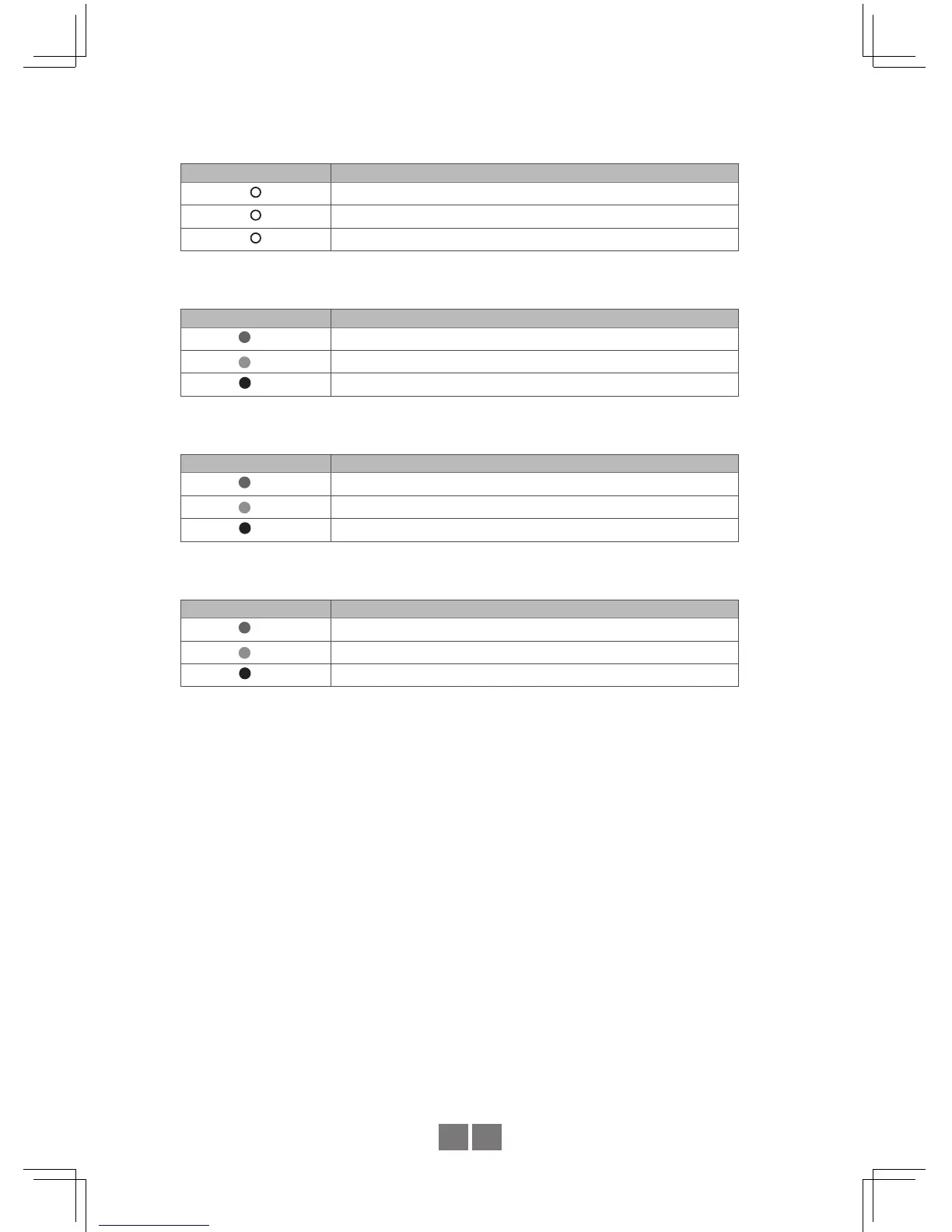
LED : Green (G), Orange (O), Red (R)
LED Panel Indicators
Status
Battery
Load
Inverter Status Indicator: Showcases the working status of the inverter
LED Status Description
(G) The inverter starts up normally and provides output
(O)
The inverter is operating under AC Mode.
(R) Inverter fail
Battery Capacity Indicator: Showcases the remaining capacity of external batteries
LED Status Description
(G) Battery over 60%
(O)
Battery around 30%~60%
(R) Battery under 30%
Load Condition Indicator: Showcases the magnitude of output loads.
LED Status Description
(G) Load under 50%
(O)
Load between 50%~80%
(R) Load over 80%


 To Next Page