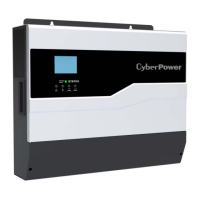
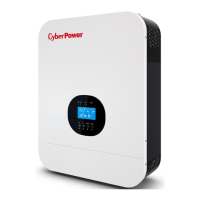
3. User Interface
3.1 Front Panel
A. Power ON/OFF Switch : The inverter will be turned off when power switch is at to OFF mode.
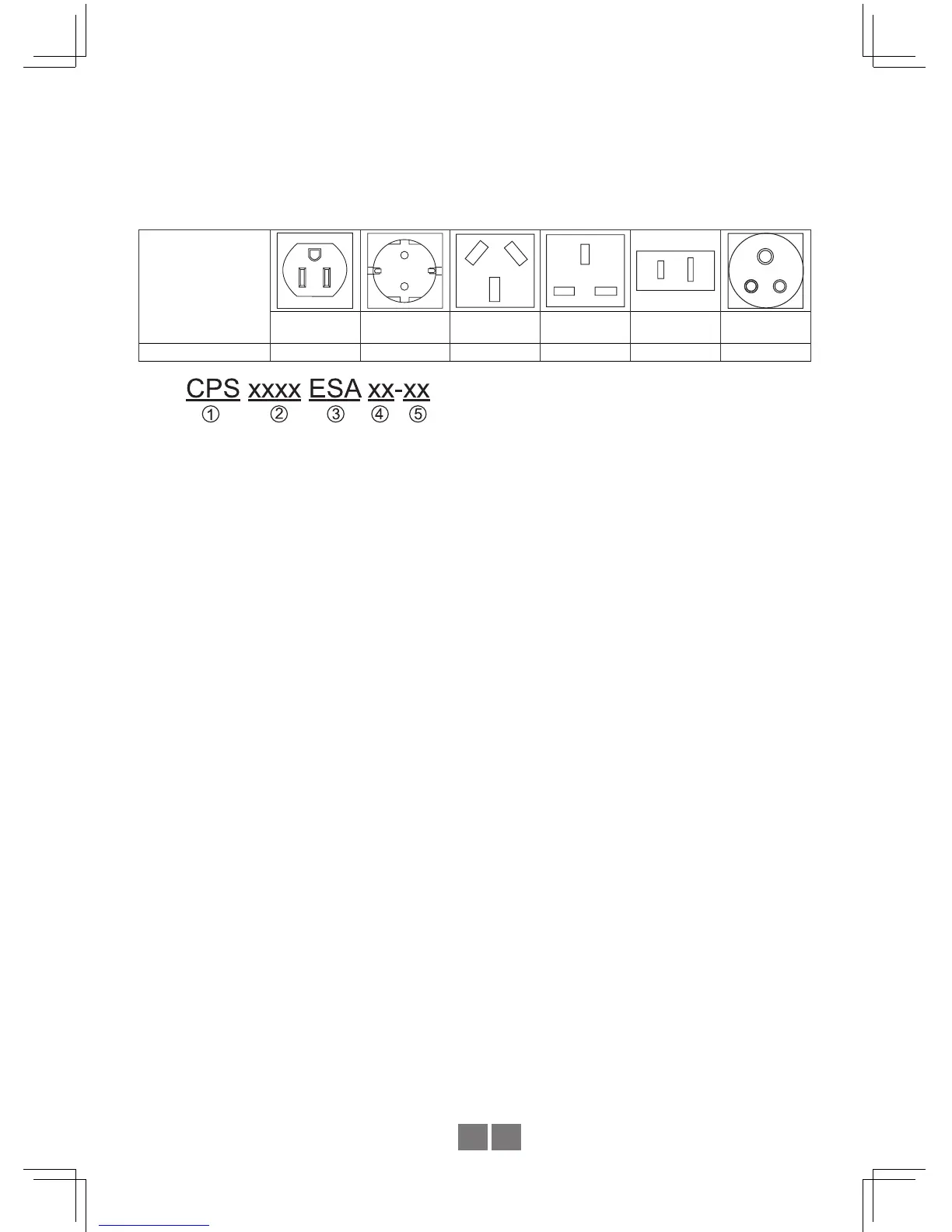
B. AC Output Outlet: Other types of AC outlet are available upon request for applications in
different regions.
Receptacle type
US
(SA series only)
EU
(ESA series only)
AU UK JP IN
Country USA EUROPE AUSTRALIA U.K JAPAN INDIAN
1. CyberPower Systems.
2. Rated Power : 3000=3000W / 1500=1500W / 1000=1000W / 400=400W.
3. Output Voltage : SA =100VAC, 110VAC, 115VAC, 120VAC
ESA= 208VAC, 220VAC, 230VAC, 240VAC
4. Battery Voltage : 12=12VDC / 24=24VDC / 48=48VDC
5. Receptacle type : CPSxxxxSAxx(SA for US)
CPSxxxxESAxx(ESA for EU)
CPSxxxxESAxx-IN(IN for INDIAN)
C. Grommet hole for input AC utility connection.
D. Grommet hole for output AC connection.
E. Ventilation holes: The inverter requires proper ventilation for efcient operation. Please
ensure a minimum space of ventilation to secure the lifespan of the inverter.
F. Function Setting: Output voltage, frequency, SPF mode and saving mode can be congured
through this button.
G. Communication Port: Communicate between inverter and PC via additional connector
for the purpose of remote monitoring through the optional monitoring software.(Reserved)
H. No Fuse Breaker:When the AC output is short or the load current exceeds the rated
current of No Fuse Breaker, the No Fuse Breaker will be active and stop bypassing
output from the utility to prevent any danger.
I. No fuse breaker with reset button (for receptacle): The AC output outlet has a current
rating of 15A. When the load current exceeds 15A, the Breaker will be active and stop
AC output from the outlet. For applications require more than 15A, please use the
internal terminal block behind the front panel.
J. AC Input connection
K. AC Output connection.


 To Next Page